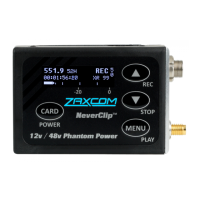
Zaxcom ZMT4 Transmitter
5
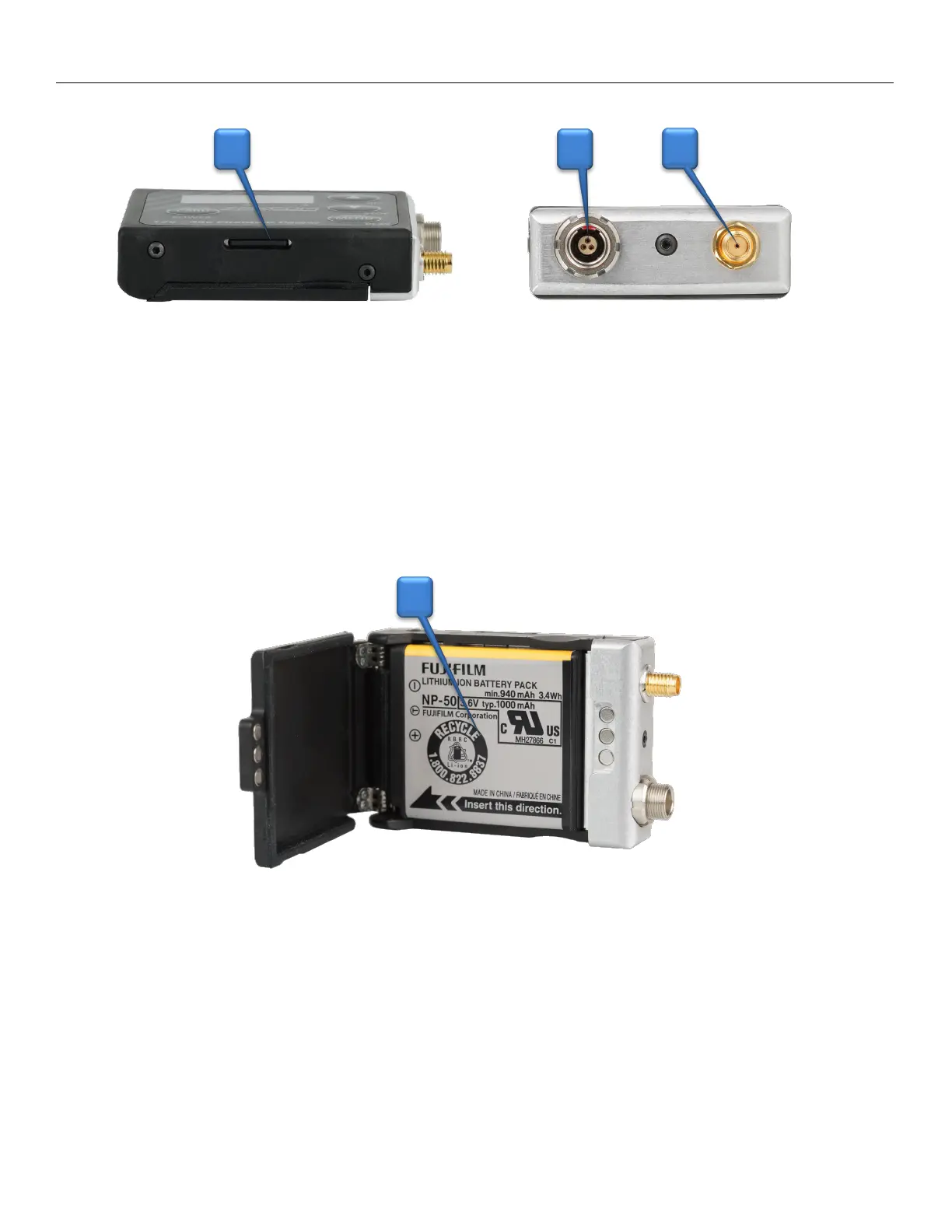
1. Micro SD Card Slot
Inserting a Micro SD card:
With the OLED screen of the transmitter facing you, turn the card so the finger contacts are facing
away towards the battery compartment and pointing down toward the slot. Insert the card into the
slot and press it down until you hear a slight click. To remove it, press the card in until you hear the
same click again.
2. Microphone Connector (3 pin Lemo)
Warning: Make sure the appropriate voltage is selected before plugging in a microphone.
3. SSMA Antenna Connection
4. Battery Compartment
ZMT4 uses 1 NP50 battery.
Warning: Batteries can vary in size which may cause some batteries to get caught on the gasket
when opening the battery door. If this happens DO NOT fully open the battery door or try to
reclose the door while the battery is stuck, as this can damage the power connector on the ZMT4
and will need to be sent in for service. If a battery gets caught please pull the battery off the door
first.
2 3 1
4


 To Next Page