7
Preparing the Printer for Use
9/28/12 105SLPlus™ Quick Reference Guide P1056467-001
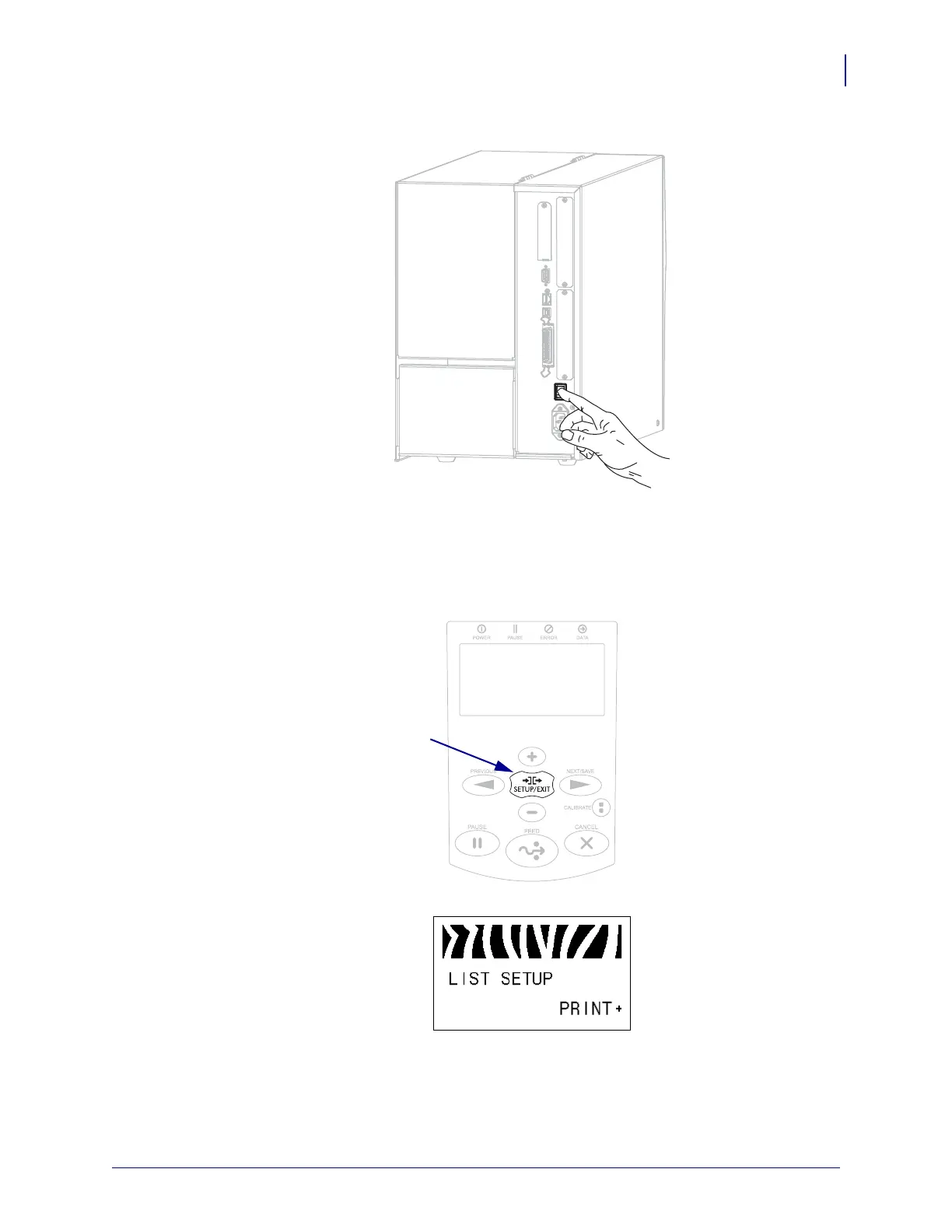
11. Turn on (I) the printer.
The printer boots up and performs a self-test. PRINTER READY displays when the
printer is ready to print.
12. To verify that the media and ribbon are loaded correctly, print a printer configuration
label.
a. On the control panel, press SETUP/EXIT.
b. Press PREVIOUS or NEXT/SAVE until you scroll to:



 To Next Page