16
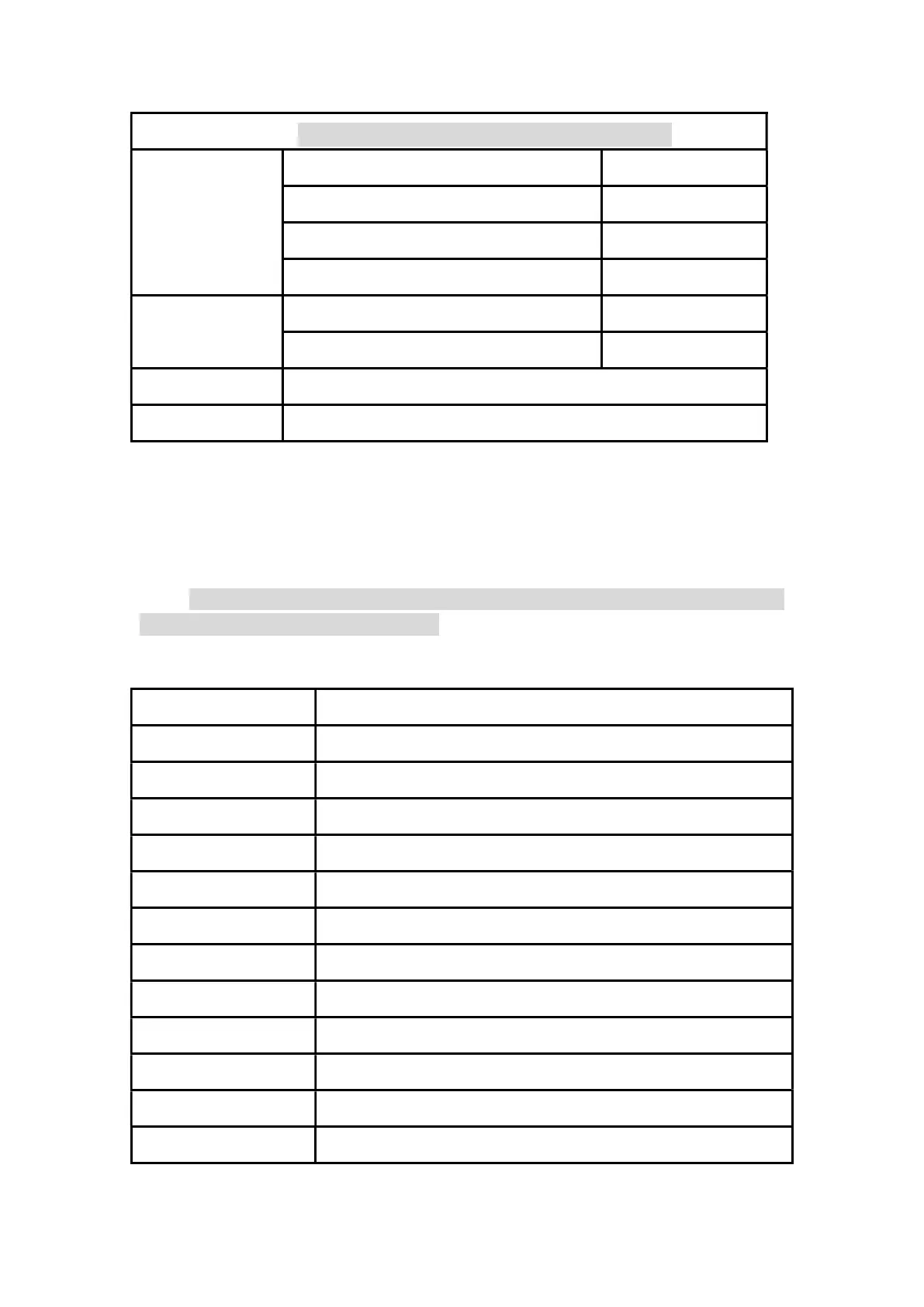
Pay attention:600mA hole with 1A fuse, 10A hole without fuse
Resistance
600.0Ω ±(1.5%+3)
6.000kΩ/60.00kΩ/600.0kΩ ±(1%+3)
6.000MΩ ±(1.5%+5)
60.00MΩ ±(3%+3)
Capacitance 60.00nF/600.0nF/6.000μF ±(10%+5)
60.00μF/600.0μF ±(15%+5)
Diode 0.0V〜3.3V,Display “OL” above 3.3V
Continuity Sound at 50Ω and below
Voice assistants
You must be in a quiet environment to use the voice assistant.The Shift+V(ch1)
keys can turn the voice assistant on/off. Wake up first to perform voice control, and if
there is no voice command 20 seconds after waking up, it will automatically go to
sleep. Note that due to the size of the voice, speech rate, accent, etc.,we cannot
guarantee the accuracy of recognition.
Wake-up command: "Hello, ZEEWEII" (Pronounced "Hello,see wave")
or "Hello,mini scope".
Command words function
Auto setting It is equivalent to pressing the “Auto” key once
Run stop It is equivalent to pressing the “Stop” key once
Single It is equivalent to pressing the “Single” key once
X Y mode Enter XY mode
Back to scope Return to the oscilloscope window
AC DC coupling Switch coupling mode: DC/AC
trigger source 1 2 Switch the trigger source: CH1/CH2
Save picture It is equivalent to pressing the “Save” key once
Enter view page Enter view page
Signal generator Open the signal generator interface
Channel 1 channel 2
Switch Channel 1/Channel 2 priority
Fifty percent It is equivalent to pressing the “50%” key once


 To Next Page