EasyManua.ls Logo

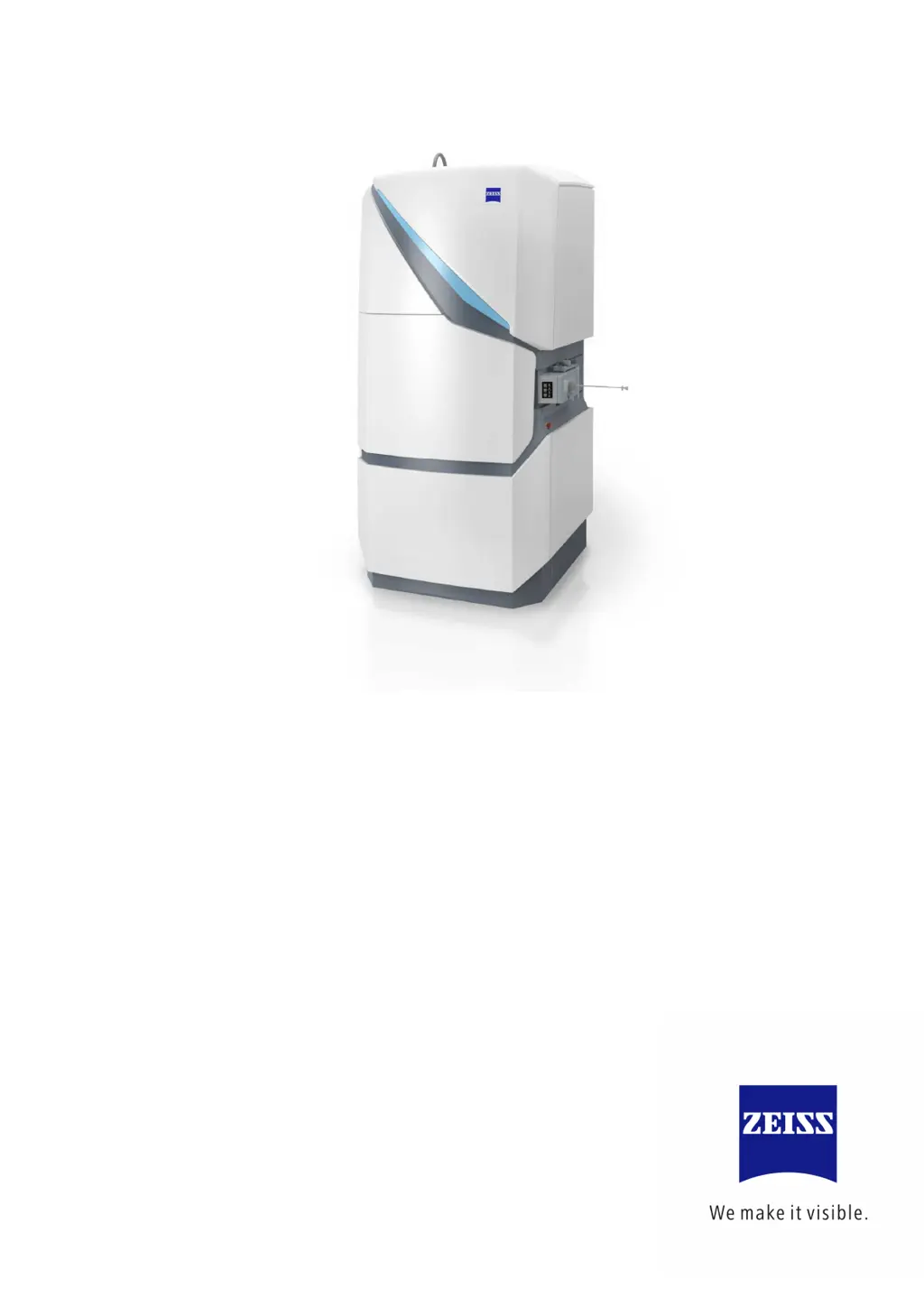
Zeiss MultiSEM 505 Series - User Manual

Zeiss MultiSEM 505 Series
170 pages
Print Icon
To Next Page IconTo Next Page
Loading...
Instruction Manual
ZEISS MultiSEM 505/506 Series
Scanning Electron Microscope

Table of Contents

Questions and Answers

  • H
    hdunnSep 23, 2025
    What to do if no live images are acquired in Zeiss Medical Equipment?
    • A
      Alexandria RobinsonSep 23, 2025
      If you are not receiving images when trying to acquire live images on your Zeiss Medical Equipment, the image acquisition rack might be misconfigured or not running. Restart the image acquisition PCs (also refer to Image Acquisition Configuration).
  • M
    Melissa WilliamsAug 23, 2025
    How to adjust a too dark or too bright image in Zeiss Medical Equipment?
    • A
      Ana BarryAug 25, 2025
      If the image displayed in the Center Screen Area is too dark or too bright on your Zeiss Medical Equipment, the histogram settings might be unsuitable. Via the Histogram tab in the Center Screen Area, click Reset.
  • K
    Kevin StevensAug 25, 2025
    Why beam or gun cannot be switched on in Zeiss MultiSEM 505 Medical Equipment?
    • X
      xnicholsAug 26, 2025
      If the beam or gun on your Zeiss Medical Equipment won't switch on, it might be due to insufficient vacuum. In the System Control tool, click 'Pump' and wait until the vacuum indicator displays in green.
  • P
    Pamela RiveraAug 27, 2025
    What to do if the scan image is black in Zeiss Medical Equipment?
    • P
      Peter AndersonAug 27, 2025
      If the scan image is displayed in black on your Zeiss Medical Equipment, the stage position might be too low. Move the stage to the correct Z position.
  • J
    Jacqueline StephensAug 27, 2025
    Why does the autofocus routine fail repeatedly on Zeiss MultiSEM 505?
    • C
      Charles HillAug 27, 2025
      If the autofocus routine fails repeatedly on your Zeiss Medical Equipment, there could be a couple of reasons. First, try focusing manually. If that doesn't work, navigate to the Auto Tuning tool and click Noise Constants in the Autofocus / Auto Stigmation section.
  • L
    Larry TateSep 16, 2025
    How to switch on the beam or gun in Zeiss Medical Equipment?
    • M
      Megan HamiltonSep 16, 2025
      If the beam or gun is switched off on your Zeiss Medical Equipment, switch the beam or gun on via the System Control tool.
  • J
    Justin JordanSep 13, 2025
    What to do if airlock loading/unloading is incomplete in Zeiss MultiSEM 505 Medical Equipment?
    • A
      Ashley JimenezSep 13, 2025
      If loading or unloading the airlock is not completed on your Zeiss Medical Equipment, retract the airlock rod and click Reset in the Stage tool window.
  • N
    Nancy YoungSep 14, 2025
    What to do if specimen structure is too homogeneous in Zeiss MultiSEM 505?
    • M
      Margaret DavisSep 15, 2025
      If the structure of the specimen is too homogeneous at the current position on your Zeiss Medical Equipment, ensure that the specimen is visible in the scan image and exhibits a sufficient amount of structure.
  • S
    Stephanie HermanSep 5, 2025
    What to do if acquired images are out-of-focus on Zeiss Medical Equipment?
    • M
      michelleadamsSep 6, 2025
      If the images acquired by running an experiment are out-of-focus on your Zeiss Medical Equipment, the flatness of the specimen might not be sufficient for the acquisition. Adjust the focus parameters, depending on the acquisition strategy.
  • V
    valerie93Sep 3, 2025
    How to resolve single images of a mFoV image not matching in Zeiss MultiSEM 505?
    • C
      Cindy VasquezSep 3, 2025
      If single images of a mFoV image do not match on your Zeiss Medical Equipment, the field of view may be unsuitable. Via the Scan Parameter tool, set Field of View to the value of Pitch. Also, the scan rotation may be unsuitable. Via the Scan Parameters tool, set Scan Rotation to 0°.

Zeiss MultiSEM 505 Series Specifications

General IconGeneral
BrandZeiss
ModelMultiSEM 505 Series
CategoryMedical Equipment
LanguageEnglish

Related product manuals