54 Rev.C 55 Rev.C
AUDIO VOLUME – BASE LEVEL SETUP
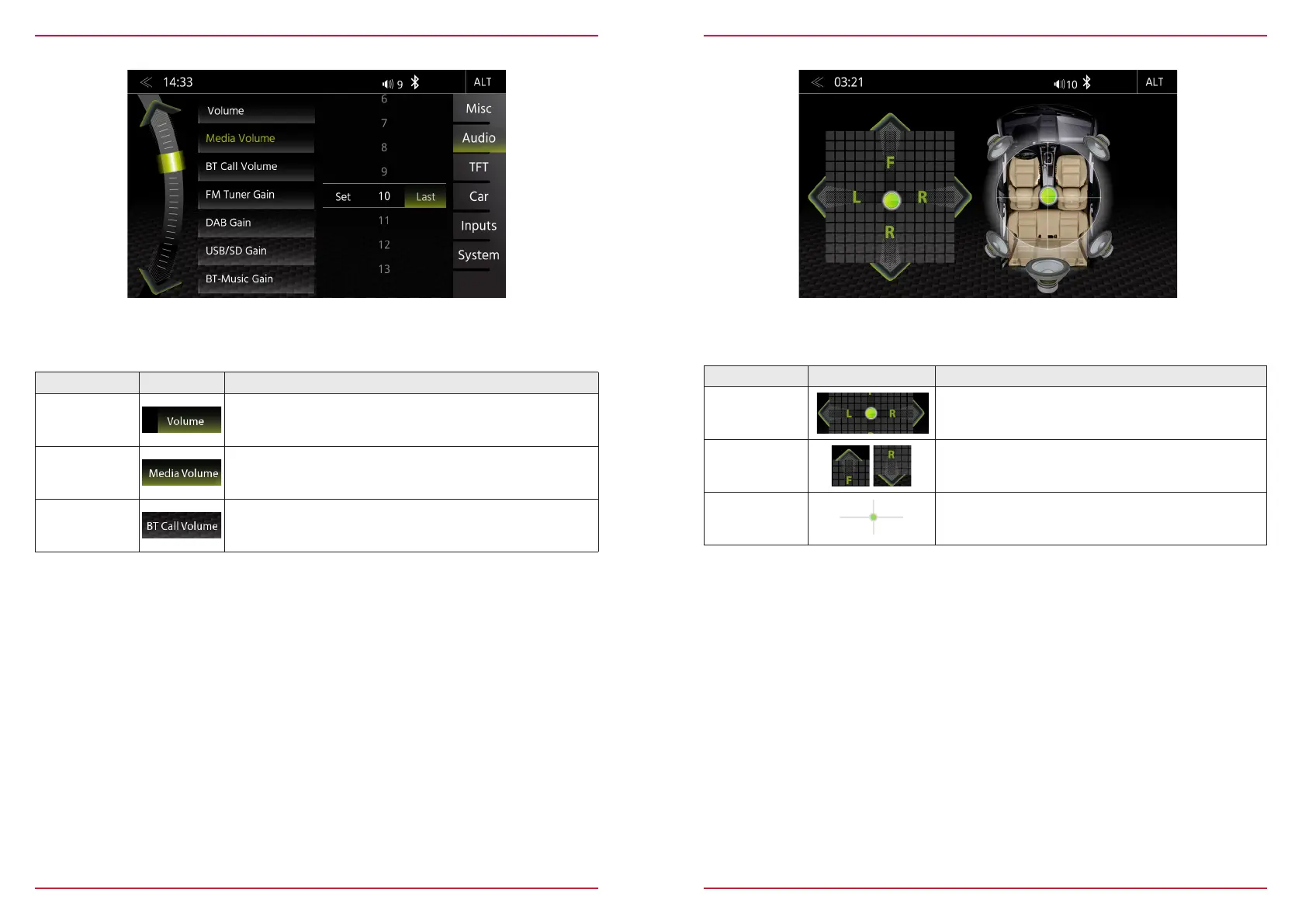
Function Icon Operation
Volume Tap to set the system main startup volume
Media Volume
Tap to set the media playback volume
BT Call
Volume
Tap to set the volume of the Bluetooth handsfree volume
In the audio menu, you can adjust the basic volume values of the various audio sources.
BALANCE / FADER
Function Icon Operation
Left/
Right
15 < 0 > 15
Front/
Rear
15 < 0 > 15
Crosshair
Press and hold to move green dot into desired position
In this Expert Mode menu page, you can adjust the balance and faders. Press and hold the green
dot of the crosshair to move sound center position into any desired position.
BAL
FAD



 To Next Page