8 Rev.C 9 Rev.C
MEDIA AUDIO SOURCES
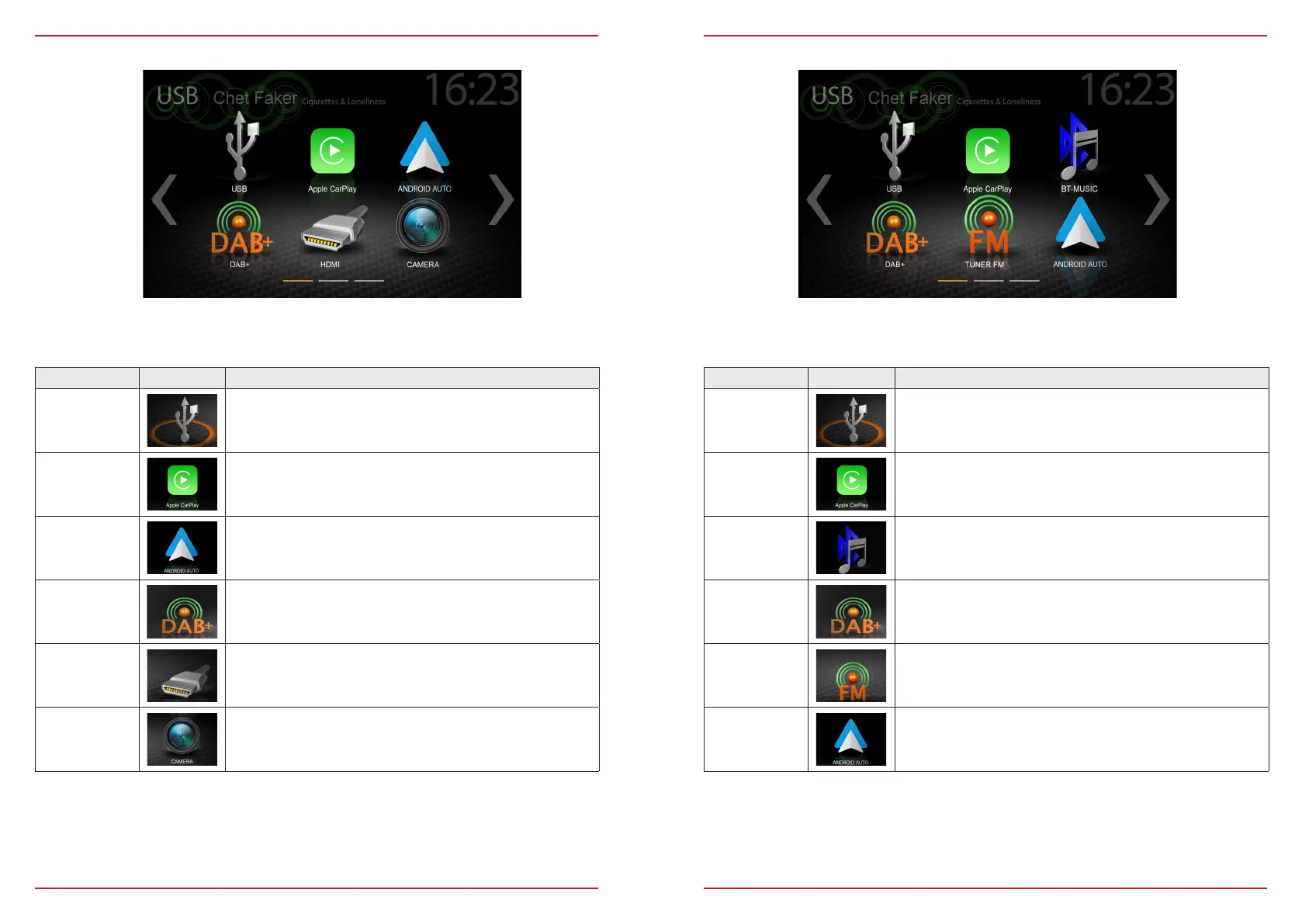
Function Icon Operation
USB
Tap to enter USB source
CarPlay
Tap to start Apple CarPlay
BT-Music
Tap to open BT-Music source
DAB+
Tap to open DAB+ radio source
Tuner FM
Tap to open FM radio source
Android Auto
Tap to start Android Auto
You can access / enter connected internal or external sources by tapping on the main icon according
to the following list.
Function Icon Operation
USB
Tap to enter USB source
CarPlay
Tap to start Apple CarPlay
Android Auto
Tap to start Android Auto
DAB+
Tap to open DAB+ radio source
HDMI
Tap to open HDMI source
CAMERA
Tap to open the camera source
MAIN MENU ICONS
You can navigate through main menu pages by swiping or tapping on the orange page markers in
the bottom area of each page.



 To Next Page