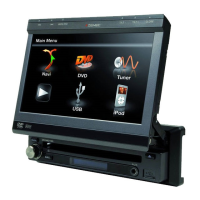
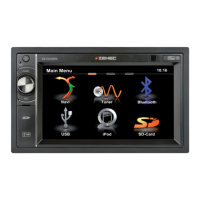
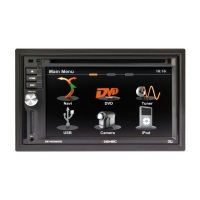
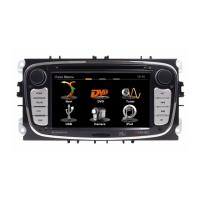
ZE-MC294
15
TUNER OPERATION (COnTinUED)
TA SEEK/TA ALARM
Main menu ➞ Setup menu ➞ Radio ➞ TA
Seek/Alarm.
If the TA (Traffic Announcements) is turned on
and there is no traffic program identi cation
code received in the speci ed time, no TA/TP
will display and either TA Alarm or TA Seek
will be activated.
TA Alarm mode: Alarm is turned on.
TA Seek mode: TA Seek is automatically
activated in non-radio mode.
TA VOL
Main menu ➞ Setup menu ➞ Radio ➞ TA
Volume
RETUNE MODE
Main menu ➞ Setup menu ➞ Radio ➞
Retune l/s
RETUNE-S or RETUNE-L is time length
selection of TA SEEK retune interval.
RETUNE-S: Short, TA SEEK retune interval is
45 seconds.
RETUNE-L: Long, TA SEEK retune interval is
180 seconds.
REMARK: RETUNE mode functions for TA
during TA SEEK mode only.
REG MODE
Main menu ➞ Setup menu ➞ Radio ➞ REG
On/Off
REG ON: AF function will implement
the regional code (of the PI) and only
stations in the current region can be tuned
automatically. REG OFF: AF function will
ignore the regional code (of the PI) and
stations in other regions can also be tuned
automatically.


 To Next Page