EasyManua.ls Logo

Zenith C27V22 - Page 28

Zenith C27V22
60 pages
Print Icon
To Next Page IconTo Next Page
To Previous Page IconTo Previous Page
Loading...
PAGE 28
206-3594
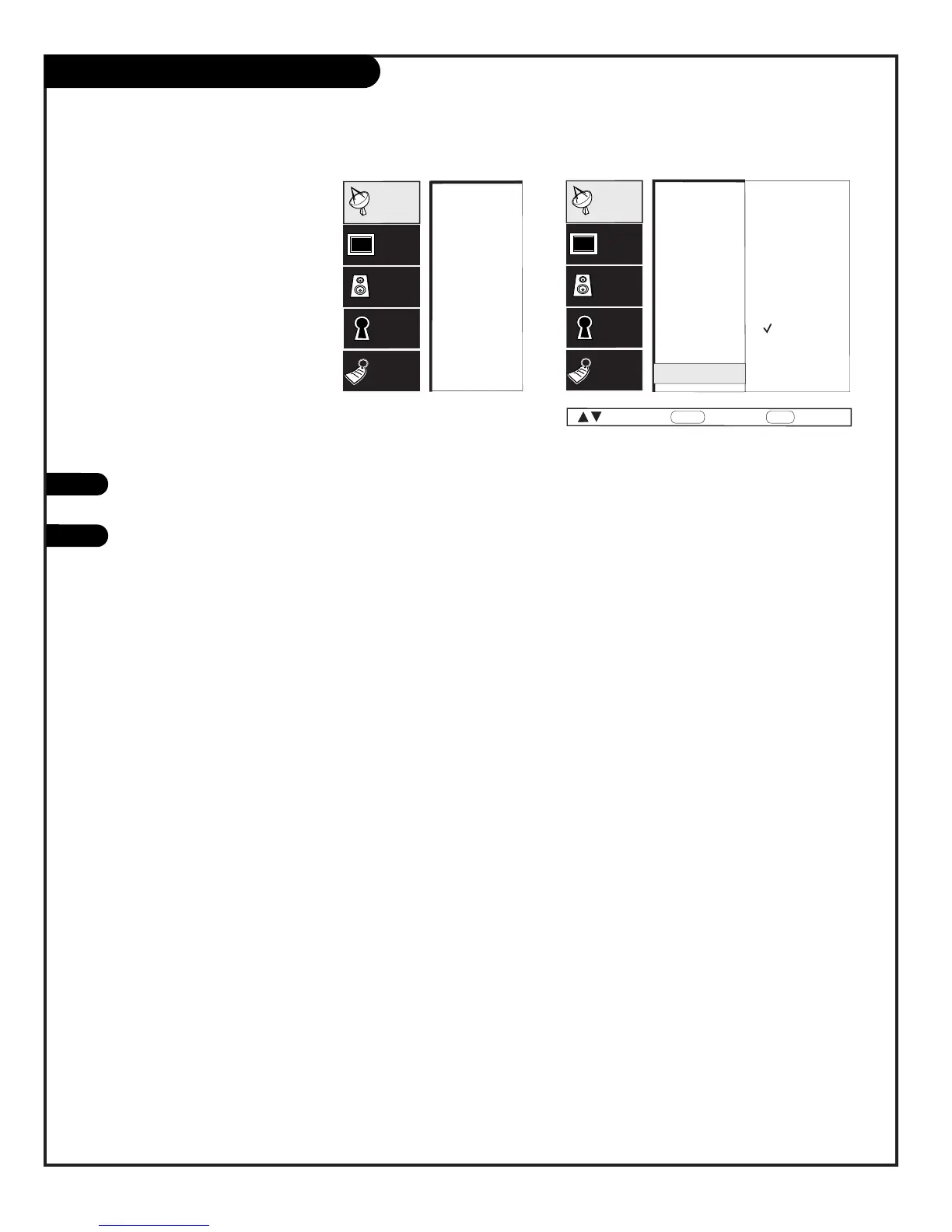
Background Menu
1
Set the background option to
On and add a blue back-
ground to increase the read-
ability of the menus
Off
On
EZ Program
Add/Del/Surf
EZ Clock
Captions
Caption/Text
Language
Source Menu
Background
EZ Program
Add/Del/Surf
EZ Clock
Captions
Caption/Text
Language
Source Menu
Background
Setup
Video
Audio
Lock
Special
Setup
Video
Audio
Lock
Special
Next
Back
MENU
Move
ENTER
Press MENU, use the Up/Down arrow to select the SETUP menu,
then press ENTER.
Use the Up/Down arrow to select the Background option on your
screen, then press
ENTER.
Use the Up/Down arrow to select On or Off.
Press QUIT to remove menu and to return to TV viewing.
2
3
4
PRG
POWER
CABLE
VCR
AUX
TV
SURF
ENTER
FLASHBK
MUTE
CHANNEL
CHANNEL
VOLUME
VOLUME
12
3
4
56
7
0
8
9
MENU
REWIND
FFWD
RECORD
QUIT
PIP
SWAP
FREEZ
CC
TV/VCR
SOURCE
PAUSE TIMER
PLAY
STOP
1
1/2
2/3
4

Other manuals for Zenith C27V22

Related product manuals