18
Pre-Operation (Continued)
Speaker Setup
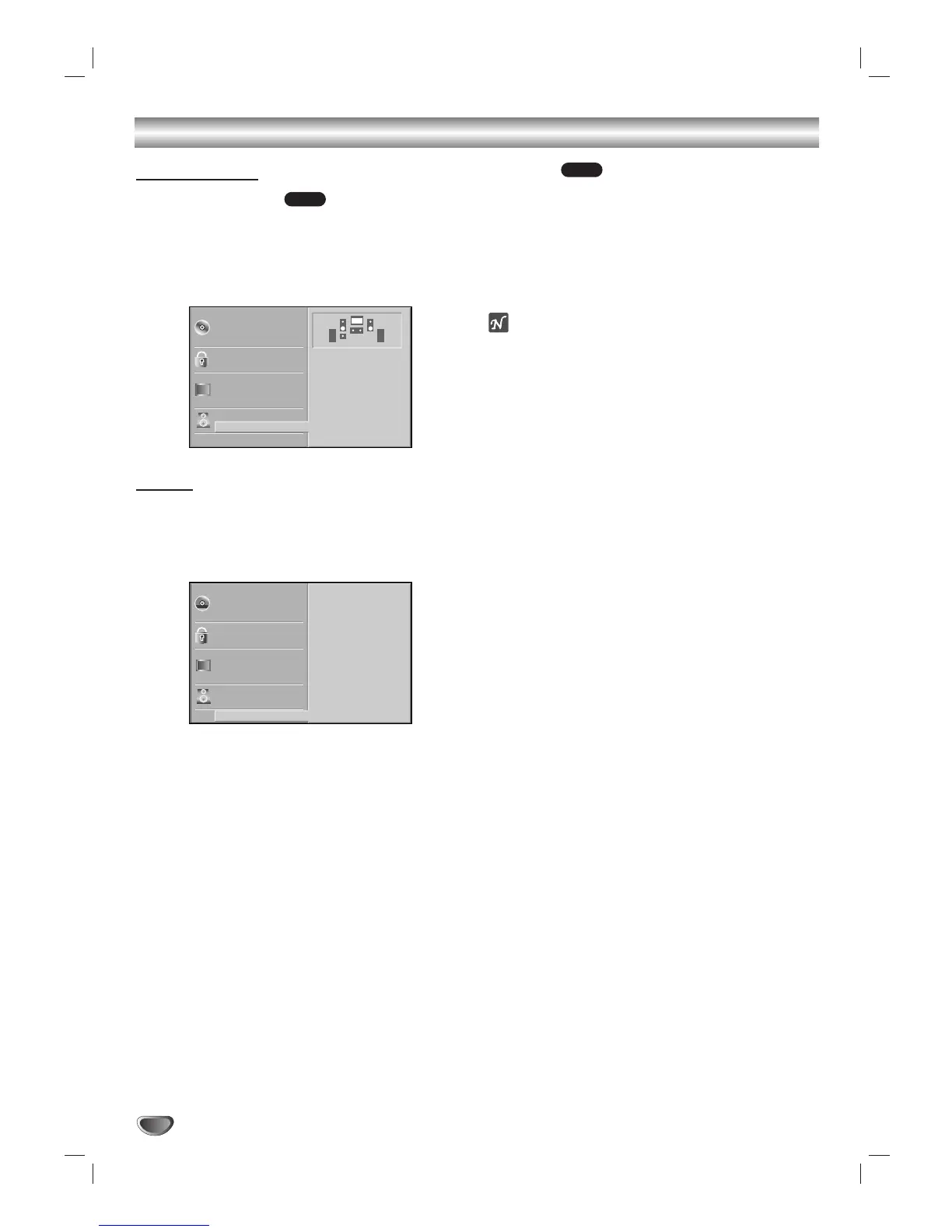
5.1 Speaker settings
Select speaker settings, including volume balance and
delay time, or test the speaker settings.
Speaker settings are only active on the Analog Multi-
Channel Output. (See “Speaker Setup”, on page 27.)
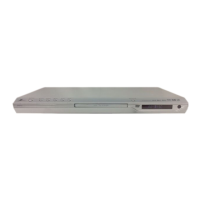
Others
DRC, Vocal and Auto Play settings are adjustable.
Use
33
/
44
to select the desired menu option and press
ENTER. The setting of the selected menu option is
switched between On and Off.
Dynamic Range Control (DRC)
With the DVD format, you can hear a program’s sound-
track in the most accurate and realistic presentation
possible, thanks to digital audio technology. However,
you may wish to compress the dynamic range of the
audio output (the difference between the loudest sounds
and the quietest ones). Then, you may listen to a movie
at a lower volume without losing clarity of sound. Set
DRC to On for this effect.
Vocal
Set Vocal to On only when a multi-channel karaoke
DVD is playing. The karaoke channels on the disc will
mix into normal stereo sound.
Auto Play
You can set up the DVD/CD player so a DVD disc auto-
matically starts playing whenever a DVD is inserted.
If Auto Play mode is set to On, this DVD/CD player will
search a title that playback time is longest and then play
back the title automatically.
On: Auto Play function is active.
Off: Auto Play function is not active.
ote
The Auto Play function may not work for some DVDs.
DVD
DVD


 To Next Page