Page 28
Source Menu
Choose the source of the picture and sound
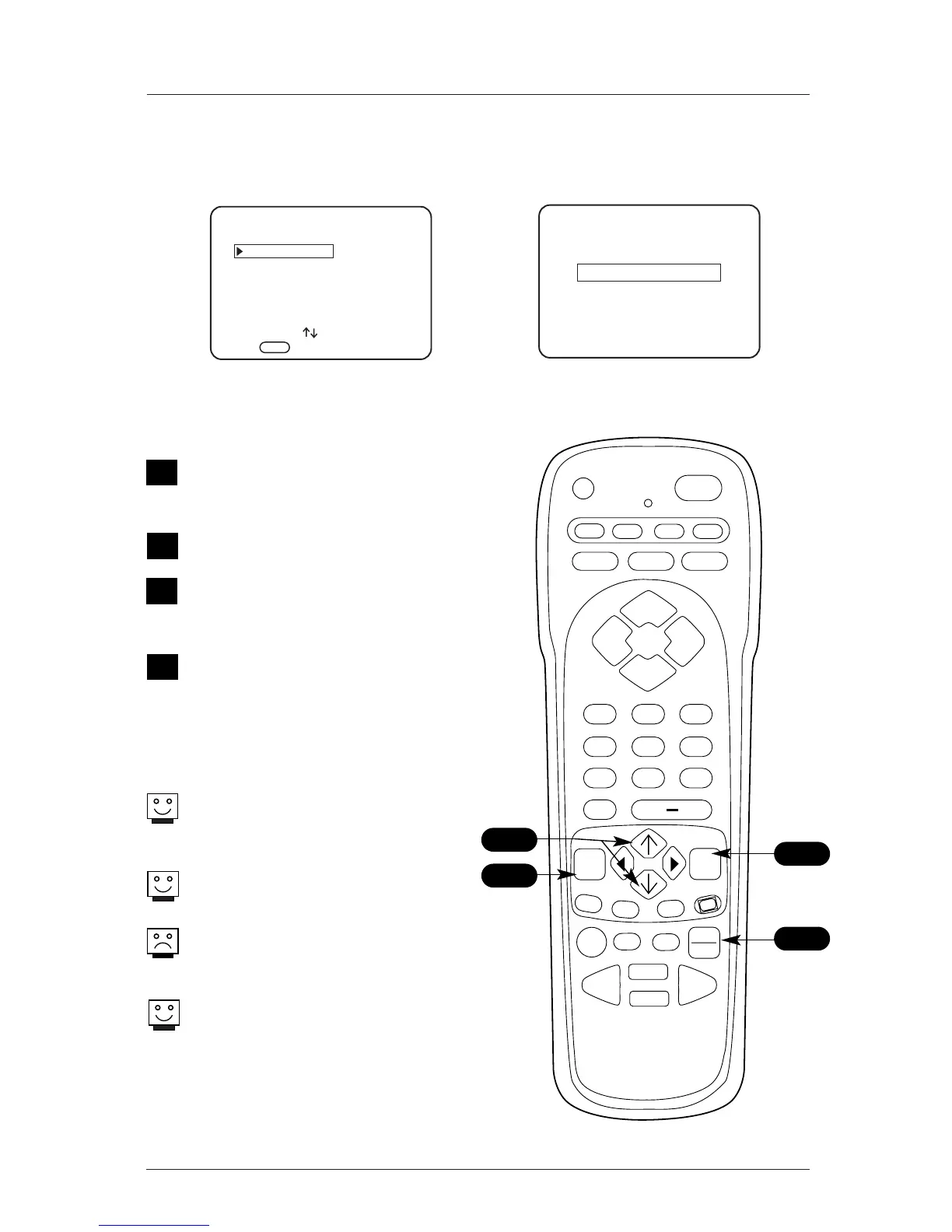
Source Selection
Press TV/VCR SOURCE on the remote repeated-
ly to cycle through the enabled sources.
Source Selection using Source Menu
Press MENU on the remote repeatedly until
the Source menu appears.
Use the Up/Down arrow on the remote con-
trol, to select a new source for the picture
and sound that you want to to see and hear
on the screen.
Press ENTER on the remote, to change to
the new source, press ENTER again to
remove menu.
Auto Sense Sources
Review installer menu settings for item 040
Auto Camport and item 041 Auto Compport.
Menu Operation/Front Control Panel
The menus can also be operated by using
the TV front control panel buttons. See page
24 for menu operation instructions.
If you need to key-in numbers on menus,
use the remote control instead.
If the source you want to select does not
appear as an option on the Source menu, it
may be disabled in the installer menu.
S-Video source can be accessed by keying in
1-3-2 on the remote control.
A
1



 To Next Page