Page 47
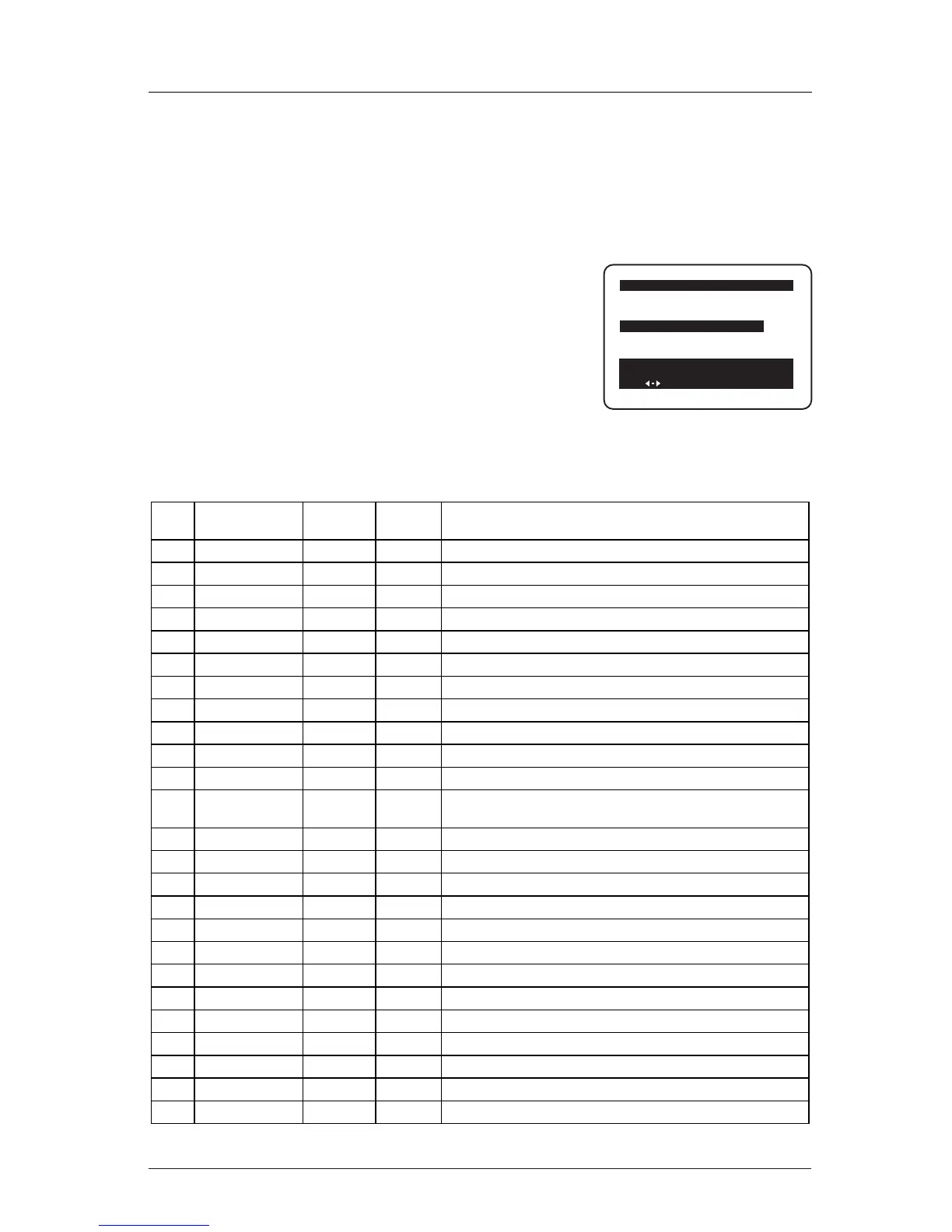
Installer menu items can be
accessed by using the remote
control. Just press and hold
down MENU (about 8 seconds)
until the menu disappears. Key
in 9, 8, 7, 6, then ENTER. To
remove the Installer’s Menu,
press ENTER. Any changes you
make will be stored in non-
volatile memory.
Using the Installer Menu
The Installer menu opens with
item 000 Installer Seq. Use
Up/Down arrows to sequence
through the installer menu. Use
Up/Down arrows to scroll items
in the menus. To change a set-
ting use the Left/Right ADJ
keys. Press ENTER to remove
menu.
Items 000 - 106 are accessible
only in the Installer Menu. Their
numbers, descriptions, ranges,
factory default settings, and a
place for listing any changes
made on site are given below
and on the following pages. To
direct enter an item, key in its
number (e.g. 06) and press
Menu.
The Factory Menu that is intend-
ed for qualified service techni-
cians only is not shown. XX-F
Menu Items (not shown here)
are service type adjustments and
only qualified technicians hav-
ing specialized test equipment
should access them.
Typical Installer Menu
Menu Function Value Default Brief Description of Function and Comments
Item Range Value
000. INSTALLER SEQ 0 - 3 0 Leave default set at 0.
001. POWER MANAGE 0 - 7 0 Sets number of hours of no activity before auto shutoff.
002. AC ON 0 / 1 0 Set to 1 to enable auto turn On at power up.
003. BAND/AFC 0 - 7 0 Sets Tuning band.
004. STRT CHANNEL 0 - 255 255 Channel at turn On (255 for last Channel).
005. CHAN LOCK 0 / 1 0 When set to 1, cannot tune from current channel.
006. GHOST CH. 0 / 1 0 Set to 1 to enable Ghost Channel display.
007. START VOLUME 0-63, 255 255 Volume level at TV turn On (Set 255 to retain last level).
008. MIN VOLUME 0 - 63 0 Minimum volume setting.
009. MAX VOLUME 0 - 63 63 Maximum volume setting.
010. MUTE DISABLE 0 / 1 0 Set to 1 to disable Mute function.
011. KEY DEFEAT 0 / 1 1 Set to 1 to disable the front panel keyboard MENU,
Select Up/Down and Adjust Left/Right keys.
012. NOT USED
013. NOT USED
014. NOT USED
015. SLEEP TIMER 0 / 1 1 Set to 1 to enable Sleep Timer.
016. EN. TIMER 0 / 1 1 Set to 1 to enable Timer.
017. ALARM 0 / 1 1 Set to 1 to enable Alarm.
018. NOT USED
019. NOT USED
020. FEATURE LEVEL 0 / 1 1 Zen 1 Leave default set at 1 (Zen1).
021. V-CHIP 0 / 1 1 Set to 1 to enable V-Chip (Parental Control).
022. MAX BLK HRS 0 - 99 12 Sets number of Parental Control blocking hours.
023. CAPTION LOCK 0 / 1 0 Set to 1 to retain caption setting at turn Off.
024. TEXT MODE 0 / 1 1 Set to 1 to add Text option to Closed Caption menu.
Installer Menu
Use the Installer Menu to set up or change operational settings.
See detailed descriptions of the Installer Menu items on the following pages
D2A MICOM COMM. STATUS: OK



 To Next Page