Page 46
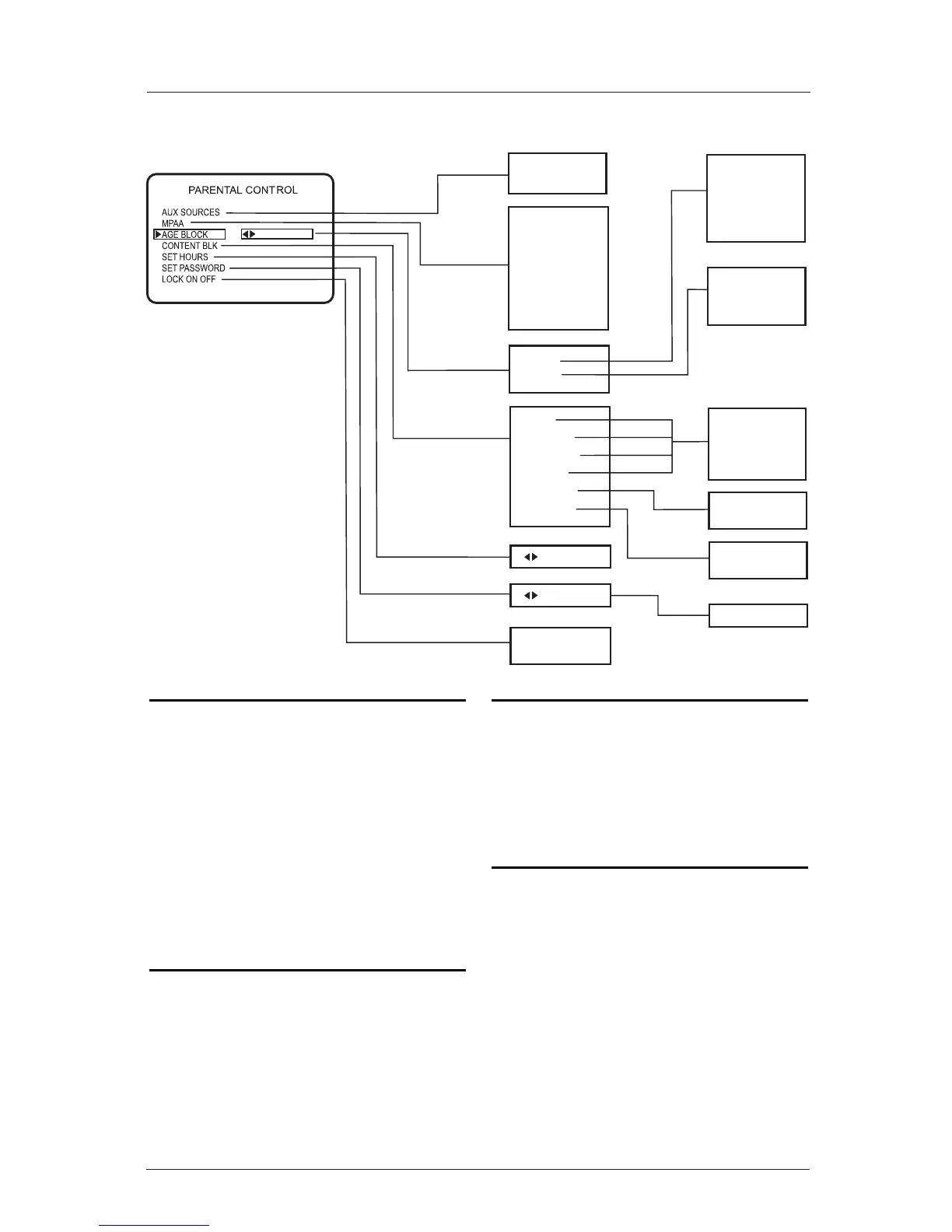
Parental Control Menu Structure/V-Chip Installer Setups
Note: Reset Parental Control Block
Hours to Zero and Cancel Password
This provides the institution staff and the installer
a means to reset the TV to normal operation; if a
user has either forgotten the password or has left
Parental Control Block active.
On the optional installer’s remote control, press
and hold down MENU until the menu disappears
(takes about 8 seconds). Immediately press 9, 8,
7, 6 and then CC. This will reset the Block Hours
to Zero and cancel the current 4-number password.
After this action, the TV screen will show
“Parental Control Password is Reset”.
Make Parental Control Restrictions
Permanent, with No Preset or Fixed
Hours Time Limit
In the Installer’s Menu, set
Item 84: PERMANENT BLK, 0 or 1.
0 Restrictions limited to specified hours, 12 - 99.
1 Blocking restrictions always active, no time limit.
Reset the Maximum Number of
Parental Control Default Block Hours
You can change the Block hours from the 12-hour
default setting to up to 99 hours.
In the Installer’s Menu, item: 22-I MAX BLK HRS
12, use the ADJ Left/Right Adjust arrow to set a
different default number of hours.
Turn Parental Control Feature Off/On
In the Installer Menu, installer items:
021 V-CHIP 0 = disable, or 1 = enable
051 DIS. VCHIP M. 0 = enable, or 1 = disable
Options Setups for V-Chip Menu and Block
Functions For Installer items:
021 051
V-CHIP DIS. VCHIP M.
0 0 No menu, no blocking.
0 1 No menu, no blocking.
1 0 Shows menu, Block functions.
1 1 No menu, Block functions.



 To Next Page