Setup Checklist
Following are the steps necessary to install and set up the TV
Setup and Operation Checklist
1. Unpack the TV and all accessories.
2. Connect the TV to RF antennas and
all external video source equipment.
See pages 15 - 23.
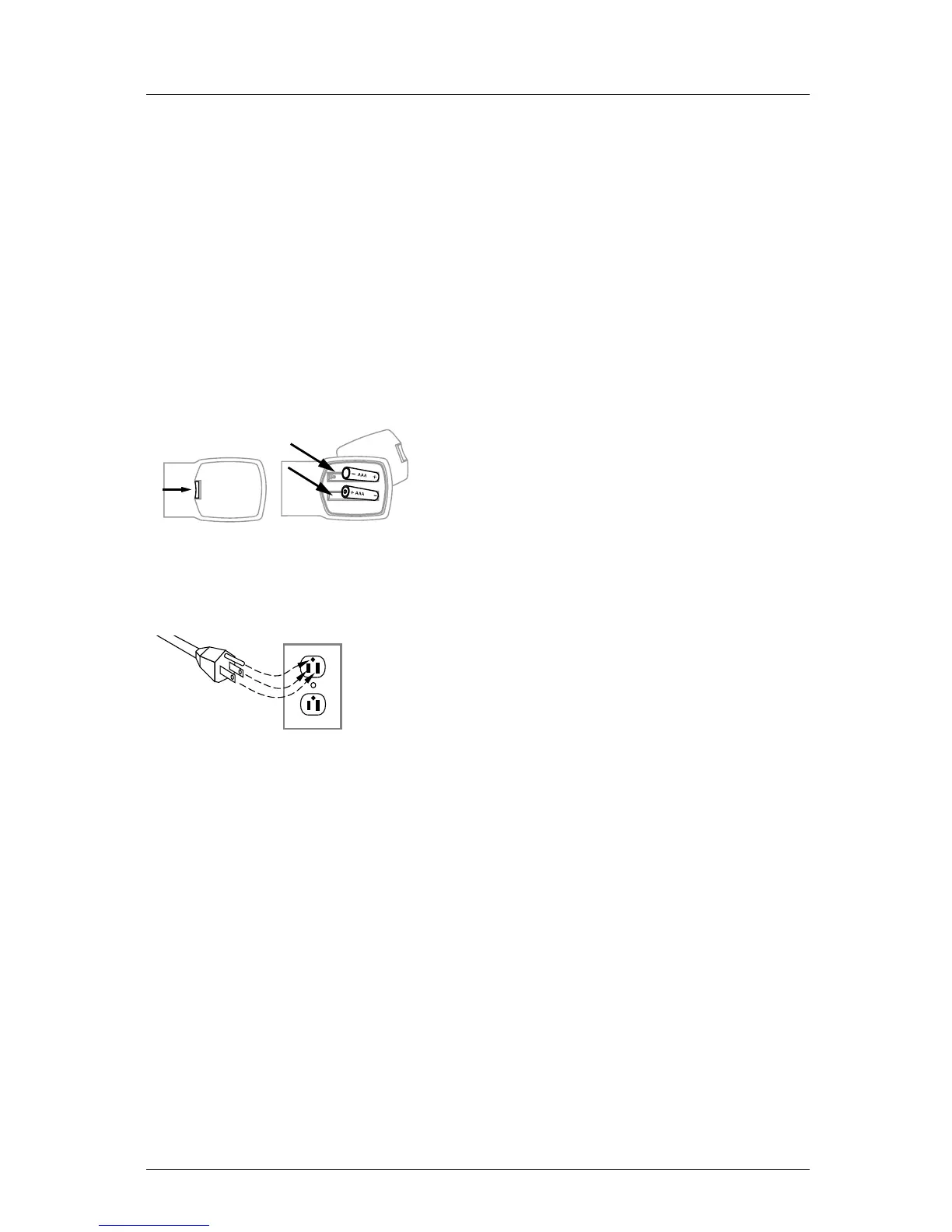
3. Install batteries in remote control.
4. Plug TV and source equipment into
standard 120V 60Hz power outlets.
5. Turn TV On.
See pages 24 - 25.
6. Choose on screen menu language.
(English is default.)
See page 39.
Reception Setup and Channel Search
8. Use Auto Program to search for all
channels in your area.
See page 26.
7. Select viewing source for TV.
See page 28.
8. Adjust Installer menu items per
requirements.
See pages 47 through 55.
Customize the TVs Features for the
End User
9. Fine-tune source image and sound to
personal preference or as required by
source.
See pages 40 through 42.
Additional Features Setup
See page 5, Table of Contents.
• To connect a PC computer to the TV.
See pages 7 - 14.
• If necessary, program remote to oper-
ate other devices in your system.
See page 60 - 68.
• Create a Master TV and clone the
setup, copy setup to identical TVs.
See pages 5 and 56 - 59.
*Auto Program finds channels which
have a signal present and are actively
being broadcast. Some broadcasters do
not provide or broadcast a signal con-
tinuously. As a result, some DTV chan-
nels may not be found in the channel
scan. If you know that there is a DTV
channel that was not found by Auto
Program, add the channel using the
Add/Del/Blnk function.
Page 6



 To Next Page