Page 44
Parental Control Menu
After you have read the preceding page, follow instructions below to set up
and activate Parental Control
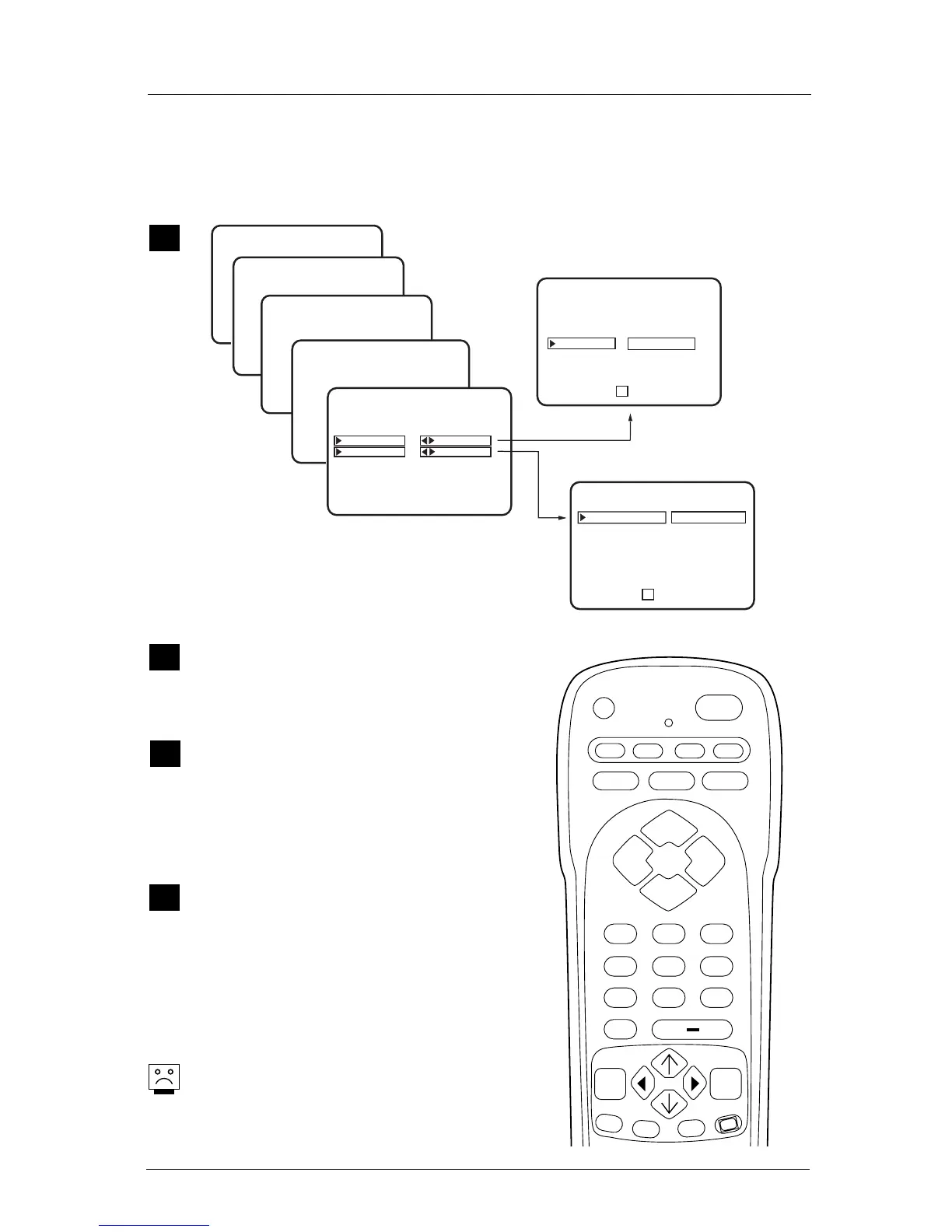
As shown above with the Parental Control
menu on-screen, use Up/Down to highlight
an option like Age Block for TV programs
and movies, then press the Right ADJ arrow.
Use Up/Down/Left/Right arrows to select
and adjust or set the rating for an option.
For Sex Scenes for example, use the “From
TV-PG” setting.
(See the Parental Ratings Charts on the
next page for TV/Movie rating definitions).
After you have selected and adjusted the
parental control menu options to your
requirements:
- Set the hours you want Parental Control
active.
- Set a 4-number password.
- Set the Lock On/Off option to On or Off.
No Rating means that the broadcast does not include rat-
ing information. You can choose to block broadcasts with-
out V-Chip rating data.
1
2
3
4



 To Next Page