MFL34797058-en-simple 11/6/07 4:52 PM Page 24
WATCHING TV
"I"
z
<
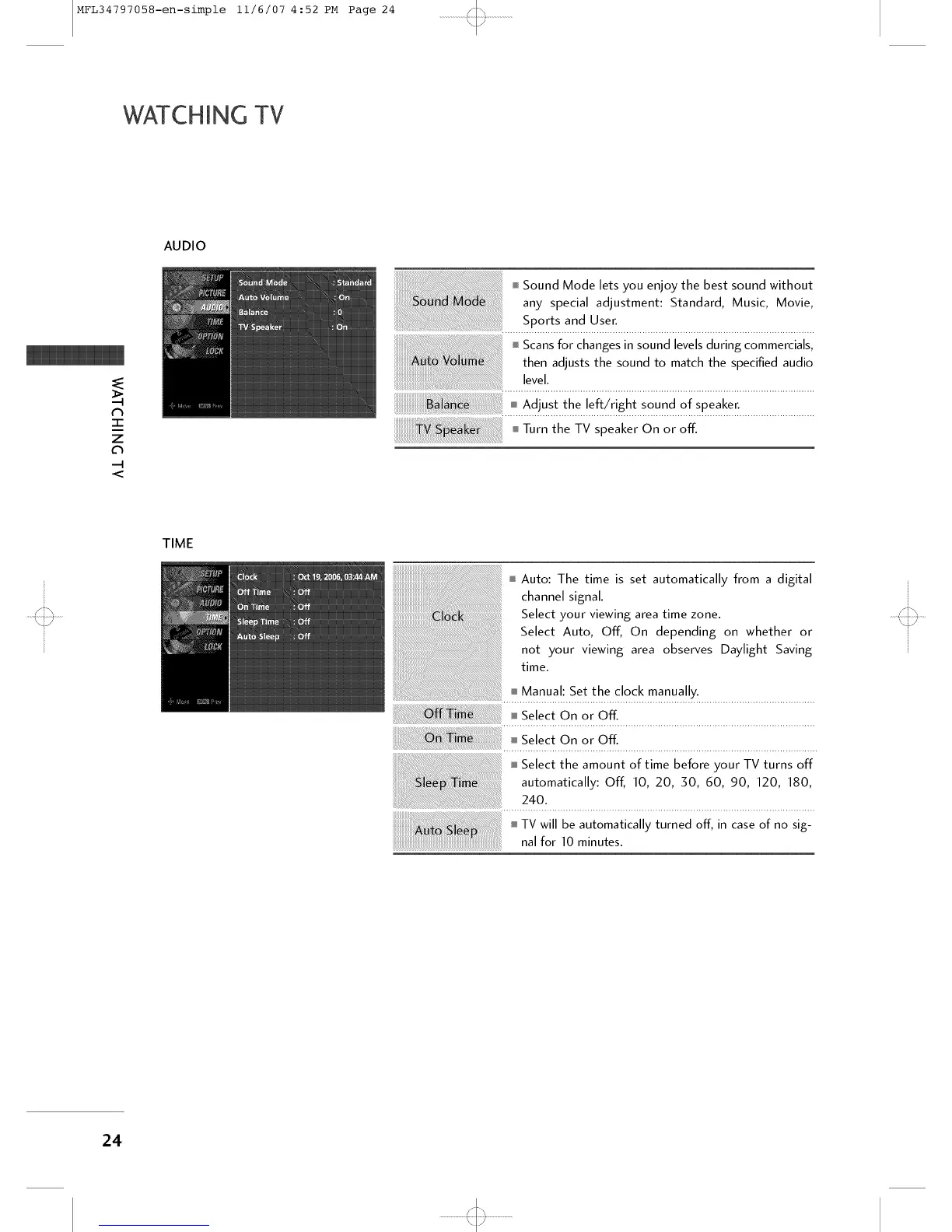
AUDIO
i Sound Mode lets you enjoy the best sound without
any special adjustment: Standard, Music, Movie,
Sports and User.
i Scans for changes in sound levels during commercials,
then adjusts the sound to match the specified audio
level.
_ Ad!us! !1_e !ef!/r!gh! s° u_ct o! speaI<e[.............................
Turn the TV speaker On or off.
TIME
I Auto: The time is set automatically from a digital
channel signal.
Select your viewing area time zone.
Select Auto, Off, On depending on whether or
not your viewing area observes Daylight Saving
time.
i Manual: Set the clock manually.
ff _.Se!e On. °[ Off".........................................................................
i Select the amount of time before your TV turns off
automatically: Off, 10, 20, 50, 60, 90, 120, 180,
240.
24
'<::3



 To Next Page