MFL34797058-en-simple 11/6/07 4:52 PM Page 27
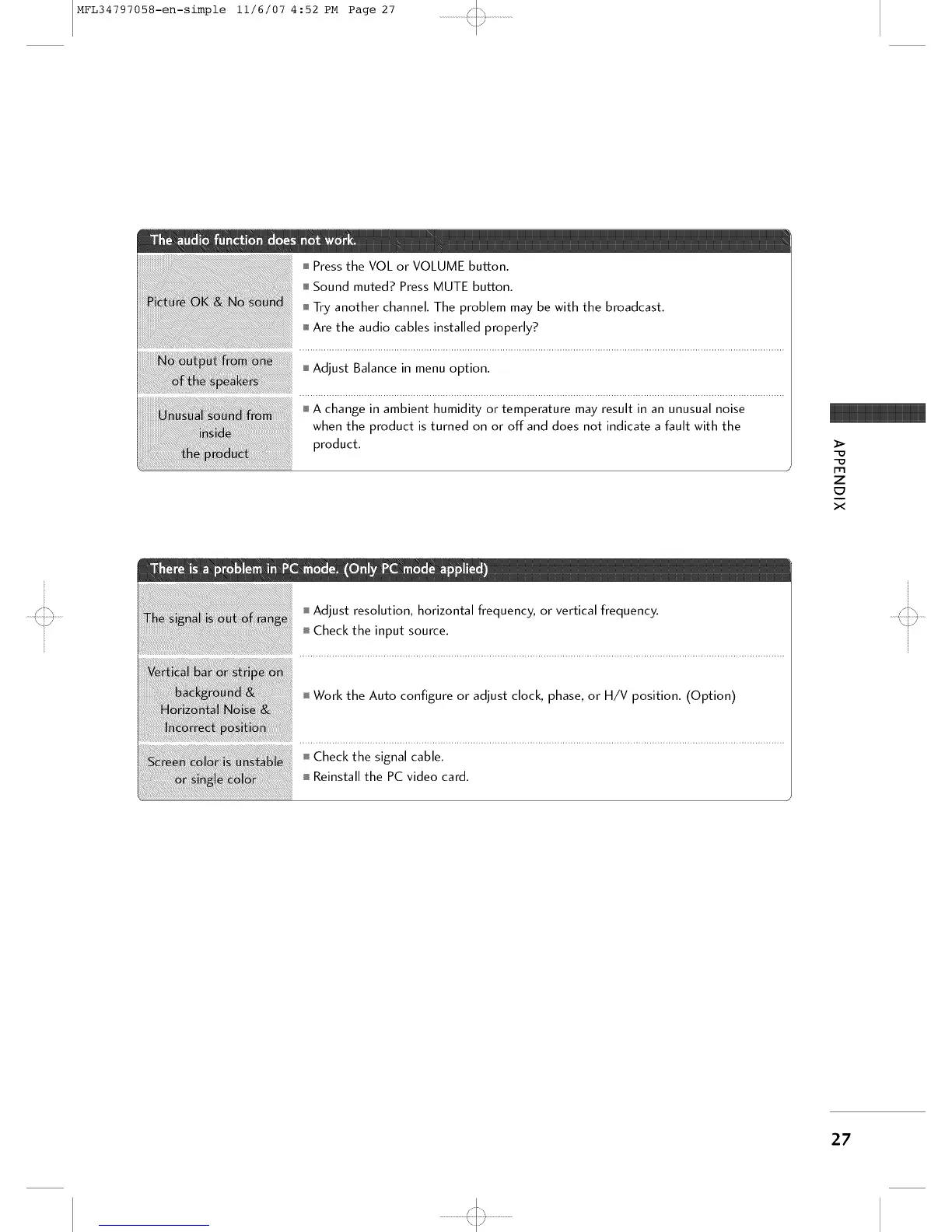
i Press the VOL or VOLUME button.
i Sound muted? Press MUTE button.
i Try another channel. The problem may be with the broadcast.
i Are the audio cables installed properly?
i Adjust Balance in menu option.
i A change in ambient humidity or temperature may result in an unusual noise
when the product is turned on or off and does not indicate a fault with the
product.
>
*=_
*=_
i=m
z
x
Adjust resolution, horizontal frequency, or vertical frequency.
i Check the input source.
I Work the Auto configure or adjust clock, phase, or H/V position. (Option)
i Check the signal cable.
Reinstall the PC video card.
27
'<::3



 To Next Page