WARNING/ CAUTION ............................ 2
SAFETY INSTRUCTIONS ..........................3
VCR Setup .....................................................19
PC Setup ........................................................ 20
Accessories ...................................................... 6
Front Panel Information ......................................7
Back Panel Information ......................................8
Remote Control Functions ...............................10
Back Cover for Wire Arrangement .....................12
Attaching the TV to a wall ................................14
Desktop Pedestal Installation ............................14
Stand Installation ............................................15
Antenna or Cable Connection .......................... 16
HD Receiver Setup ......................................... 17
DVD Setup ...................................................... 18
Turning On TV ................................................ 21
Channel Selection ........................................... 21
Volume Adjustment ......................................... 21
Channel Search ............................................... 22
On-Screen Menus Selection ............................. 23
Troubleshooting .............................................. 26
Maintenance ................................................... 28
Product Specifications ..................................... 29
Open Source Software Notice .......................... 30
Warranty ......................................................... 31
HOW TO USE THE OWNER'S MANUAL ON THE CD-ROM
To view the Owner's Manual on the CD-ROM, Adobe Acrobat Reader must be installed on your PC.
The "ACRORD" folder on the CD-ROM contains the installation programs for them.
If you want to install those programs, Open the "My Computer"--* Open the "ZENITH"--* Open the
"ACRORD"--_ double-click your language.
TO VIEW THE OWNER'S MANUAL ON THE CD-ROM
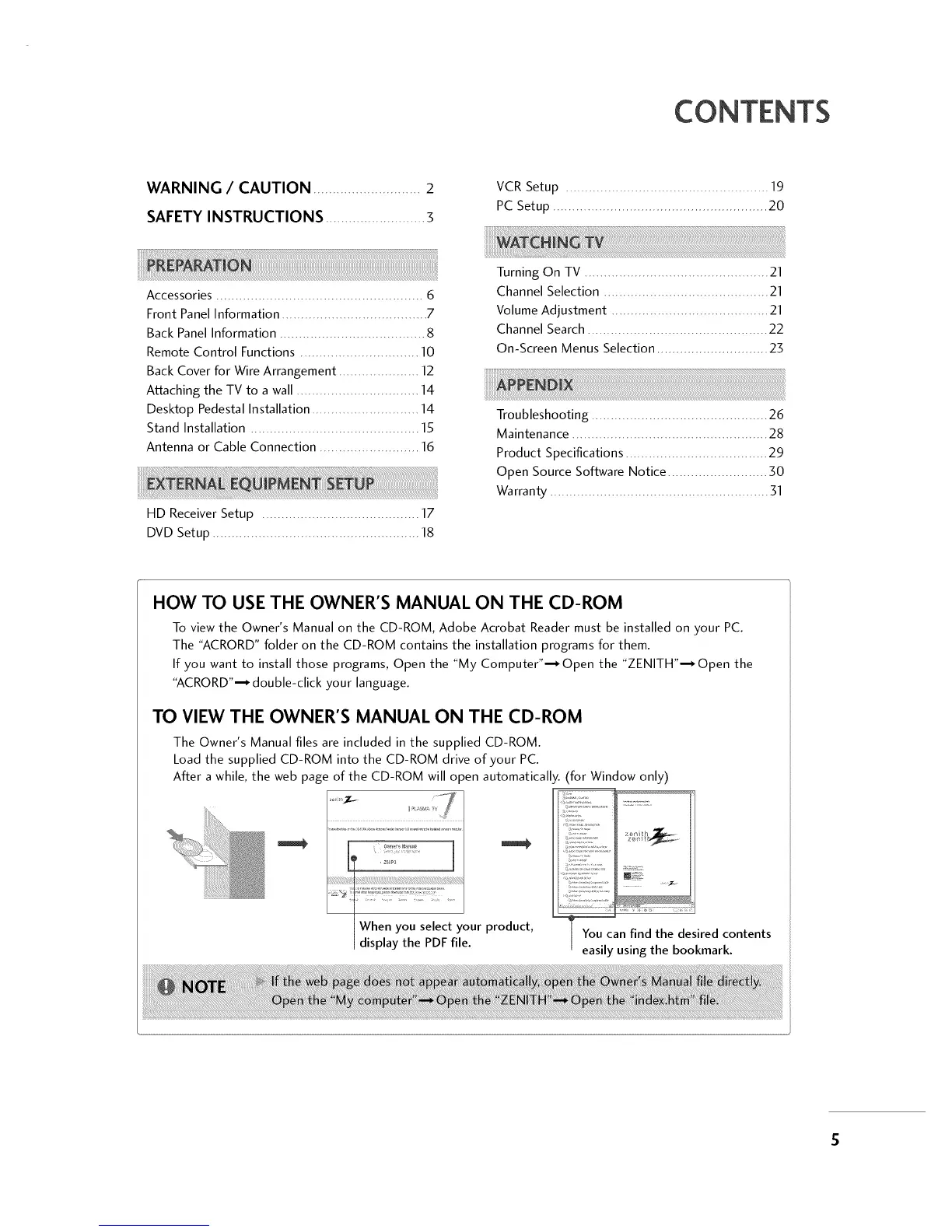
The Owner's Manual files are included in the supplied CD-ROM.
Load the supplied CD-ROM into the CD-ROM drive of your PC.
After a while, the web page of the CD-ROM will o )en automatically.
product,
'for Window only)
@@#
You can find the desired contents
easily using the bookmark.



 To Next Page