30
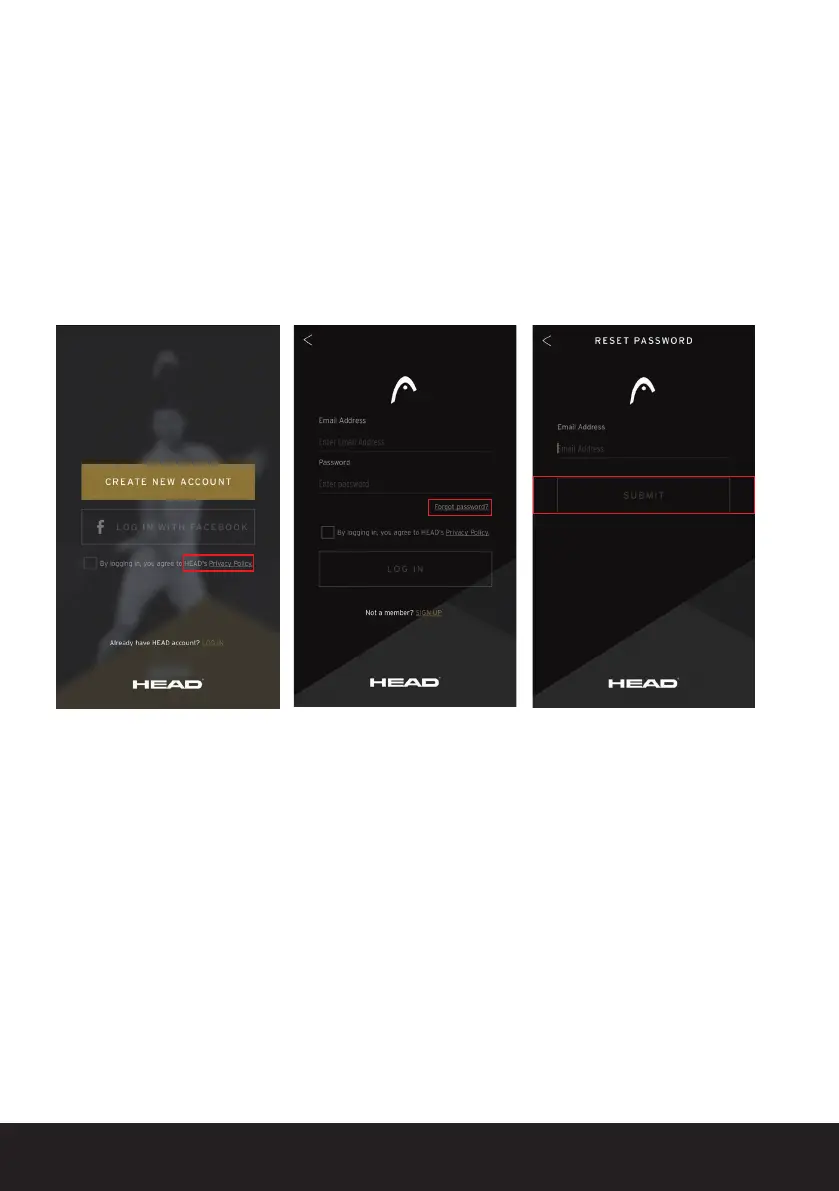
15 RESETTING YOUR PASSWORD
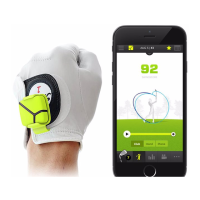
If you have forgotten your password, open the app and click on ‘LOG IN’ and select
‘Forgot password’.
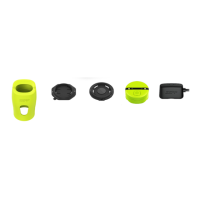
Enter the email address you used to register for your HEAD Tennis Sensor account,
close the keyboard and click ‘SEND’.
You will then receive an email with instructions on how to reset your password.


 To Next Page