65xx-A1 Family Router Users Guide 56
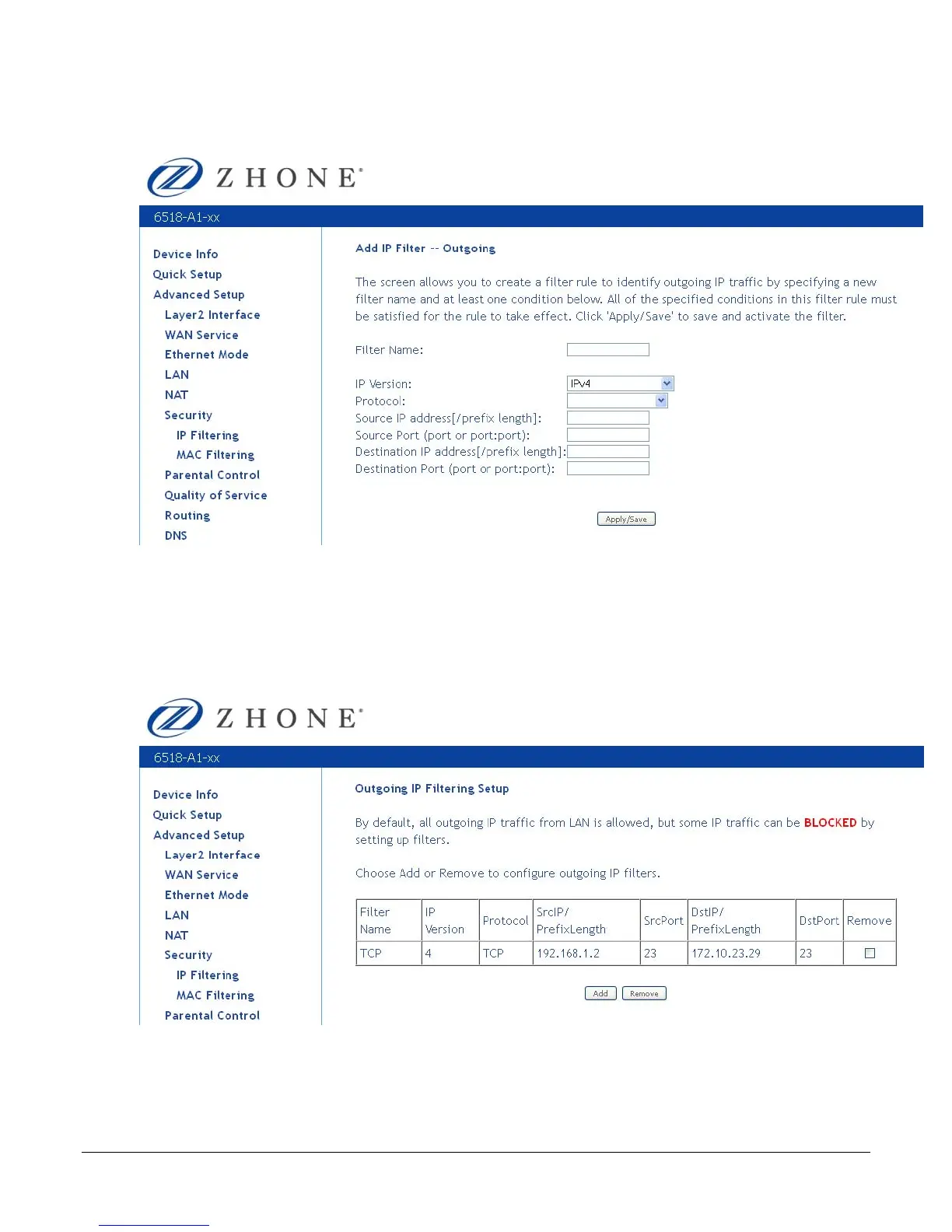
The Add IP Filter -- Outgoing screen will appear. Add the filter name, source information (from
the LAN side), and destination information (from the WAN side). Then click Save / Apply.
When you Save / Apply the IP filter, the Outgoing IP Filtering Setup screen appears. The
Outgoing IP Filtering Setup screen lists the outgoing IP filters, including filters which were
added from the previous screen.
You can view, add or delete outgoing filters. The Remove button appears only when you have an
existing IP filter already set up.
IP Filtering—Incoming
Incoming IP filter filters the WAN traffic to the LAN side. Click Add to add incoming filter settings.



 To Next Page