65xx-A1 Family Router Users Guide 64
Quality of Service
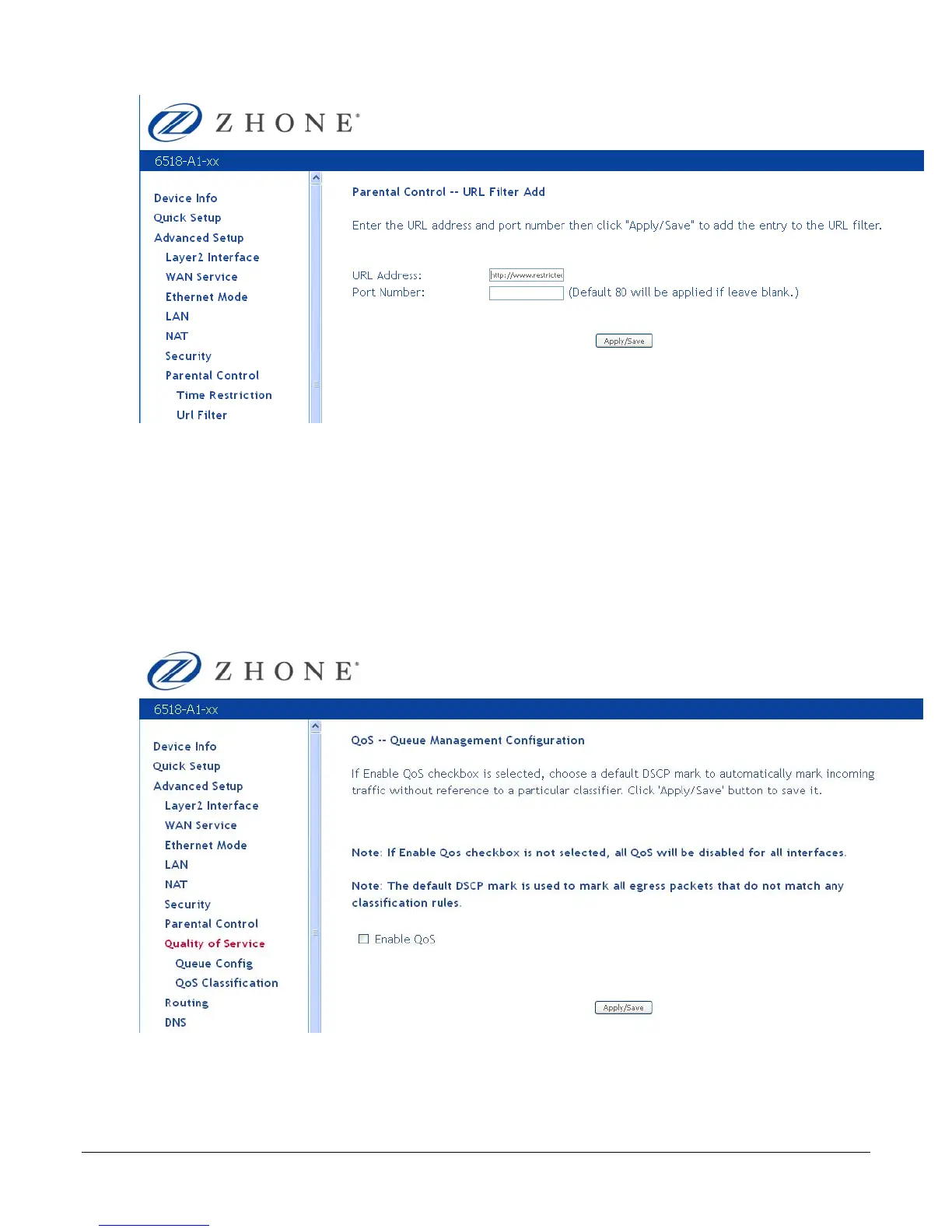
You can configure the Quality of Service to apply different priorities to traffic on the router.
Queue Config
In the QoS -- Queue Management Configuration page you can enable a queue for a network
interface. Each interface associated with QoS is allocated three queues. Lower Queue
Precedence values denote a higher priority for the queue, so “1” has higher priority than “2.”
To enable QoS:
1. From the Quality of Services page, check Enable QoS.
2. From the Select Default DSCP Mark drop down select the option as directed by your ISP.



 To Next Page