65xx-A1 Family Router Users Guide 95
Certificate
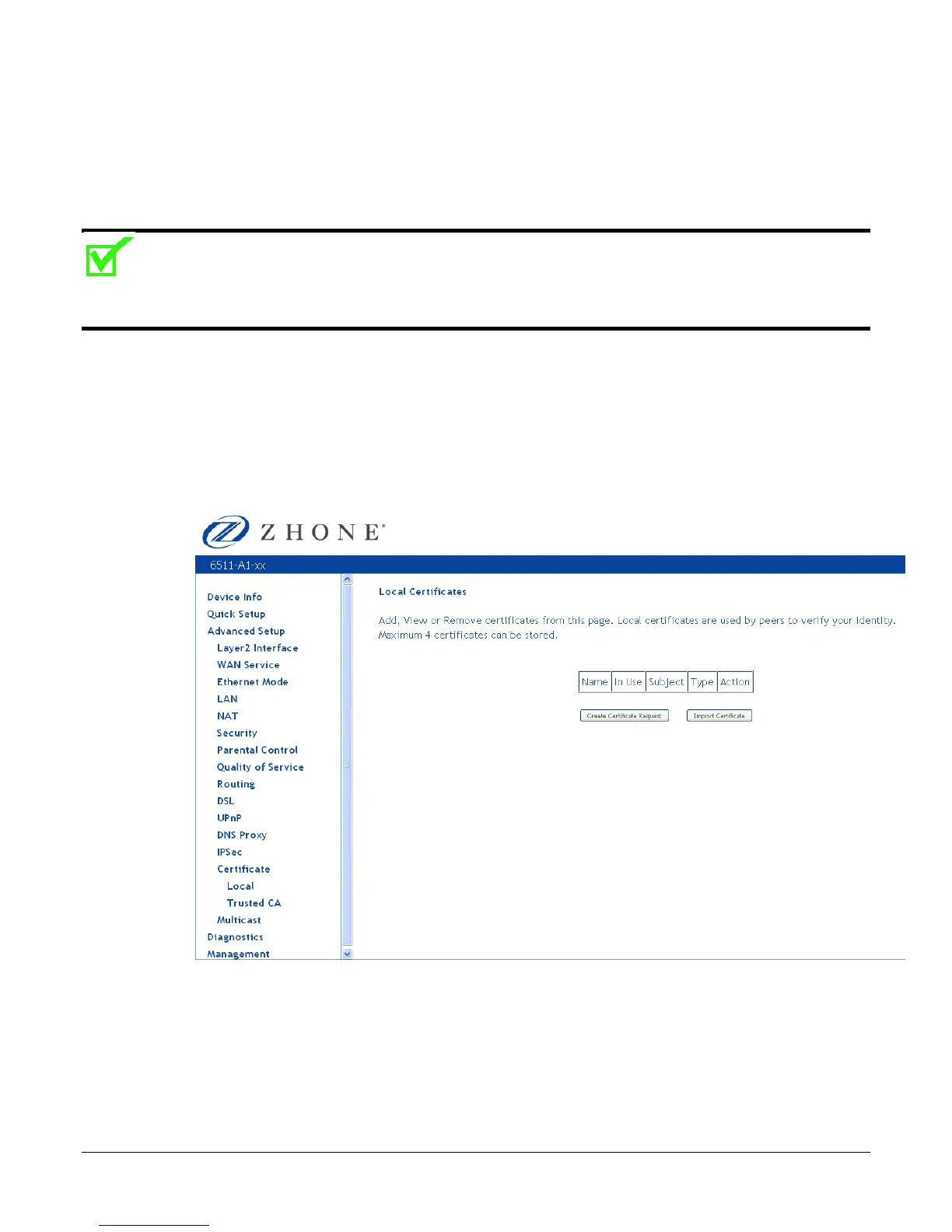
Use the Certificate screen to add, view, or remove a certificate for use by a peer to verify your
identity. A maximum of four certificates can be stored. You can add a certificate either by creating
a new one or importing an existing one from a location where one is stored.
Note: Certificates are used with TR-069. Firmware that does not support TR-069 will not support
certificates.
Local
A local certificate identifies your device over the network.
To apply for a certificate:
1. Click Create Certificate Request.
The Create new certificate request screen allows you to create a new certificate request.



 To Next Page