65xx-A1 Family Router Users Guide 72
• UDP/TCP Source or Destination port.
• Gateway address or Interface (These can be Active PVCs or Port Mapping Groups)
5. Click Save/Apply.
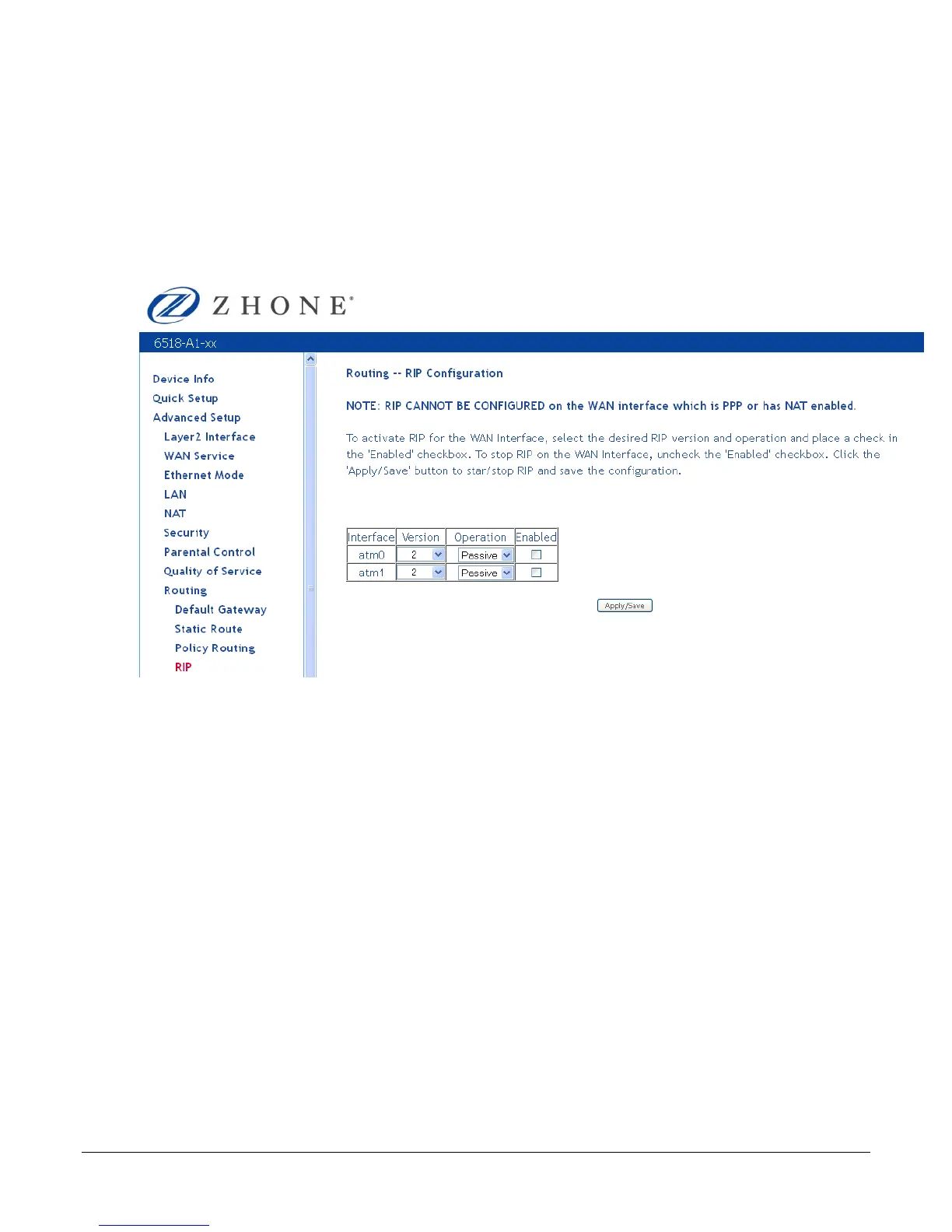
RIP
To enable RIP on an interface, open the Routing – RIP Configuration page.
Enter the RIP configuration and then click Apply/Save.
DNS
The DNS Server Configuration configures the DNS server settings for your router.
If multiple WAN interfaces are configured, you can define the priority by their position in the
Selected DNS Server Interfaces window. Top is the highest priority; bottom the lowest.
Change the priority order by removing all items from the Selected DNS Server Interfaces
window by selecting them, then clicking the right arrow button. Select the items in the priority
order, then click the left arrow to move them into the Selected DNS Server Interfaces window.
For a Static DNS IP Address, enter a primary and secondary DNS server for your router.
After you have configured the DNS settings, click Apply / Save.



 To Next Page