65xx-A1 Family Router Users Guide 83
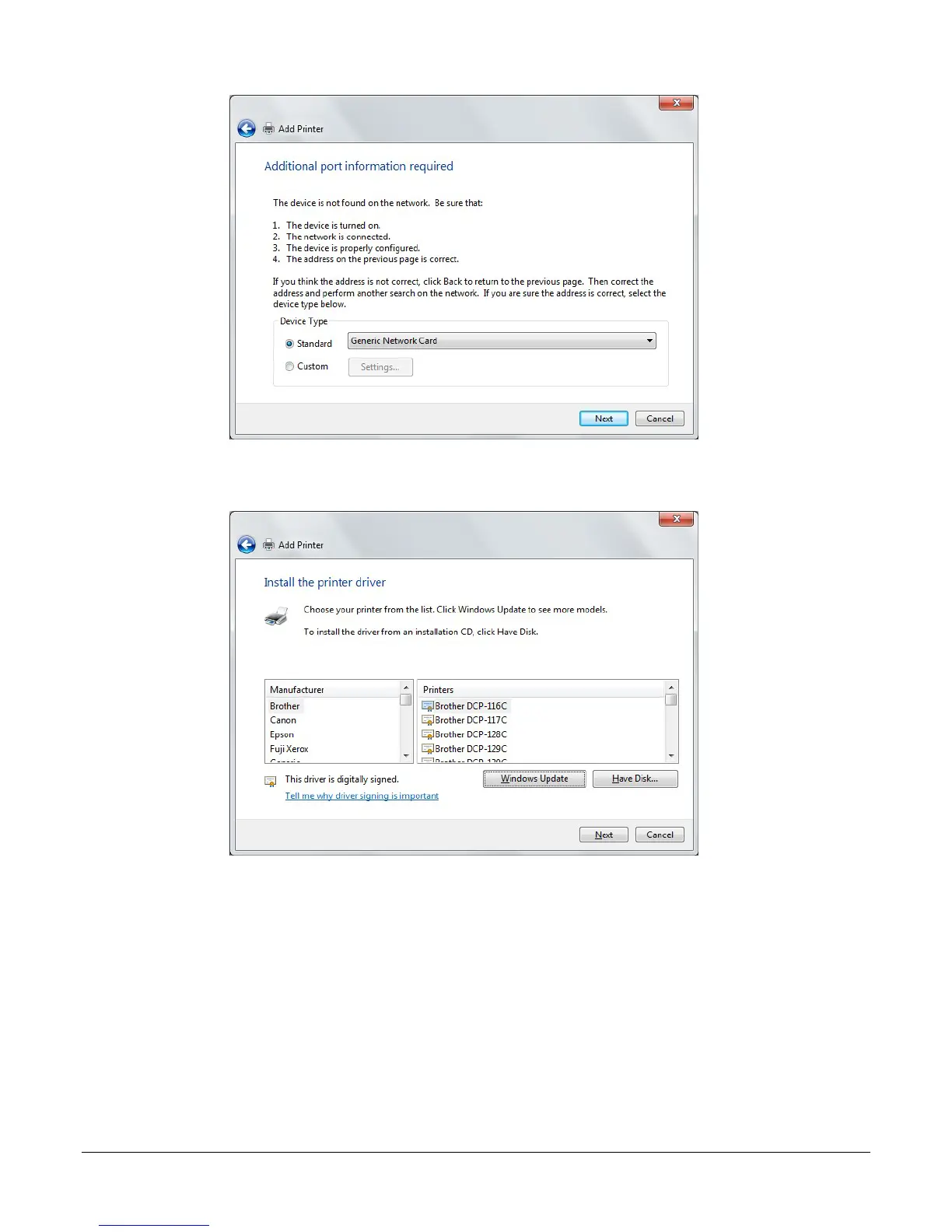
8. In the Install the printer driver screen, select the Manufacturer of the printer and Printer
model name, then click Next.
9. Specify whether you want to share the printer and enter a printer name, if desired.
10. Click Finish.
11. Check the status of printer from Windows Control Panel, Hardware and Sound > Devices
and Printers window. Status should be Ready.
Windows XP
1. In the Advanced Setup > Print Setup screen, add the printer. In this example, the printer
name is CanonMP250.



 To Next Page