Handleiding Internet van Ziggo 10
LED
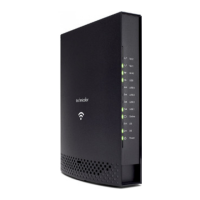
The lights on the front panel LEDs are described in the table below (from left to
right): ON = the LED is light, OFF = the LED is gray, FLASH = the LED is blinking.
LED Description
POWER Indicates the Power status.
DS Indicates the status of Data reception by the cable
modem from the Network (Downstream
Traffic).
US Indicates the status of Data transmission by the cable
modem to the Network (Upstream
Traffic).
ONLINE Displays the status of your cable connection. The light
is off when no cable connection is
detected and fully lit when the modem has established
a connection with the network and
data can be transferred.
LAN 1 t/m 4 Indicates the state of Ethernet ports.
USB Indicates the state of USB host connect.
Wi-Fi Indicates the traffic on the wireless network.
TEL1-2 Indicates the status of the telephone Phone 1 and
Phone 2.


 To Next Page