Handleiding Internet van Ziggo 13
table 2: Rear panel description
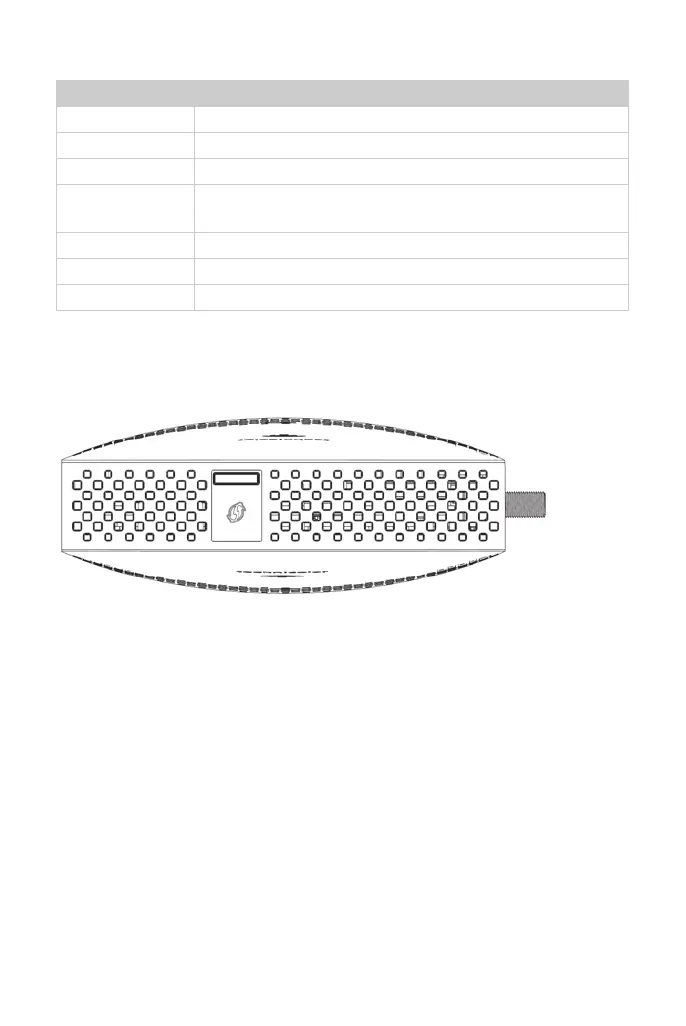
3.1.3 Side panel for WPS
figure 3: Side panel
WPS – Indicates the status of the WPS functionality.
WPS button: Wi-Fi Protected Setup
TM
.
This button can be used to secure the connection with another device (PC for
example) using WPS protocol. A long press (press 2 more seconds) on the
button allows you to enable the association of the modem with a PC or other
equipment. After link establish. A short press on the button, switch on/off Wi-Fi.
Connector Description
Power switch Power on, off the Cable modem.
Power jack Connector for DC12V.
Cable Connector for the cable network.
Reset To restart the modem or press over 5 seconds can default
the modem.
USB Host USB 2.0 connector
LAN 4 Gige Ethernet ports, RJ-45 connector.
TEL 1-2 2 Phone RJ11 Connectors.


 To Next Page