Handleiding Internet van Ziggo 22
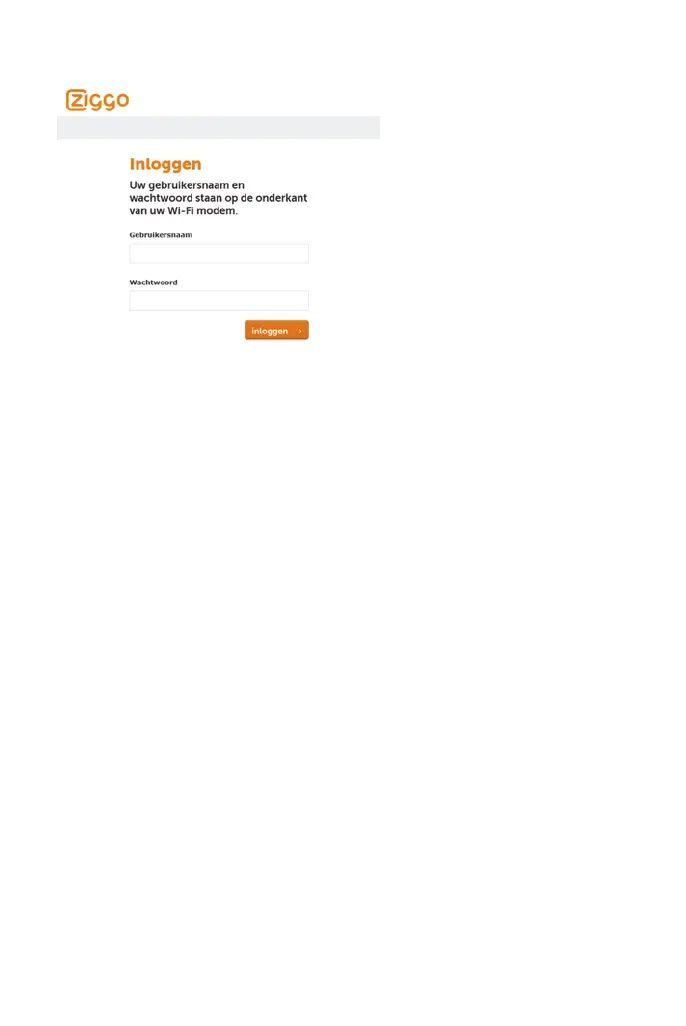
If the password is accepted, you are required to re log on the web pages:
figure 10: Password request dialog
4.2 Gateway – Status Web Page Group
4.2.1 Software
The information section shows the hardware and software information about
your gateway.
The status section of this page shows how long your gateway has operated
since last time being powered up, and some key information the Cable Modem
received during the initialization process with your cable company. If Network
Access shows Allowed, then your cable company has configured your gateway


 To Next Page