6.4. Retrieving Favorites / Memory list
opening program, editing list
OptonPro has one Favorites list and one Memory list.
The saved programmes can be stored in one of the both lists.
They can be:
1. opened for treatment or
2. edited (sequence changed or deleted).
The steps for opening or editing the Favorites and Memory lists are identical;
therefore, only opening and editing the Favorites list are described below.
Selecting the
Favourites list
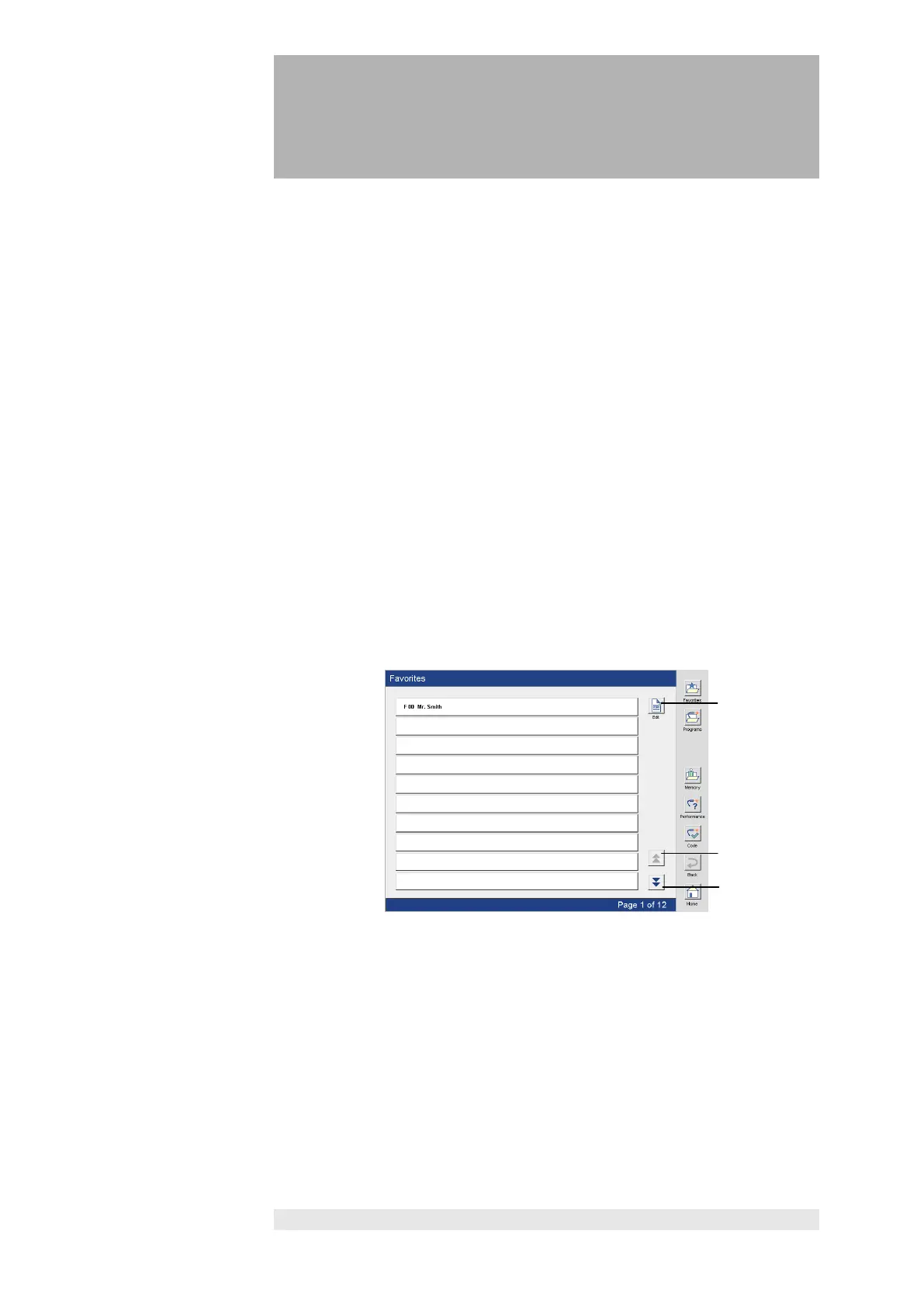
Press the “Favorites” button to open the Favorites list.
Select the desired program directly in the list.
Favourites list
Press keys (1) and (2) to view the individual Favorites pages. Press key (1) to
scroll forward and key (2) to scroll back.
Press the "Edit" button (3) to open the "Edit Favorites" screen.














 To Next Page