17807066 v1.00 03.21 HBP AB Install Instructions
Screen operation
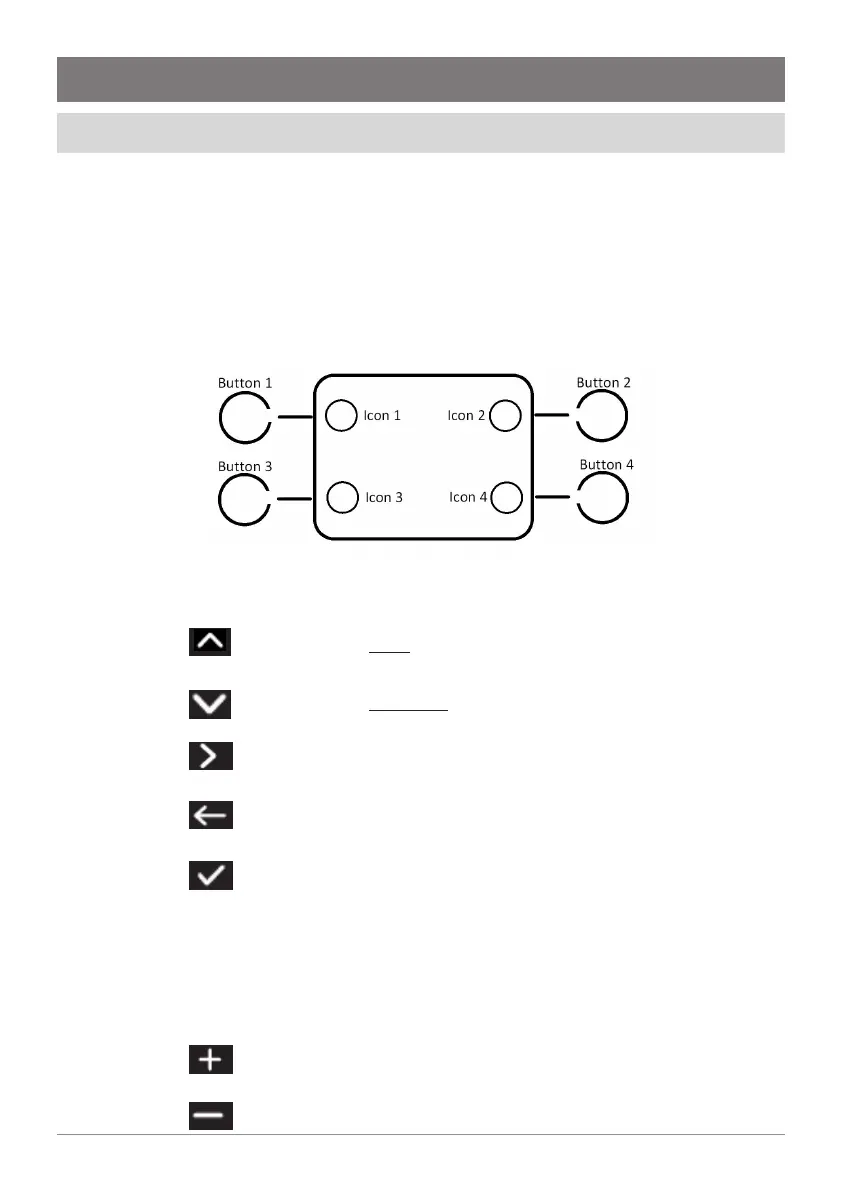
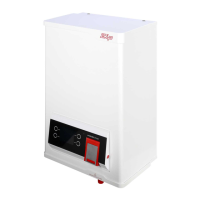
The Hydroboil uses a display and button menu system for setup and operation
adjustment.
Use the side buttons to navigate, perform selections and modify values.
The icon changes according to the button action.
A button has no function when no icon is shown.
1 Understanding icons and buttons
Move to the next item (highlighted).
Move to the previous item
Confirm menu selection
Move to the previous menu.
Perform one of 3 functions:
• Move to the menu titled by the high-
lighted item.
• Select the currently highlighted item to
adjust it.
• Confirm the value of a selected item.
Increment the item selected.
Decrement the item selected.



 To Next Page