TRAINING SELECTION
You can choose the programme using the UP and DOWN buttons.
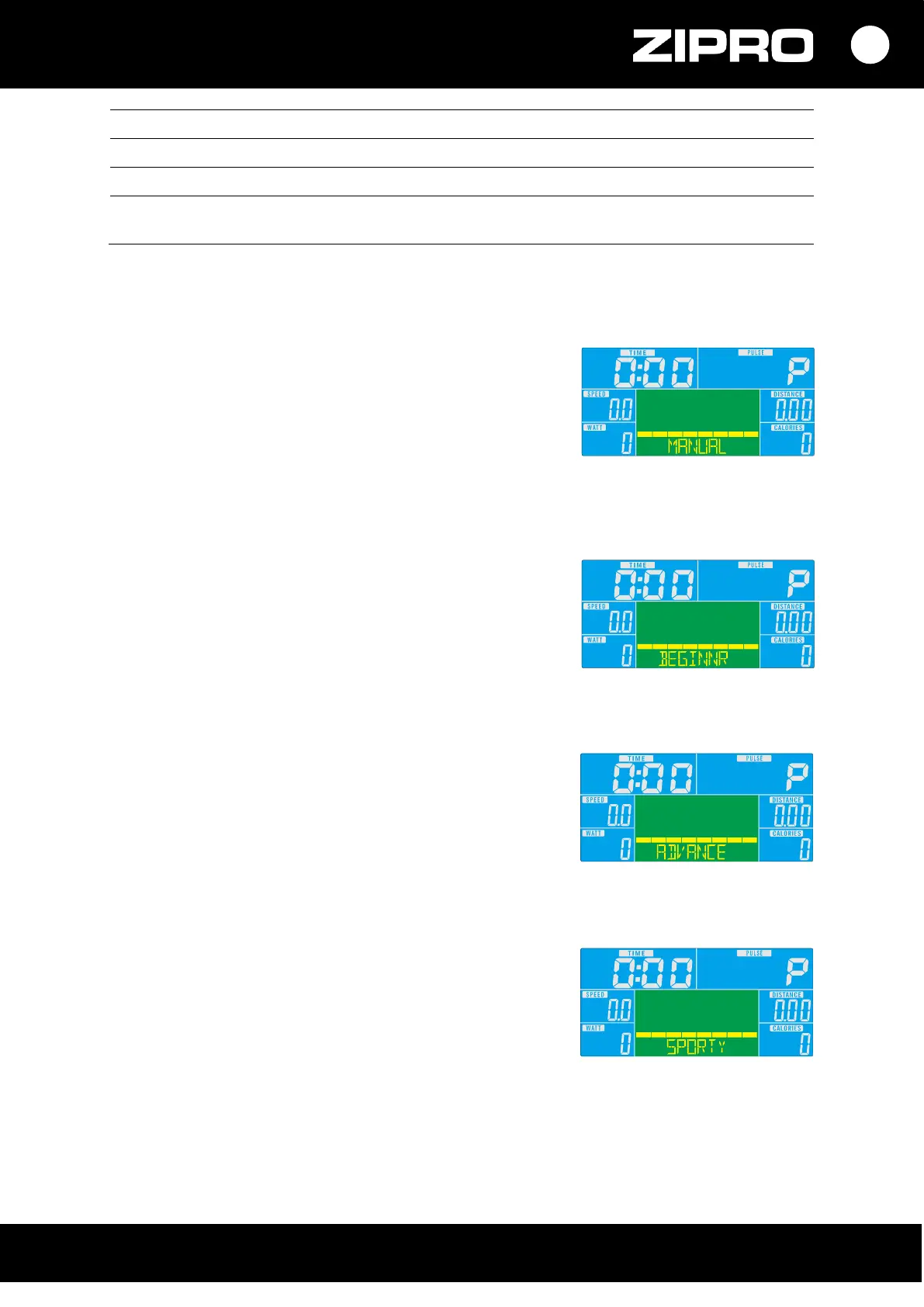
MANUAL PROGRAMME
• Select the programme with the UP or DOWN button.
Select Manual and press MODE to start the training.
• Set the time, distance, calories, or heart rate with the UP or
DOWN button button. Confirm your selection with MODE.
• Start the training by pressing the START/STOP button.
To set training intensity, use the UP or DOWN button button.
• Stop the training by pressing the START/STOP button.
To return to the main menu, press RESET.
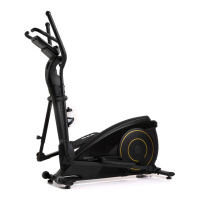
BEGINNER PROGRAMME
• Select the programme with UP or DOWN. Select Beginner and
press MODE to start the training.
• Set the duration with the UP or DOWN button.
• Start the training by pressing the START/STOP button.
To set training intensity, use the UP or DOWN button button.
• Stop the training by pressing the START/STOP button.
To return to the main menu, press RESET.
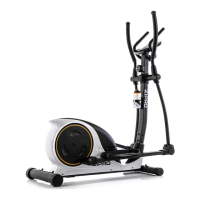
ADVANCED PROGRAMME
• Select the programme with the UP or DOWN button.
Select Advanced and press MODE to start the training.
• Set the duration with the UP or DOWN button.
• Start the training by pressing the START/STOP button.
To set training intensity, use the UP or DOWN button button.
• Stop the training by pressing the START/STOP button.
To return to the main menu, press RESET.
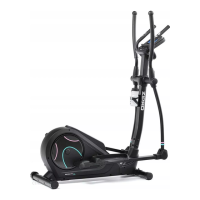
SPORTY MODE
• Select the programme with the UP or DOWN button.
Select Sporty and press MODE to start the training.
• Set the duration with the UP or DOWN button.
• Start the training by pressing the START/STOP button.
To set training intensity, use the UP or DOWN button button.
• Stop the training by pressing the START/STOP button.
To return to the main menu, press RESET.


 To Next Page