Page 10
Ei3 Saltwater Chlorinator | Installation Manual
Section 5. Prepare and Balance the Pool
5.1 Water Chemistry Table
Test and maintain correct water balance throughout the season, according to the table.
Free
Chlorine
pH Total Alkalinity
(ppm)
Calcium Hard-
ness (ppm)
Cyanuric Acid
(ppm)
Salt
Level (ppm)
Metal
Australian
Standard
1 -3 7.2 - 7.8 60 - 200
100 - 400
***
up to 50 4000 - 7000 x
Ideal range 1 - 3 7.4 80 - 140 90 - 300 up to 50 4000 at 27°C < 0.10 ppm
To Increase Add chlorine or
increase equip-
ment output
Addbueror
soda ash (so-
dium carbonate)
Add sodium
bicarbonate
Add calcium
chloride
Add cyanuric
acid
Add salt or
minerals **
x
To Decrease Add muriatic
acid
Add muriatic
acid or dry acid
Partially drain
andrellpool*
Partially drain
andrellpool*
Partially drain
andrellpool*
Use ‘Metal
Remover’
In Season
Testing
Frequency
Weekly Weekly Weekly Weekly Weekly Monthly Monthly
* Fill pool with water from the mains water supply. Do not use rain water or well water.
** Do not add salt directly into the skimmer. Do not initiate electrolysis until salt has fully dissolved.
*** Reading is True Calcium Hardness, not Total Hardness.
Table 4. Water Chemistry
Section 6. Operation
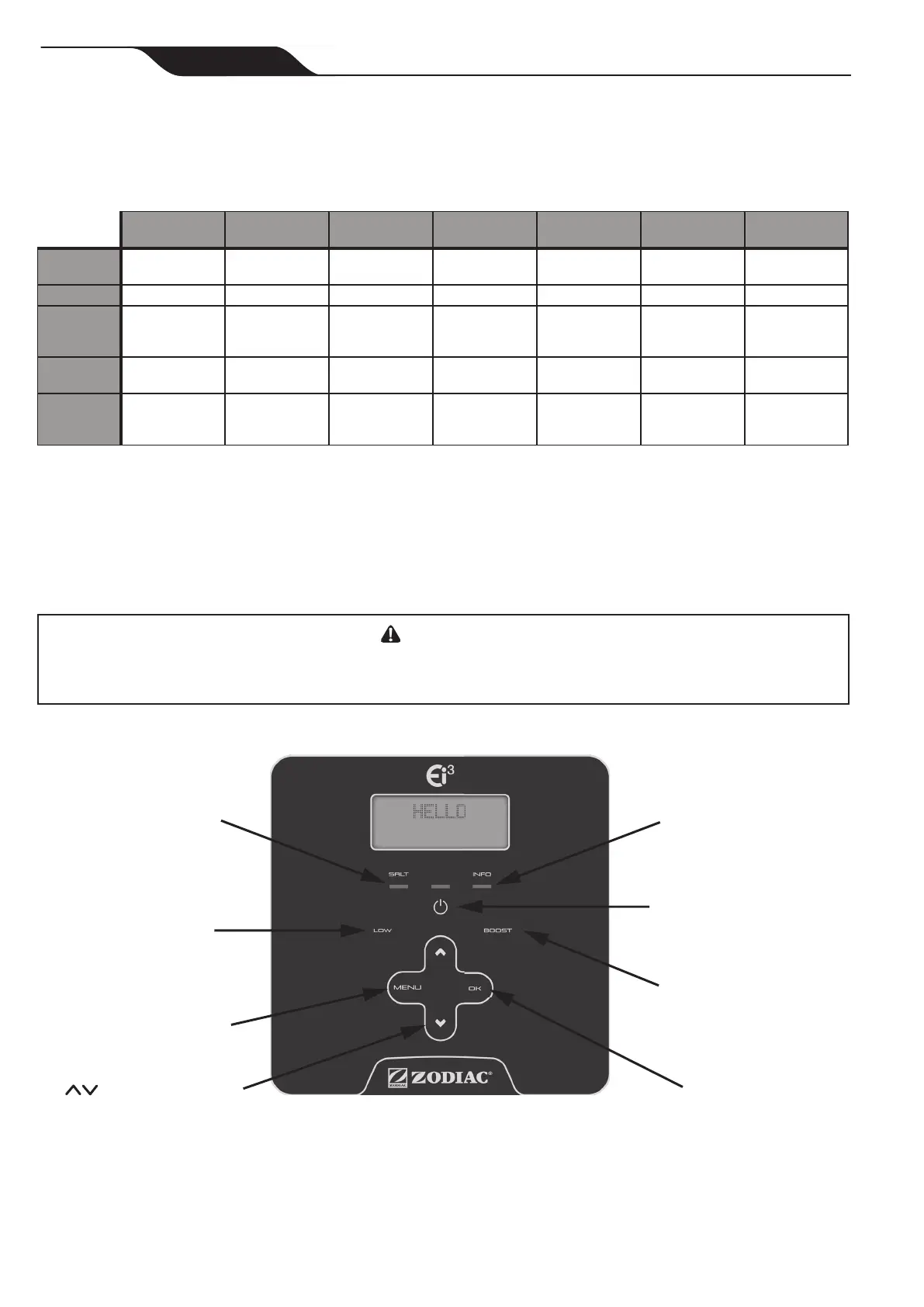
6.1 User Interface Overview
CAUTION
To avoid
to avoid risk of serious damage to the equipment and/or electrocution which could result in serious injury or death,
ensure that all salt added to the pool has
completely dissolved
b
efore activating the chlorination function of your system.
LED indicates low salt/minerals
or poor water conductivity
LED indicates information or
error message on screen
On, Off
Standby
mode
Activate 100%
chlorination
for 24 hours*
Activate
reduced chlorine
production mode
User Menu
Enter the highlighted
selection; Delete an
error message
(press and hold
4 seconds)
Browse current menu;
Increase or decrease a setting;
Lock/unlock the UI (press and hold both)
* The filter pump will also operate
if filtration pump is connected to
the controller.
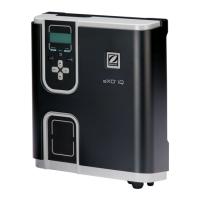
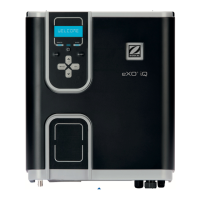
Figure 8. Controller User Interface




 To Next Page