Page 18
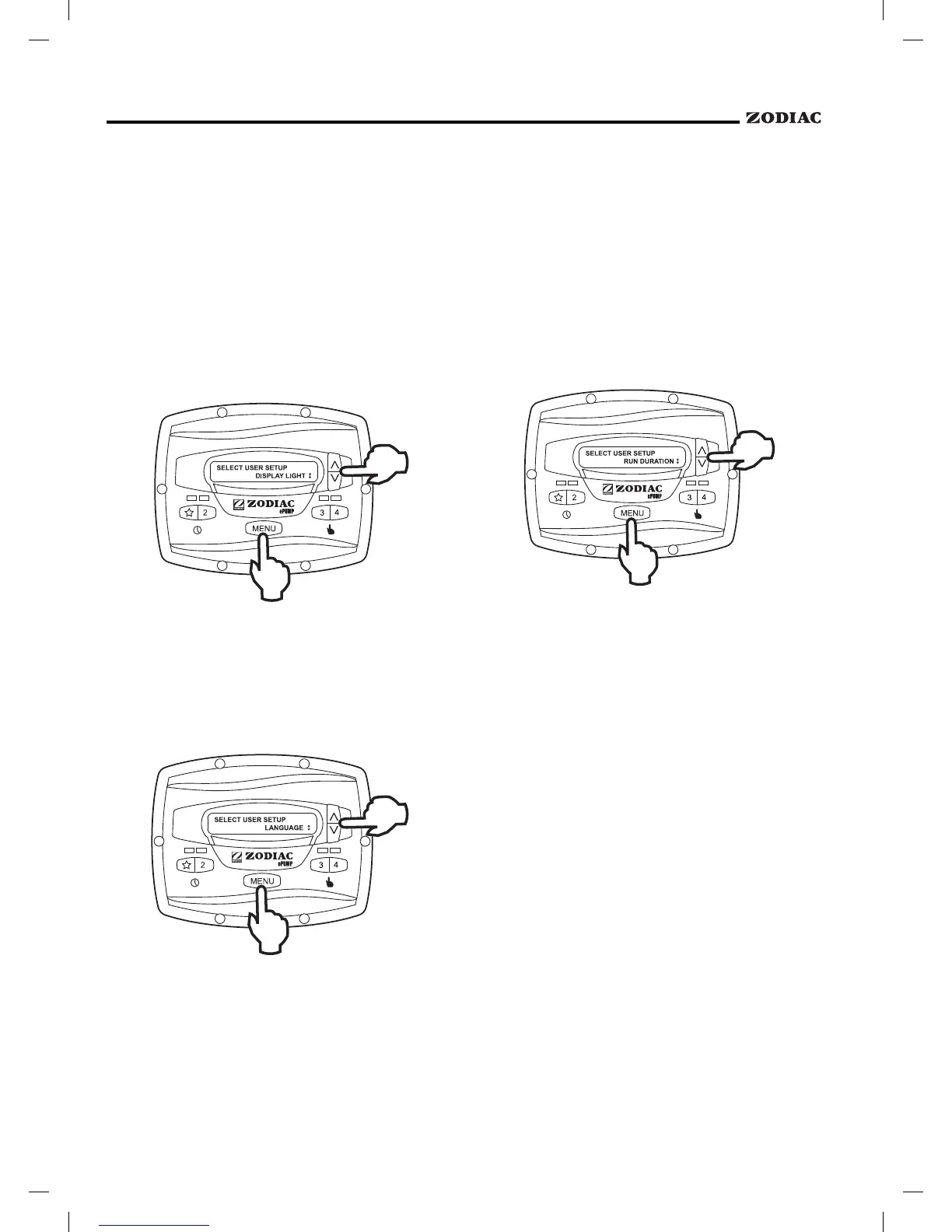
The controller’s display is equipped with a
backlight to aid viewing in low light conditions.
From the setup menu, select
.
Press
. Using the arrow keys, select the desired
operating mode for the display backlight:
Turn off display backlight.
Turn on display backlight.
Turn on display backlight,
with automatic turn-off after two (2) minutes since the
last key press.
From the setup menu, select using
the arrow keys. Press
. Using the arrow keys,
select the desired language. Press
to save the
selection.
Presets "3" and "4" may be programmed to run
for a specified duration after being manually started.
This run duration is programmable from 30 minutes to
8 hours, in increments of 30 minutes. A setting of 0:00
disables the run duration feature, allowing the preset to
run indefinitely.
From the setup menu, select
.
Press
. Select the preset to be programmed. Press
. Set the desired run duration for the preset using
the arrow keys. Press
to accept.


 To Next Page