EasyManua.ls Logo

Zodiac PH Expert - User Manual

Zodiac PH Expert
20 pages
Print Icon
To Next Page IconTo Next Page
Loading...
H0434900.G - 2019/11
More documents on:
www.zodiac.com
EN
- English
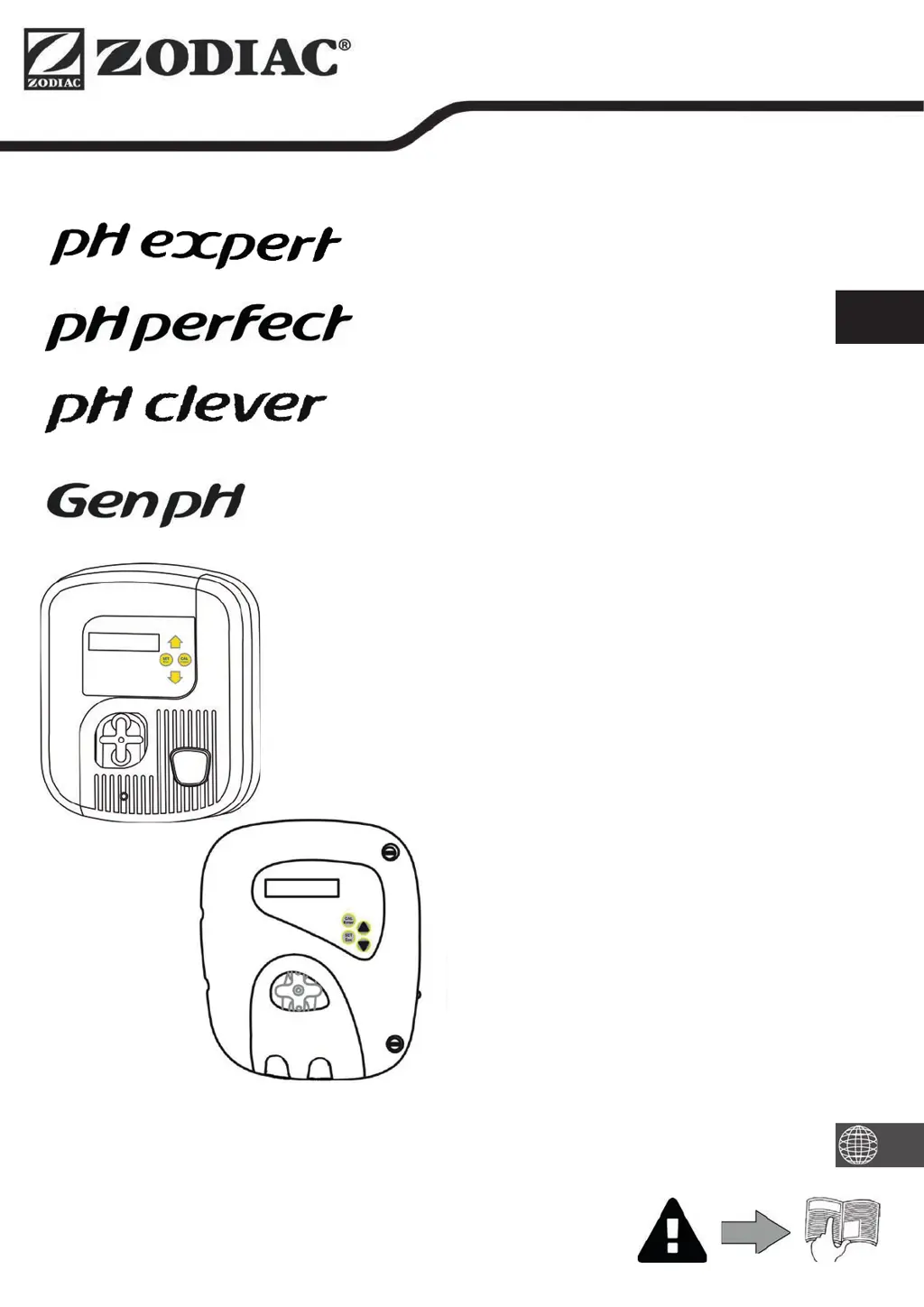
pH dosing system
Translation of the original instructi ons in french

Questions and Answers

  • E
    Elizabeth RothJul 27, 2025
    What to do if my Zodiac Lighting Equipment shows «OFA Stop»?
    • A
      Amanda HernandezJul 27, 2025
      If the Zodiac Lighting Equipment displays an «OFA Stop» alarm, it means the second step in the overfeed safety system has been activated because the time reached 100%. You should press the button to stop the alarm. Also, it's recommended to check the sensor and/or the pool pH level.
  • J
    Jesse PerryJul 31, 2025
    What to do if my Zodiac Lighting Equipment shows «OFA Alarm»?
    • K
      Kaitlin SimsJul 31, 2025
      If the Zodiac Lighting Equipment shows an «OFA Alarm», it indicates that the first step in the overfeed safety system has been activated because the time is greater than 75%. To resolve this, press the button to stop the alarm. It's also advisable to check the sensor and/or the pool pH level.
  • G
    Garrett WilsonAug 4, 2025
    What does «OFA Check» mean on my Zodiac Lighting Equipment?
    • M
      mataleahAug 4, 2025
      If the Zodiac Lighting Equipment displays an «OFA Check» message, it means a pH sensor measurement test is in progress because the «OFA Stop» was activated during the previous filtering cycle. Wait for the procedure to end (it takes 1 hour), and then check the sensor and/or the pool pH level.
  • S
    Sarah BennettAug 9, 2025
    How to fix the «Level» error on my Zodiac Lighting Equipment?
    • A
      Amber WeaverAug 9, 2025
      If the Zodiac Lighting Equipment displays «Level», it could be due to several reasons: * The protector product container might be empty: Replace the corrector product container. * The floater might be blocked: Check that the white floater on the suction cane is working properly. * The level sensor might be short-circuited: Change the suction cane.
  • J
    jlynchAug 13, 2025
    What to do if my Zodiac Lighting Equipment displays «OFA Alarm»?
    • C
      Crystal RobertsAug 13, 2025
      If the Zodiac Lighting Equipment displays an «OFA Alarm» message, which means the first step in the overfeed safety system has been activated (time > 75%), you should press the button to stop the alarm. It is also recommended to check the sensor and/or the pool pH level.
  • A
    Alyssa DeanAug 17, 2025
    What to do if my Zodiac Lighting Equipment displays «OFA Check»?
    • A
      Angela DownsAug 17, 2025
      If the Zodiac Lighting Equipment displays an «OFA Check» message, triggered by a pH sensor measurement test after the «OFA Stop» was previously activated, wait for the procedure to complete (1 hour). Afterward, check the sensor and/or the pool pH level.
  • T
    Tammy SmithAug 21, 2025
    How to fix a «Level» error on Zodiac Lighting Equipment?
    • E
      Erin RayAug 21, 2025
      If your Zodiac Lighting Equipment displays a «Level» error, it could be due to several reasons. First, the protector product container might be empty, in which case you should replace it. Second, the floater might be blocked; ensure the white floater on the suction cane is working correctly. Finally, the level sensor may be short-circuited, requiring you to change the suction cane.

Summary

General Safety Warnings

General Warnings

Crucial safety instructions for appliance use, covering injury and damage risks.

Electrical Appliance Warnings

Electrical Safety Precautions

Specific safety guidelines for electrical connections and appliance operation.

Recycling Information

Appliance Recycling

Guidance on environmentally responsible disposal and recycling of the product.

Specifications

Installation

Preparing the Pool

Steps and considerations for preparing the swimming pool before appliance installation.

Hydraulic Connections

Instructions for connecting the sensor and injection points within the pool's piping system.

Electrical Connections

Guidance on connecting the appliance to the electrical power supply.

Use

Control Box Presentation

Overview of the control box interface, buttons, and basic functions.

Checks Before Commissioning

Essential checks to perform before starting the appliance for the first time.

Calibrating the Sensor

Procedure for calibrating the pH sensor to ensure accurate measurements.

Priming the Peristaltic Pump

Instructions on how to prime the peristaltic pump for initial operation.

Settings

Configuration options for language, set points, dosage, and other appliance parameters.

Maintenance

Changing the Peristaltic Tube

Step-by-step guide for replacing the peristaltic pump tube.

Winterizing

Procedures for preparing the appliance for winter storage to prevent damage.

Troubleshooting

Appliance Behaviour

Common appliance behaviors and their possible causes and solutions.

Display Messages

Explanation of various messages displayed by the appliance and troubleshooting steps.

Zodiac PH Expert Specifications

General IconGeneral
BrandZodiac
ModelPH Expert
CategorySwimming Pool Filter
LanguageEnglish

Related product manuals