11
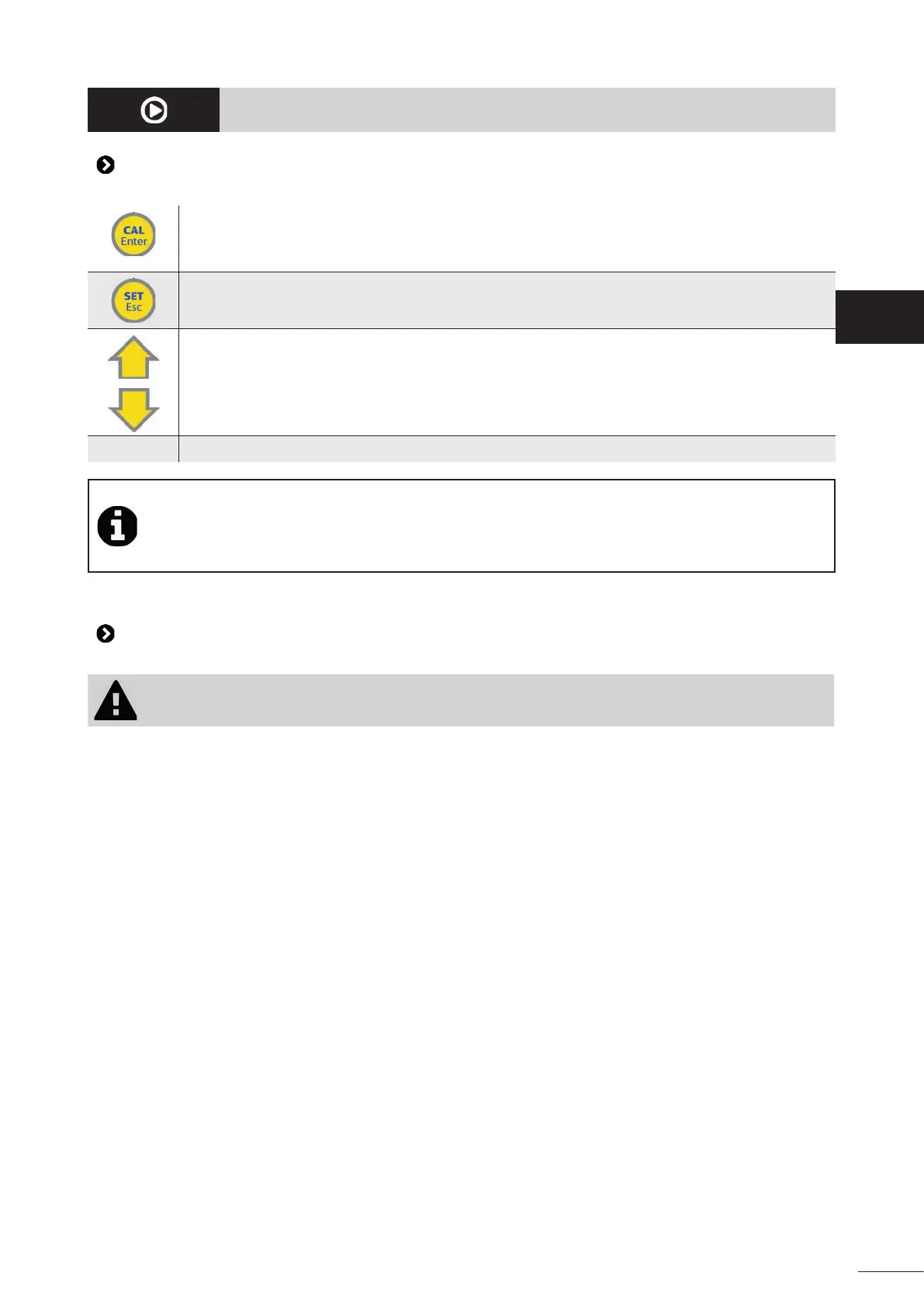
- Ac vate sensor calibra on mode (press and hold for 5 seconds)
- Con rm a choice in the "Se ngs" menu
- Cancel the "OFA" over feed alarm
- View the set point value (press and hold for 5 seconds)
- Exit the "Se ngs" menu
- Scroll up or down through the "Se ngs" menu
- Ac vate the "Priming" func on (press and hold the up bu on for a long me)
0-1
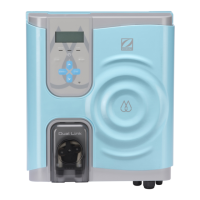
- Master switch to power the appliance on and o
Thanks to its double electrical supply, the appliance is always powered on, even if ltering
is stopped, making it possible to view the water pH level at all mes. The sensor can also be
calibrated when ltering is stopped.
The appliance can be powered o at all mes using the 0-1 switch on the side of the appliance.
• The suc on tube must be immersed with the suc on cane in the container of product to be injected, and
is connected to the peristal c pump (le� side).
• The injec on tube is connected on the one hand to the peristal c pump (right side) and on the other hand
to the pool discharge pipe via the injec on valve.
• The peristal c pump cover must be re ed using its xing screw.
EN





 To Next Page