14
The interface has six available languages:
• EN = English,
• FR = French,
• ES = Spanish,
• DE = German,
• IT = Italian,
• NL = Dutch.
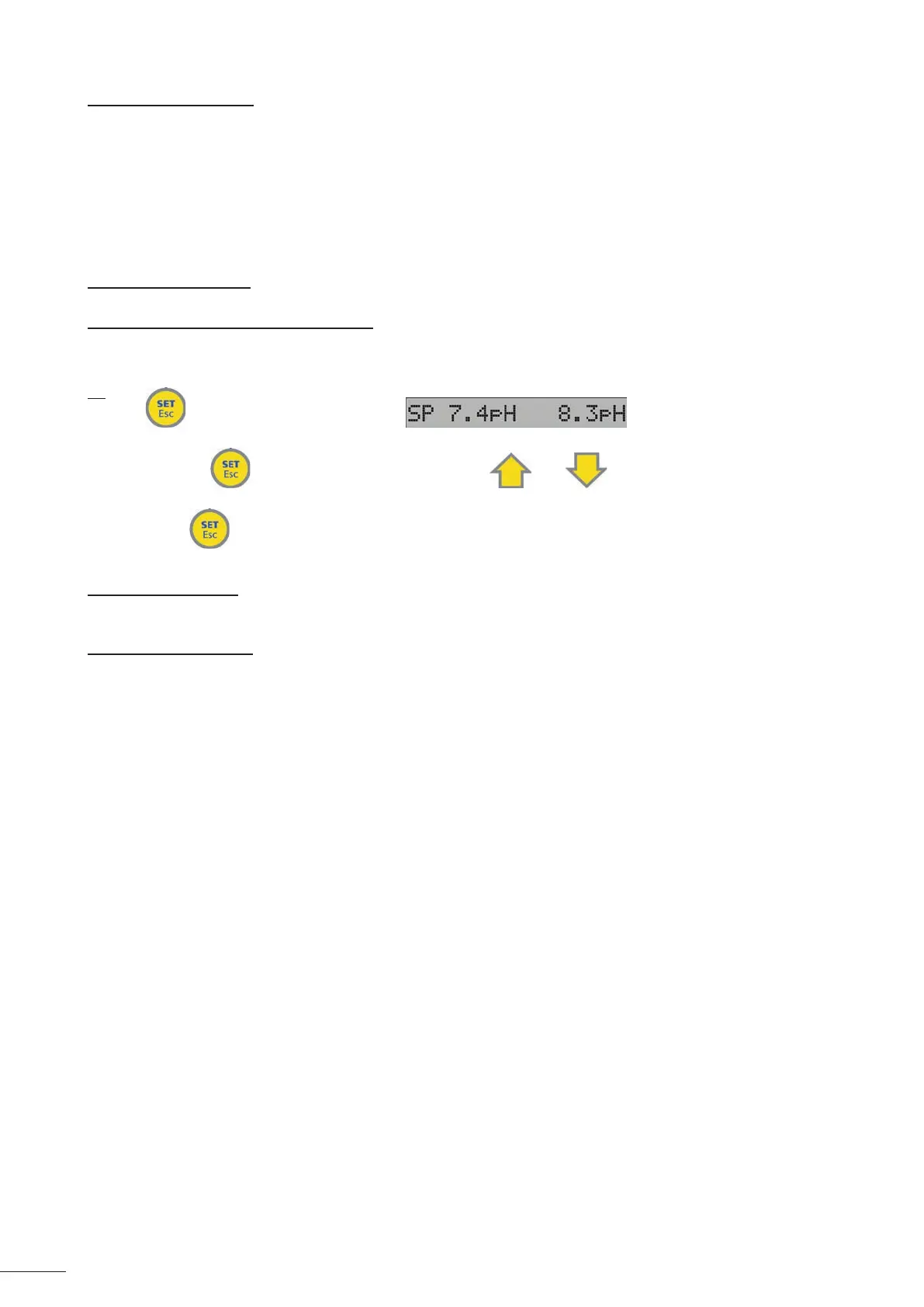
2 methods for adjus ng the set point:
•
see §"3.5.1 "Se ngs" menu"
• Press when the appliance is running: ,
• Press and hold and adjust the set point using the and keys.
• Release the key to exit.
It is used to select the type of corrector product to be injected (acidic or basic dosage).
It is used to select the level of alkalinity for the pool water: standard (100 < TA < 150 ppm), high (TA >
150 ppm) or low (TA < 100 ppm).





 To Next Page