3/ Quick install guide
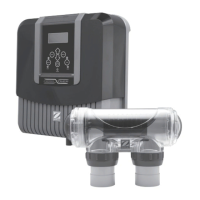
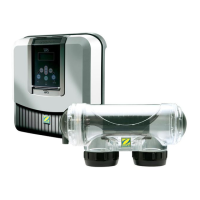
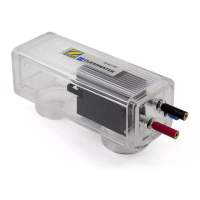
The following steps will help you get up and running with your new Zodiac TRi PRO module associated
with your Zodiac Tri salt water chlorinator.
IMPORTANT! Your appliance must be installed by a qualified and experienced pool professional.
3.1/ Prepare the swimming pool
TRi PRO module is made for automatically ‘maintain’ chlorine level (ACL) and pH in your pool.
Nevertheless, it’s mandatory to control and adjust water balance parameters before installing this unit.
This will help you keeping a correct water balance during the season.
IMPORTANT
: See chapter 7 / ‘Water balance’ to know how to adjust water parameters before
installing TRi PRO module.
3.2/ Installing TRi PRO module
4. Switch off the Zodiac TRi salt water chlorinator by pressing the (ON/OFF) button.
5. Switch off the filtration system by cutting off mains supply into filtration’s electric enclosure.
6. Close the valves cutting off the pipework.
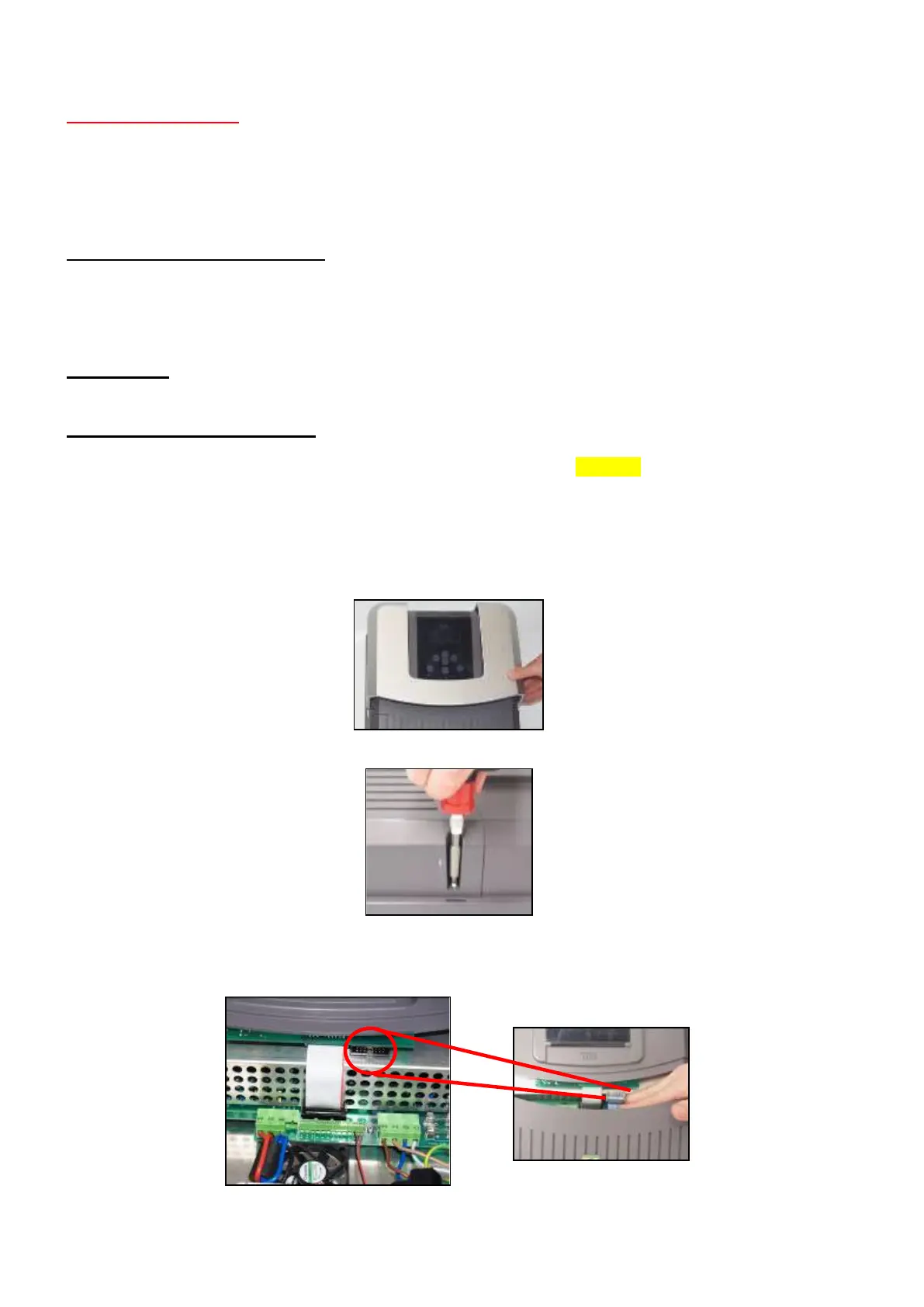
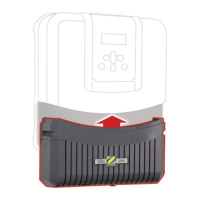
4. Remove the silver cover cap.
5. Remove screws holding the original lower module (empty) on the main TRi unit. (2 screws on sides
and 2 screws on the bottom).
6. Remove the empty original module and replace it with your new TRi PRO module. Connect the TRi
PRO module ribbon cable (flat cable with black male connector) to the corresponding black female
connector of the TRi power pack.





 To Next Page