11
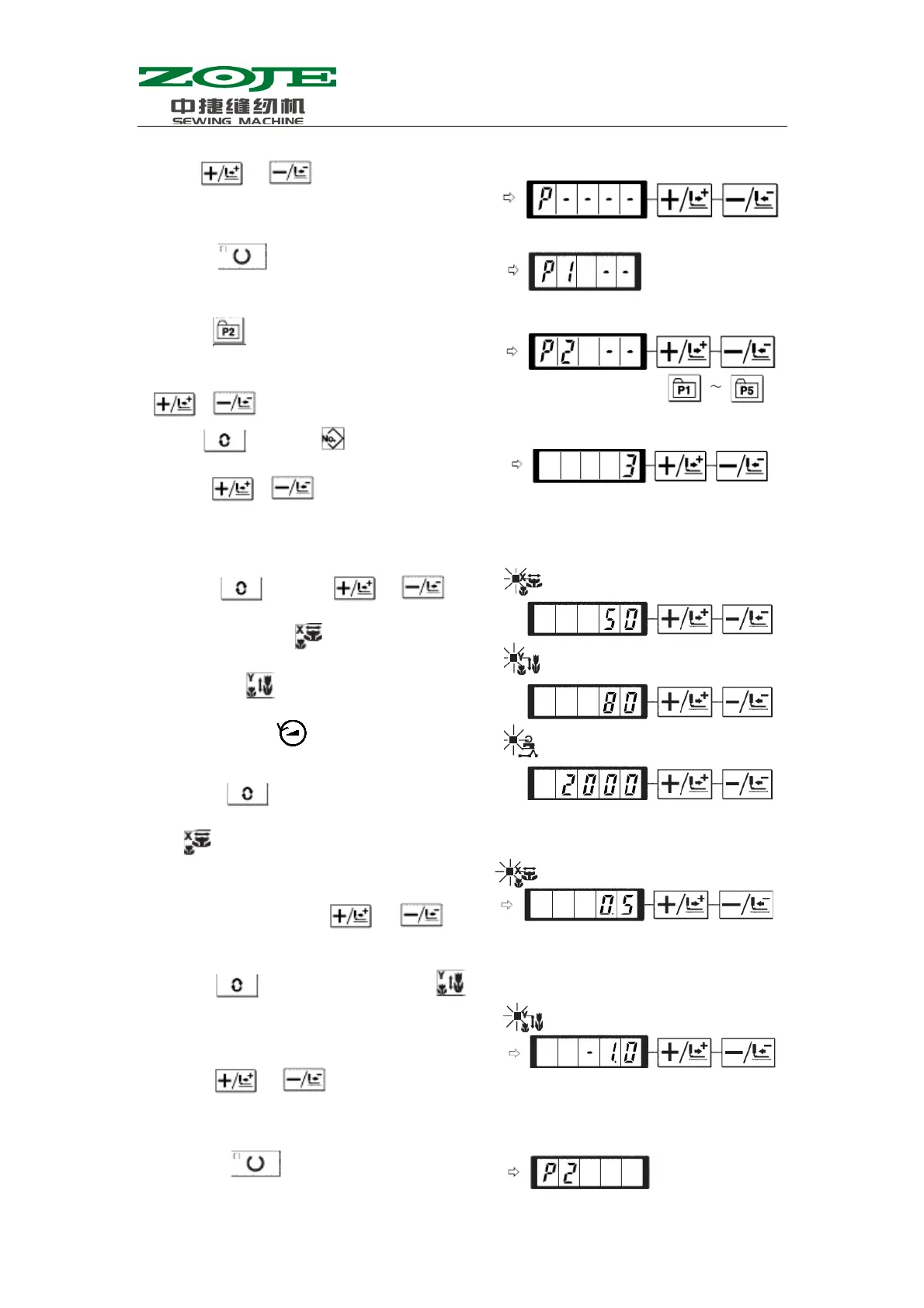
2)Use
& to display the storage
mode of pattern
3) Press
to have access to the pattern
storage mode.
4)Press
to select the stored P-No.
This selection can also be done by using
& .
5)Use
to select .
Use
& to set pattern number.
6)Press
and use & to
set the X scale rate
at “50”% and the Y
scale rate
at “80%”, as well as Max
Speed limitation at “2000”rpm.
7 ) Press
to activate X scale rate
,which is displayed at 0.0. The
stroke in X direction can be changed in
step at 0.1mm. Use
& to
set this value at 0.5.
8)Press
to activate Y scale rate ,
which is displayed at 0.0. The stroke in Y
direction can be changed in step at 0.1mm.
Use
& to set that value at
1.0.
9)Press
to end the setting.



 To Next Page