42
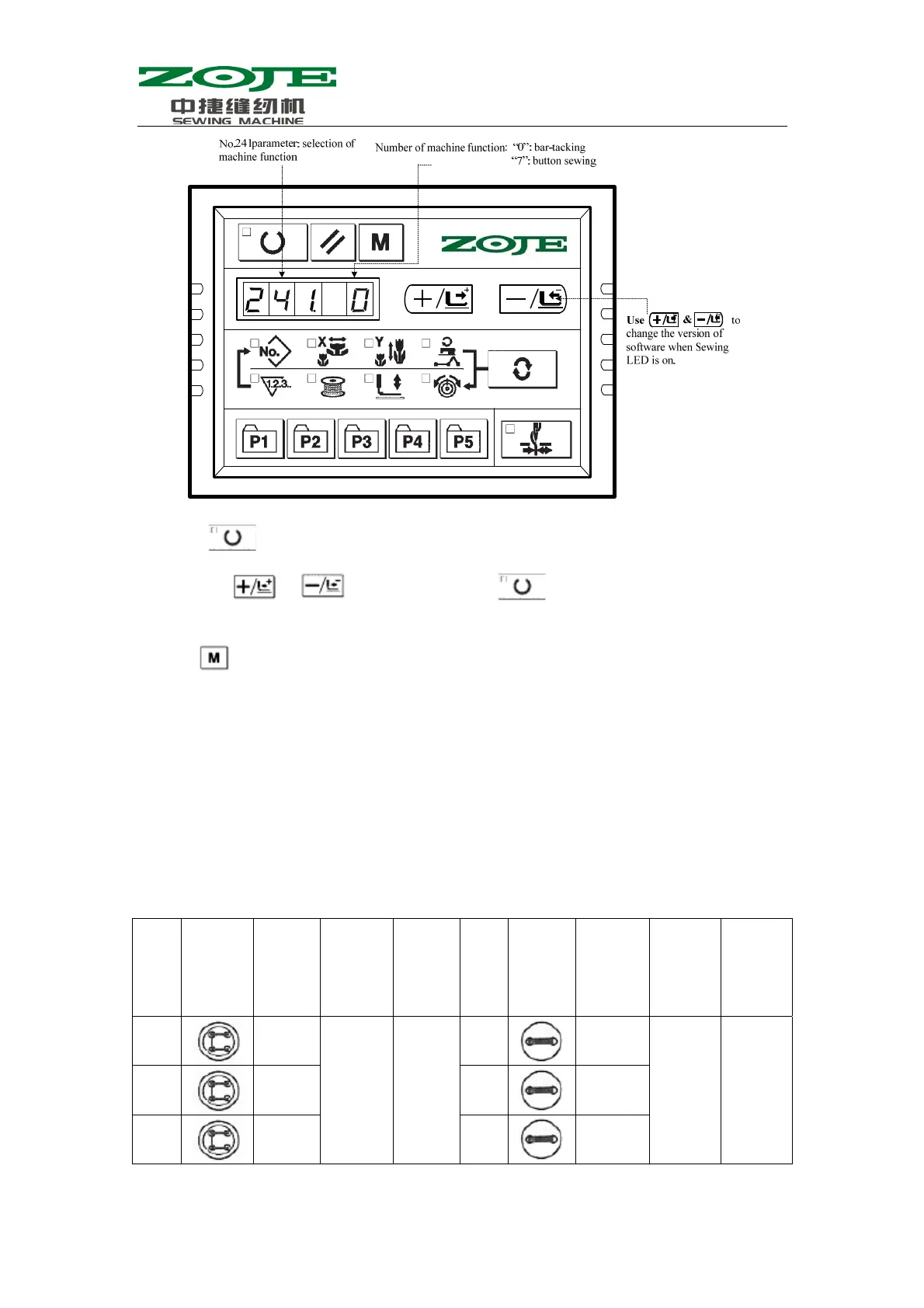
3、Press
to turn on the Sewing LED. After that, user can change the function number to
“7” with
& ; then user shall press to confirm the function number and
turn off the Sewing LED.
4、Press
to quit the setting mode of service parameter. The system will return to the normal
sewing mode. After user repowers the machine, the function of machine will turn to button
sewing.
Attention:
The machine needs the special pressers and other supplementary equipments for sewing
button. For the detailed information in this aspect, please contact to the supplier or agent of
your machine.
4.2 List of Standard Pattern in Sewing Button
No Sewing
pattern
Thread
number
Standard
sewing
length
X(mm)
Standard
sewing
length
Y(mm)
No Sewing
pattern
Thread
number
Standard
sewing
length
X(mm)
Standard
sewing
length
Y(mm)
1·34
6-6 3.4 3.4 18·44
6 3.4 0
2·35
8-8 19·45
8
3
10-10 20
10



 To Next Page