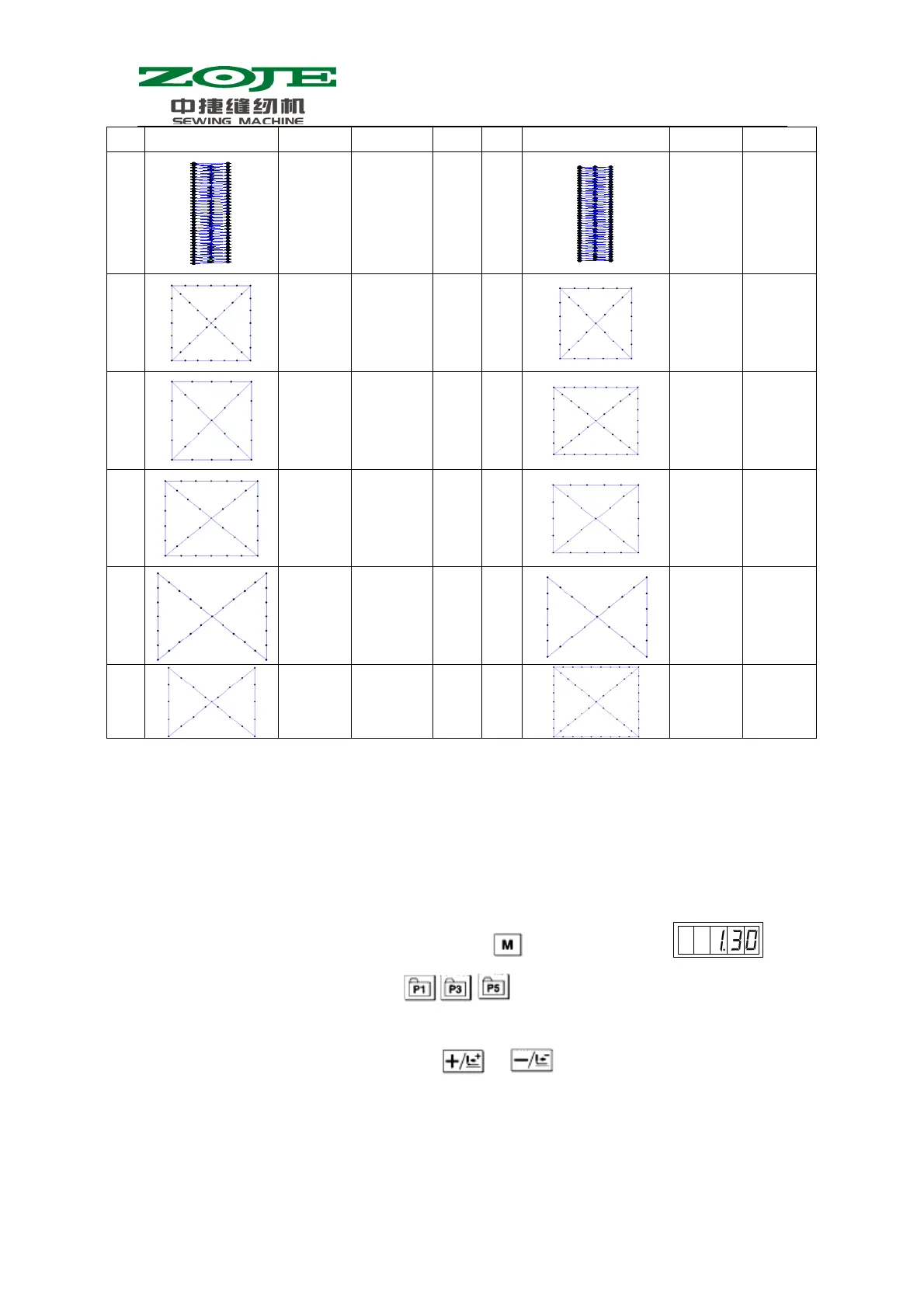
41
89
97 5×30 90
107 5×30
91
56 20×20 92
48 20×20
93
38 20×20 94
62 25×20
95
50 25×20 96
40 25×20
97
36 25×20 98
28 25×20
99
24 25×20 100 76 30×25
4 Function of Button Sewing
4.1 Settings
1、 When the Sewing LED is off, operator can press to have system display ,
and then the operator needs to press
together. Following the voice from
buzzer, the modification of service parameters is started;
2、 Select the parameter No.241 by pressing & :



 To Next Page