36
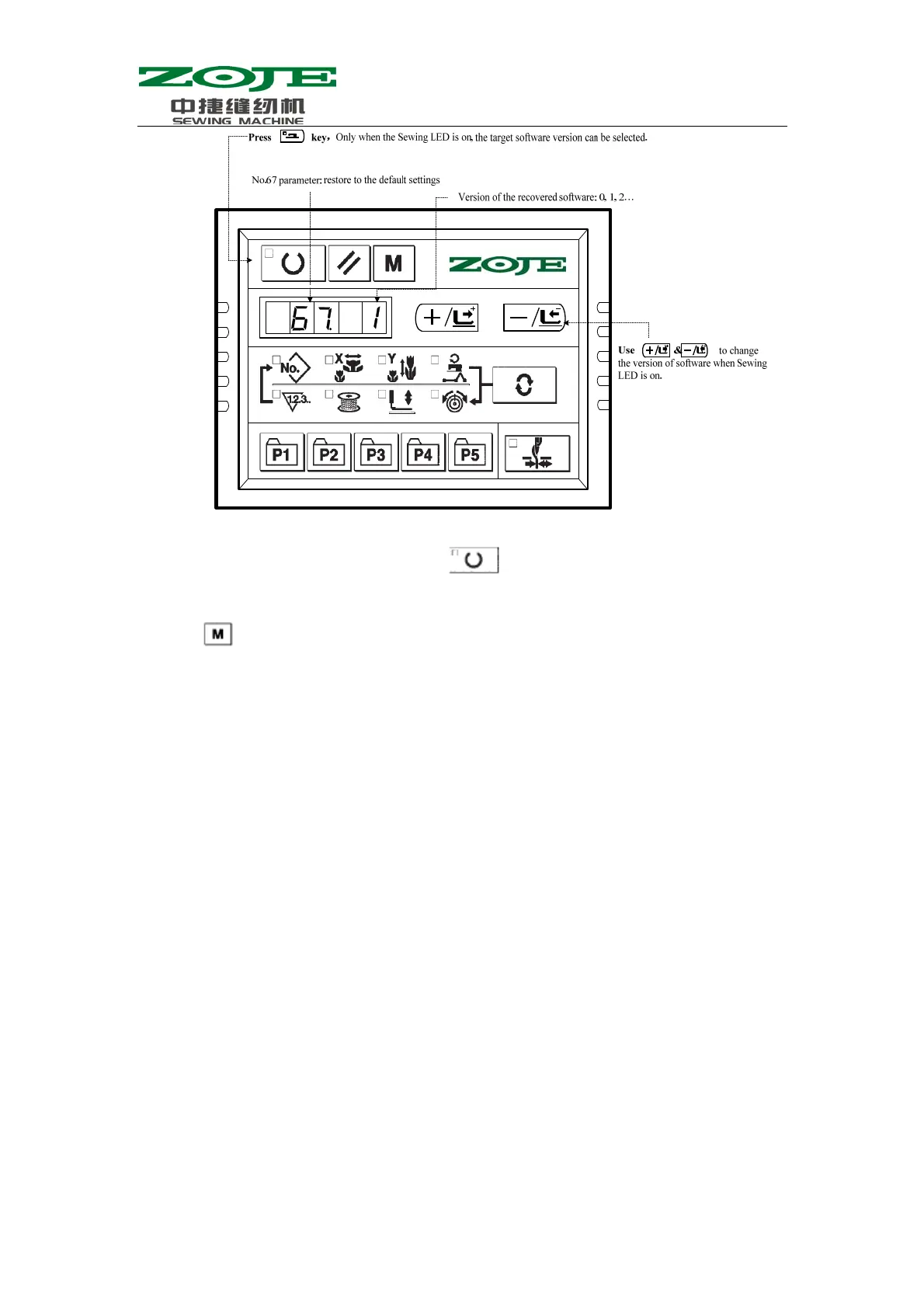
4、For an example, if the existing version is 2, operator can restore it to 0 or 1 (smaller than the
current version number in all). And then press
to confirm the restored version number
and turn off the Sewing LED;
1、 Press
to quit the setting mode of service parameters. Then the system will return to the
normal sewing mode;
2、 And then, turn off the power and repower the machine after about one minute. At the moment,
“EEP——” will be displayed on the operation panel. After 20 seconds, the operation panel
will become to display normally (attention: it is a normal phenomenon because the system
needs some time to perform the recovery of the default software).
3、 After the recovery, the system will set the current software version as the highest version. For
example, there are 2 default versions, Version 1 & Version 0; in that case the version after the
recovery will be defined at 2 automatically.



 To Next Page