45
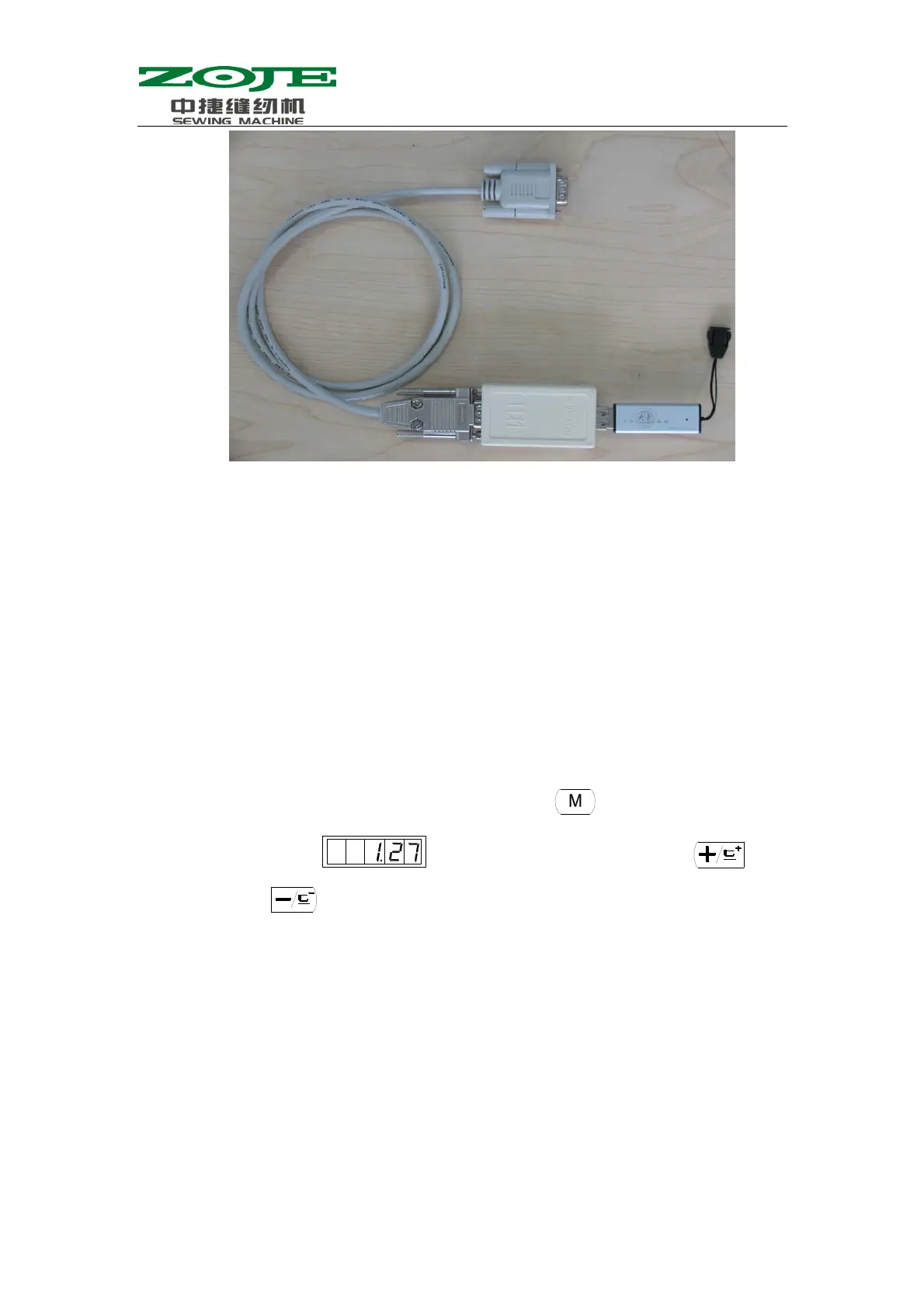
2. Name the pattern file as “DH”, set its type as “.bin”, and save it in the DH
file folder under the basic catalog in U disk. Then insert the U disk to the
USB port on the updater. Turn on the power, and the system will
automatically upload the needed patterns, whose number is from 101 to 200,
into the memory of the computer; meanwhile the system will back up the
data of the original patterns with number from 101 to 200 to the file named
DHBAK.bin under the DH file folder (if patterns with number 101 to 200
don’t have any data, the backup file will be empty). During the process of
update, the red indicator at the front of the control box will keep sparking,
which mean that the system is updating. At this moment, please DO NOT
remove the updater. After the update, the buzzer on the controller will ring
that means the update is successful.
3. Turn off the power, remove the pattern updater and reconnect the operation
panel. Turn on the power and press
, then the screen will
display
. After that, user needs to press or
to select the user parameter No.201:



 To Next Page