The PSAdmin Utility for Windows-based
3 - 3
Using PSAdmin
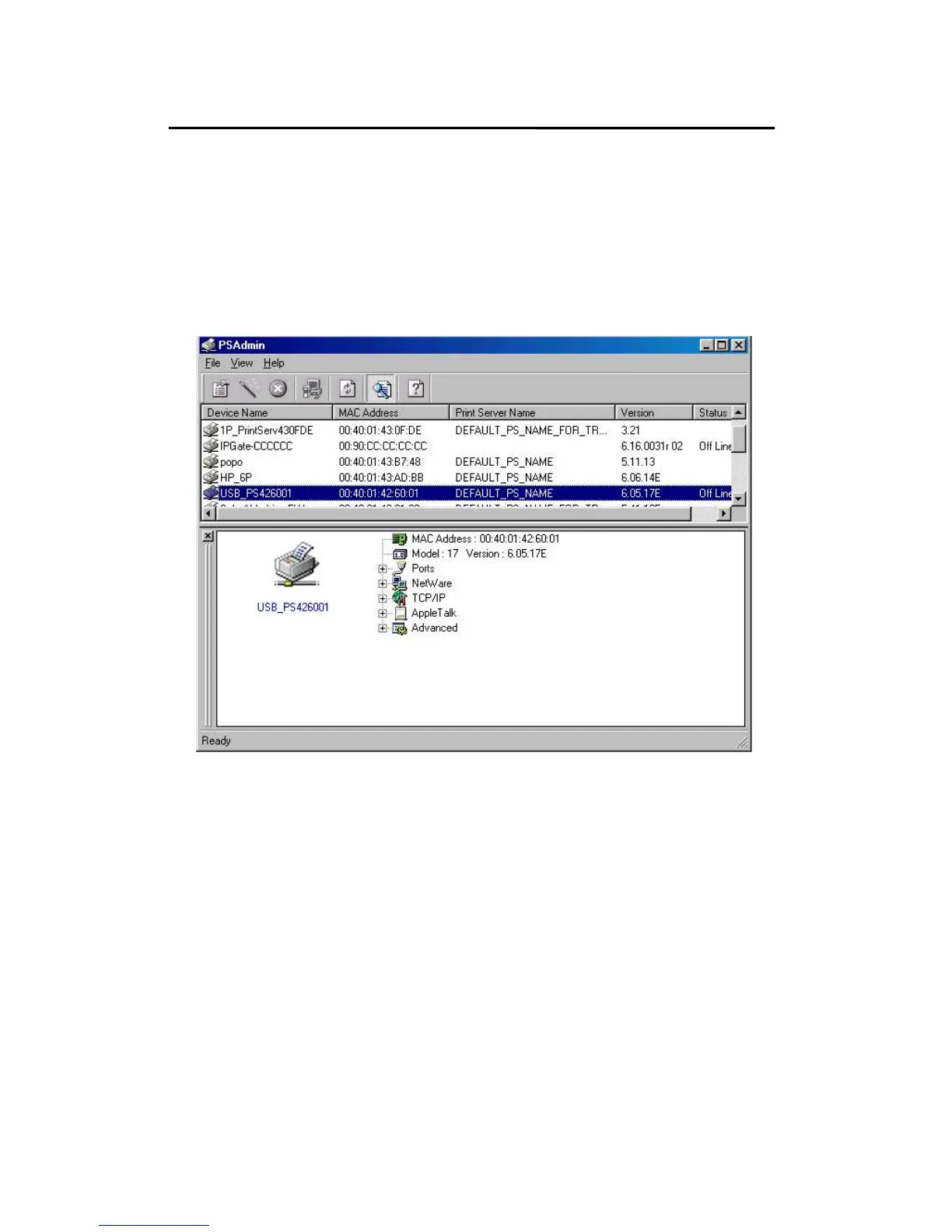
After PSAdmin is successfully installed, run the program by
double-clicking the PSAdmin icon from “PSAdmin”
program. The screen will then appear as follow picture.
Device Name: The name of the print server hardware used
for identification purposes.
MAC Address: The Ethernet address of the print server.
Print Server Name: The print server to which the device is
attached.
Version: The firmware version of the print server.



 To Next Page