Internet Printer Connection and HP Web JetAdmin
4 - 4
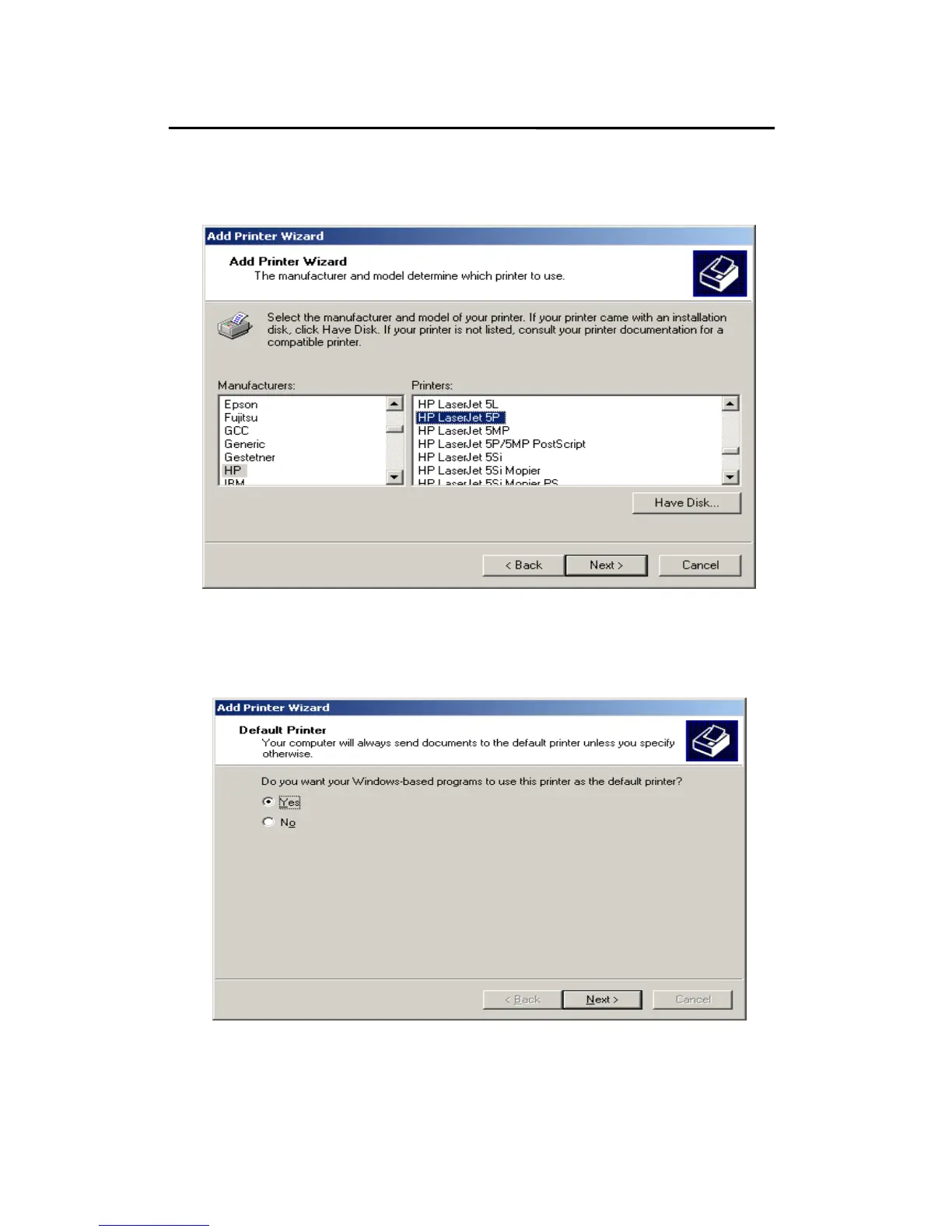
8. Select the appropriate printer manufacturer and printer
type and click “Next”, appear as follow picture.
9.If you want your Windows-based programs to use this
printer as the default printer, please select “Yes”, and
Click Next. It will appear as follow picture



 To Next Page