Configuration from Embedded Web Server
5 - 6
Printer Status
1. Click Status, it then appears the sub-menu.
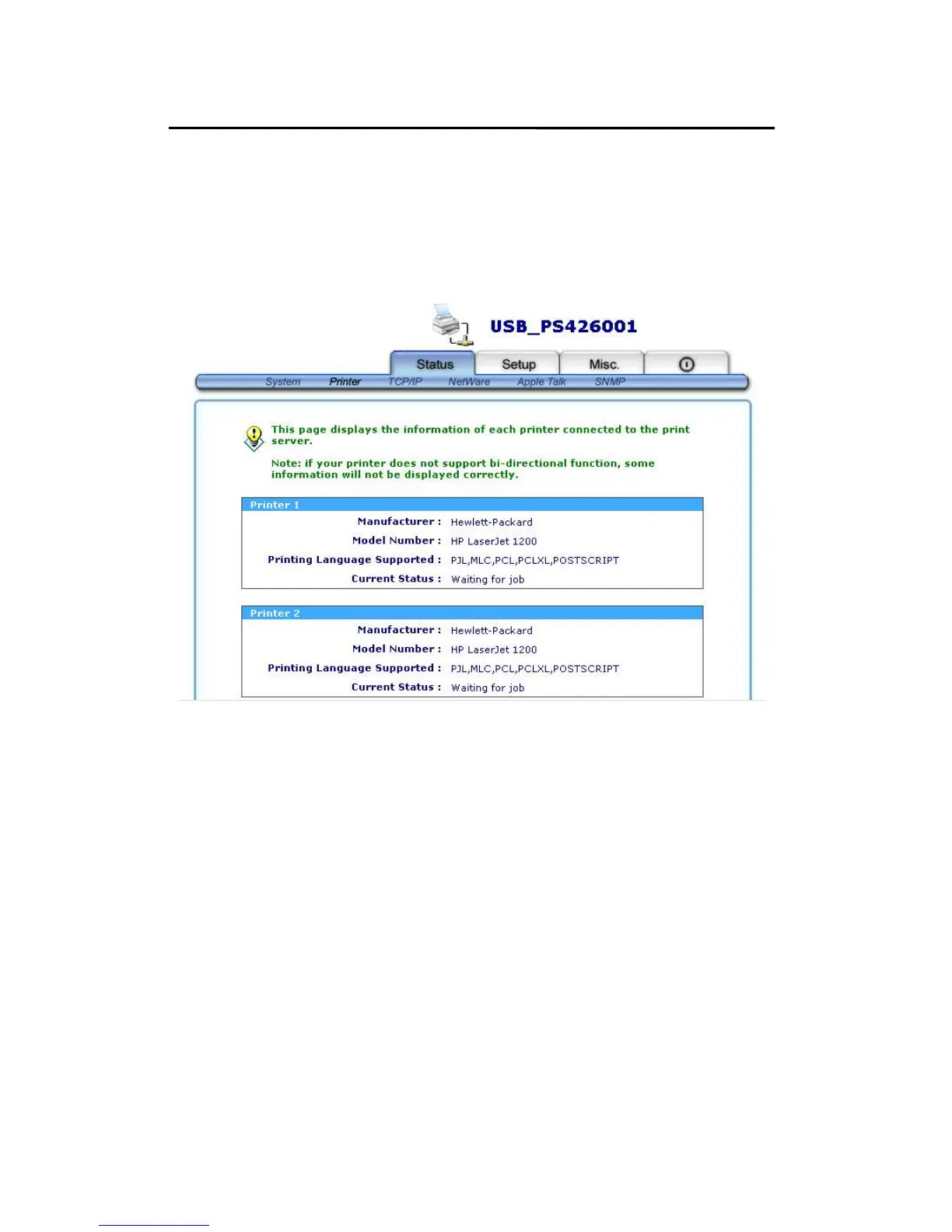
2. Click Printer, it then as shown in the following picture.
Manufacture: This option allows you to view manufacturer
of the printer. When the printer connected
with the print server, it will be show in the
manufacture box.
Model Number: This option allows you to view model of
the printer. When the printer connected
with the print server, it will be show in the
model box.



 To Next Page