Configuration from Embedded Web Server
5 - 17
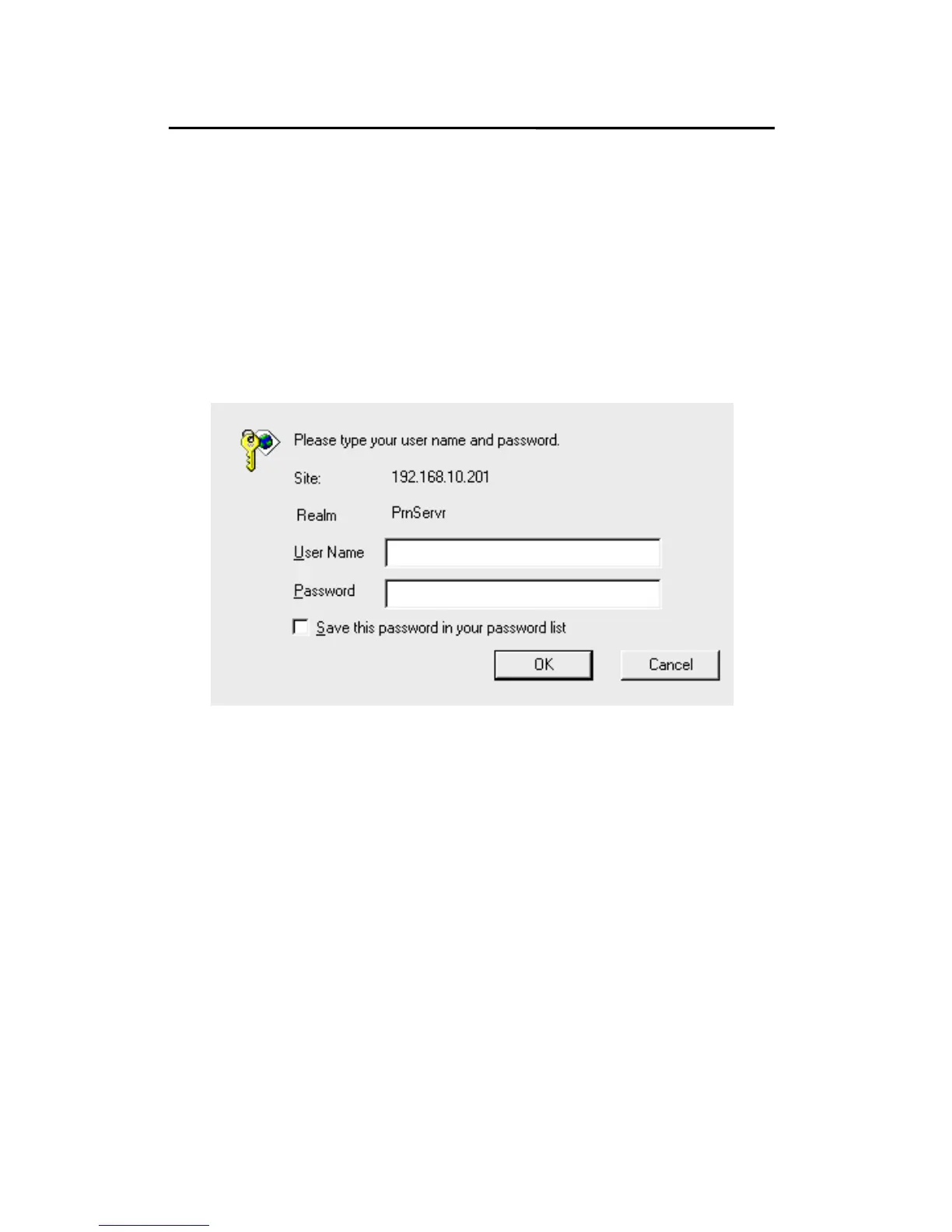
Password: This option allows you to input setup password
of the print server. When you select setup
menu of web configuration from the print
server, it then as shown in the following
picture.
Re-type Password.
˙User Name: You must be input the default
administration user name, admin as login
user name.
˙Password: The default password is empty. After setup
password is completed from the print
server, you should to remember this
password to input password box.



 To Next Page