TCP/IP LPR Port Printing Installation
7 - 4
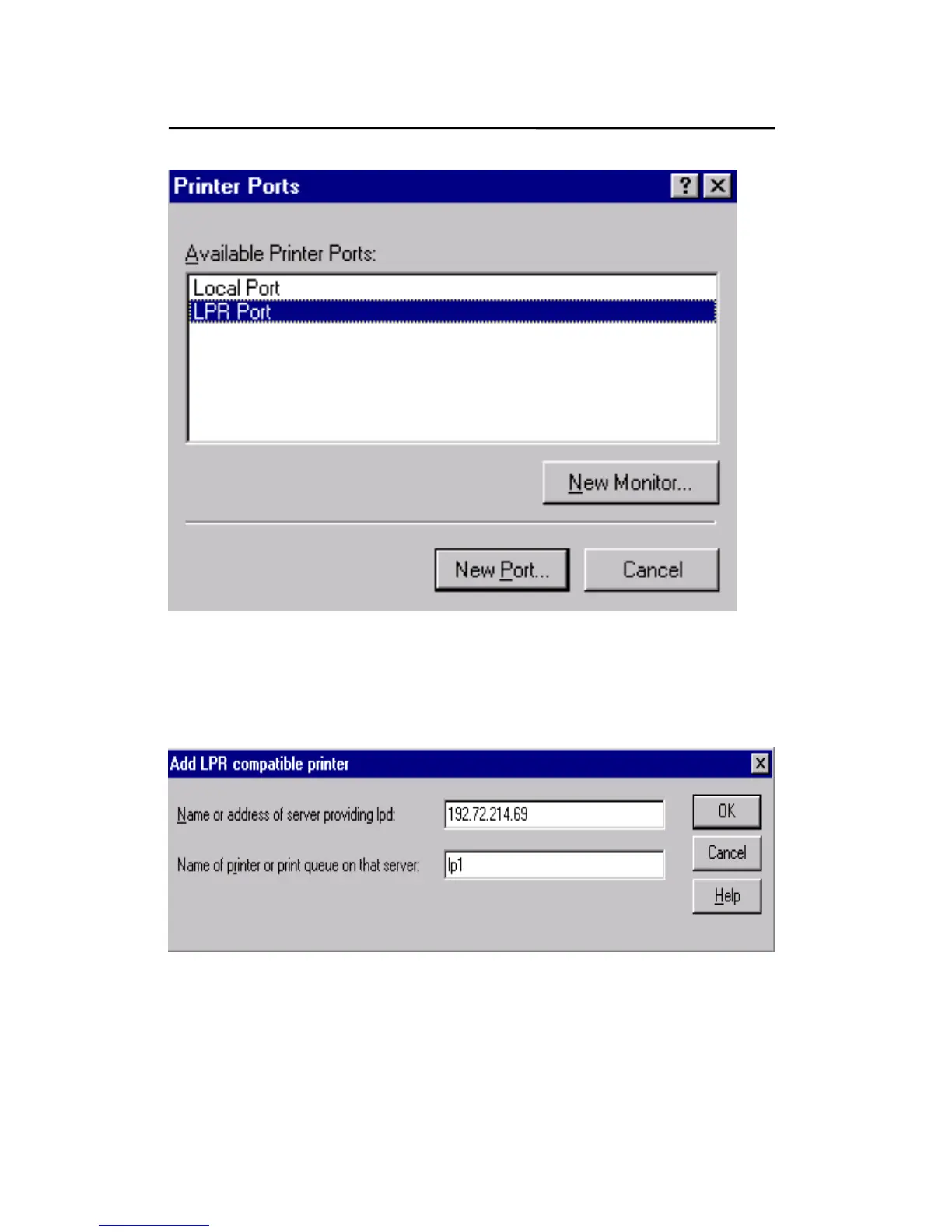
6. The Add LPR compatible printers box will then appear
as shown in the following picture. Type in the IP
address assigned to the print server in the Name or
address of server providing lpd box.
7. In the Name of printer or print queue on that server
box, type in a printer name, for example, lp1. Click
OK.



 To Next Page