Remote Web Management
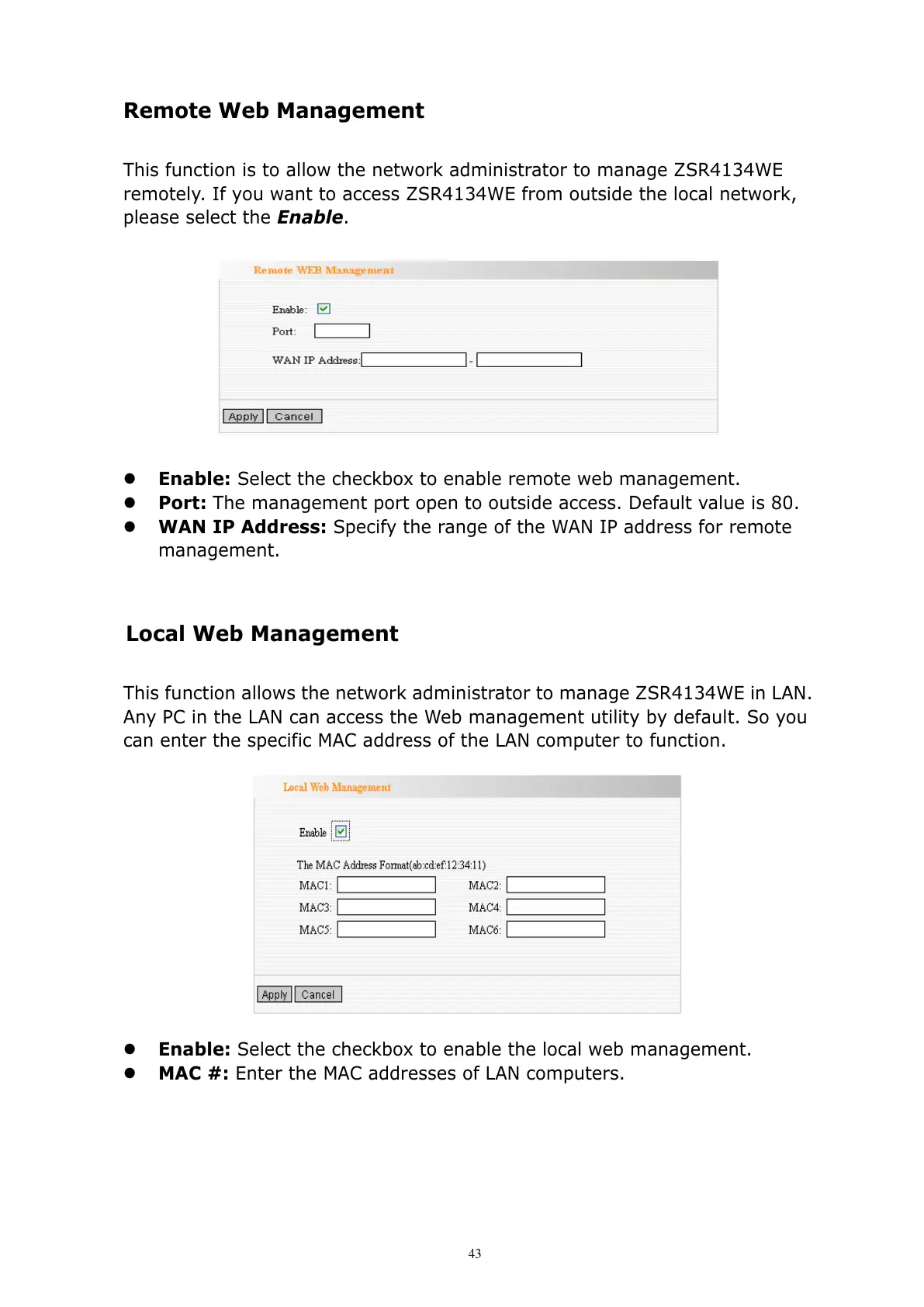
This function is to allow the network administrator to manage ZSR4134WE
remotely. If you want to access ZSR4134WE from outside the local network,
please select the Enable.
Enable: Select the checkbox to enable remote web management.
Port: The management port open to outside access. Default value is 80.
WAN IP Address: Specify the range of the WAN IP address for remote
management.
Local Web Management
This function allows the network administrator to manage ZSR4134WE in LAN.
Any PC in the LAN can access the Web management utility by default. So you
can enter the specific MAC address of the LAN computer to function.
Enable: Select the checkbox to enable the local web management.
MAC #: Enter the MAC addresses of LAN computers.



 To Next Page