Chapter 12 System Tools
Time Settings
This function is to select the time zone for your location. If you turn off
ZSR4134WE, the time settings will disappear. However, ZSR4134WE will
automatically obtain the GMT time again once it access to the Internet.
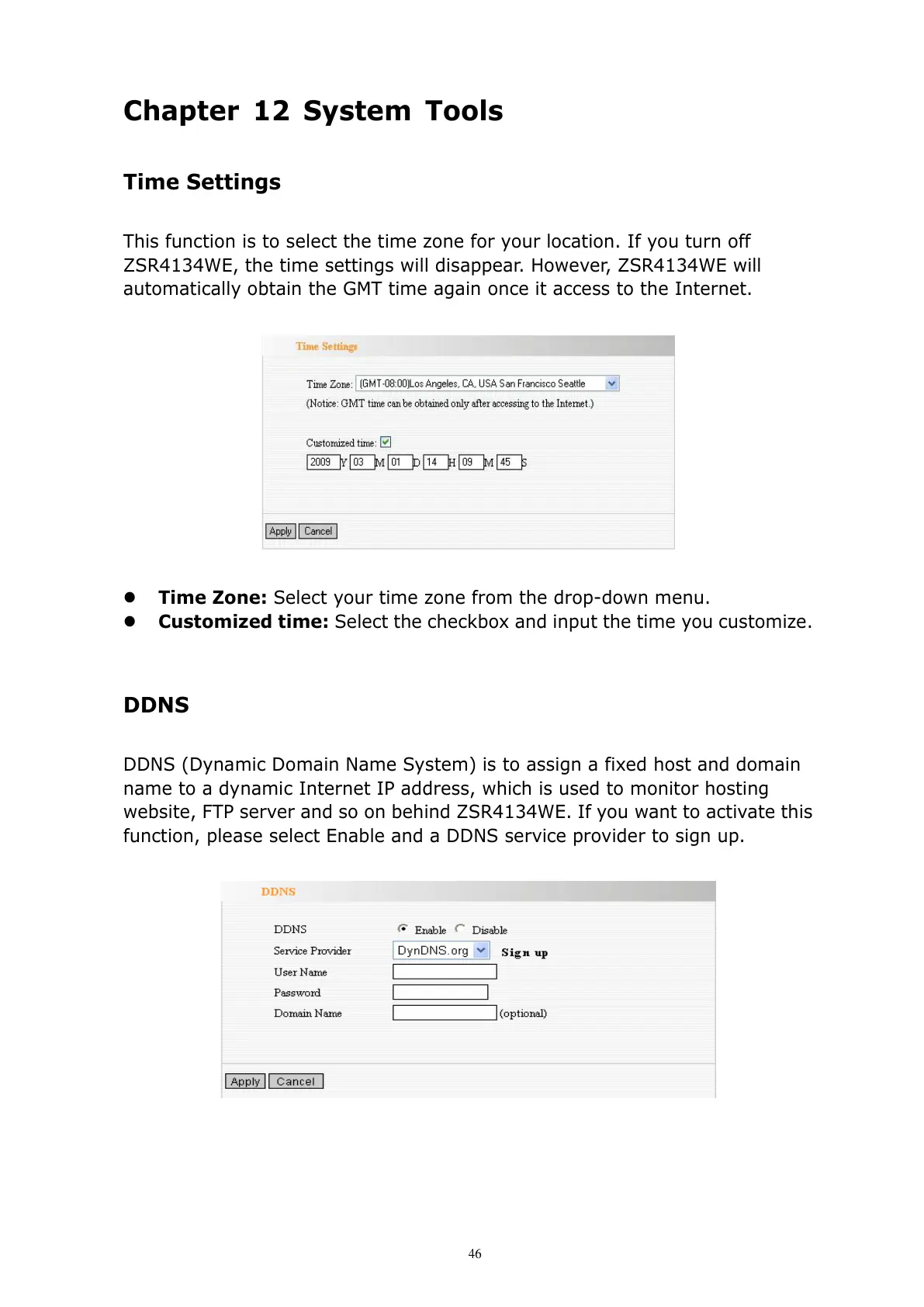
Time Zone: Select your time zone from the drop-down menu.
Customized time: Select the checkbox and input the time you customize.
DDNS
DDNS (Dynamic Domain Name System) is to assign a fixed host and domain
name to a dynamic Internet IP address, which is used to monitor hosting
website, FTP server and so on behind ZSR4134WE. If you want to activate this
function, please select Enable and a DDNS service provider to sign up.



 To Next Page