Change Password
The new password should be less than 14 characters.
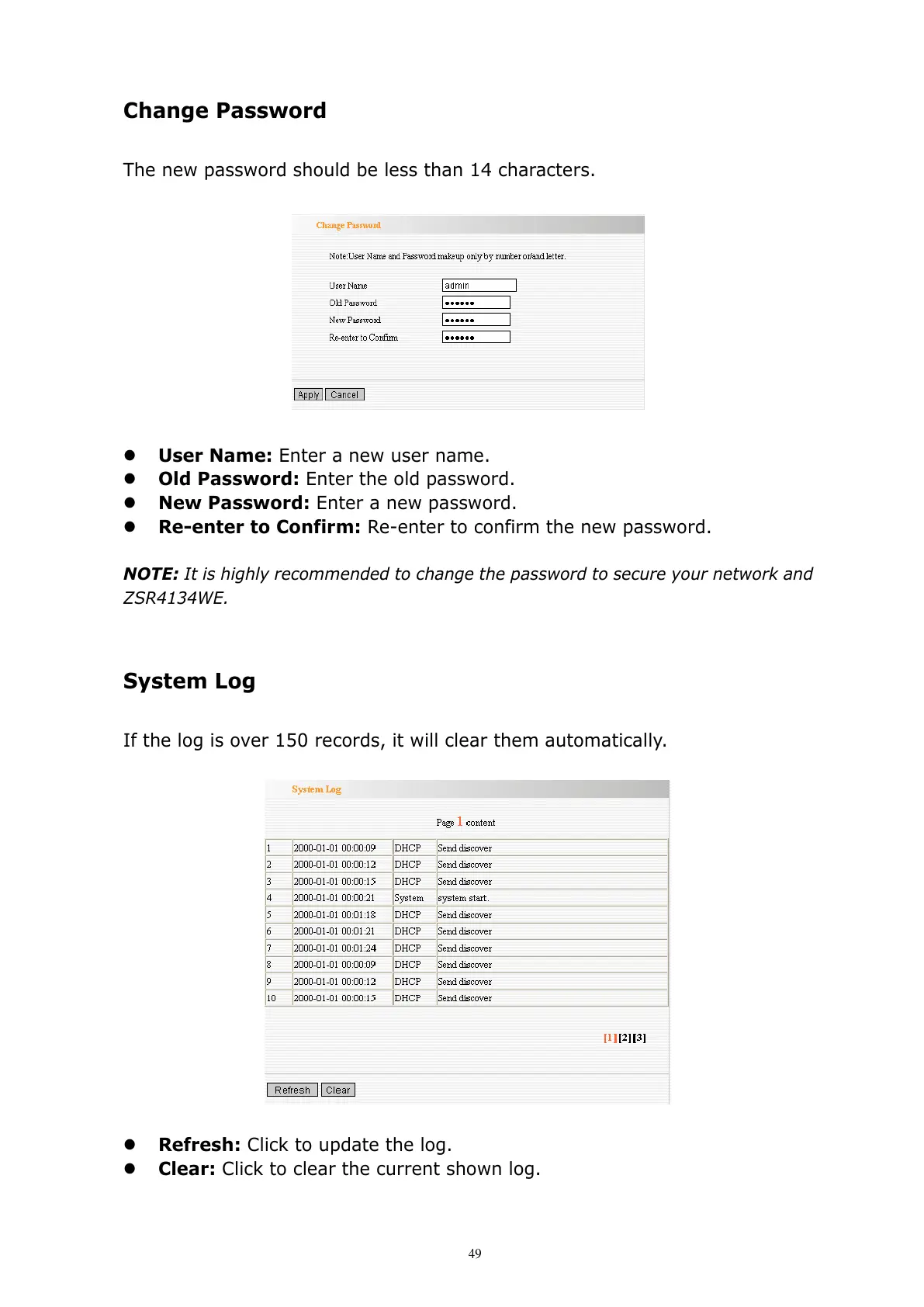
User Name: Enter a new user name.
Old Password: Enter the old password.
New Password: Enter a new password.
Re-enter to Confirm: Re-enter to confirm the new password.
NOTE: It is highly recommended to change the password to secure your network and
ZSR4134WE.
System Log
If the log is over 150 records, it will clear them automatically.
Refresh: Click to update the log.
Clear: Click to clear the current shown log.



 To Next Page