3
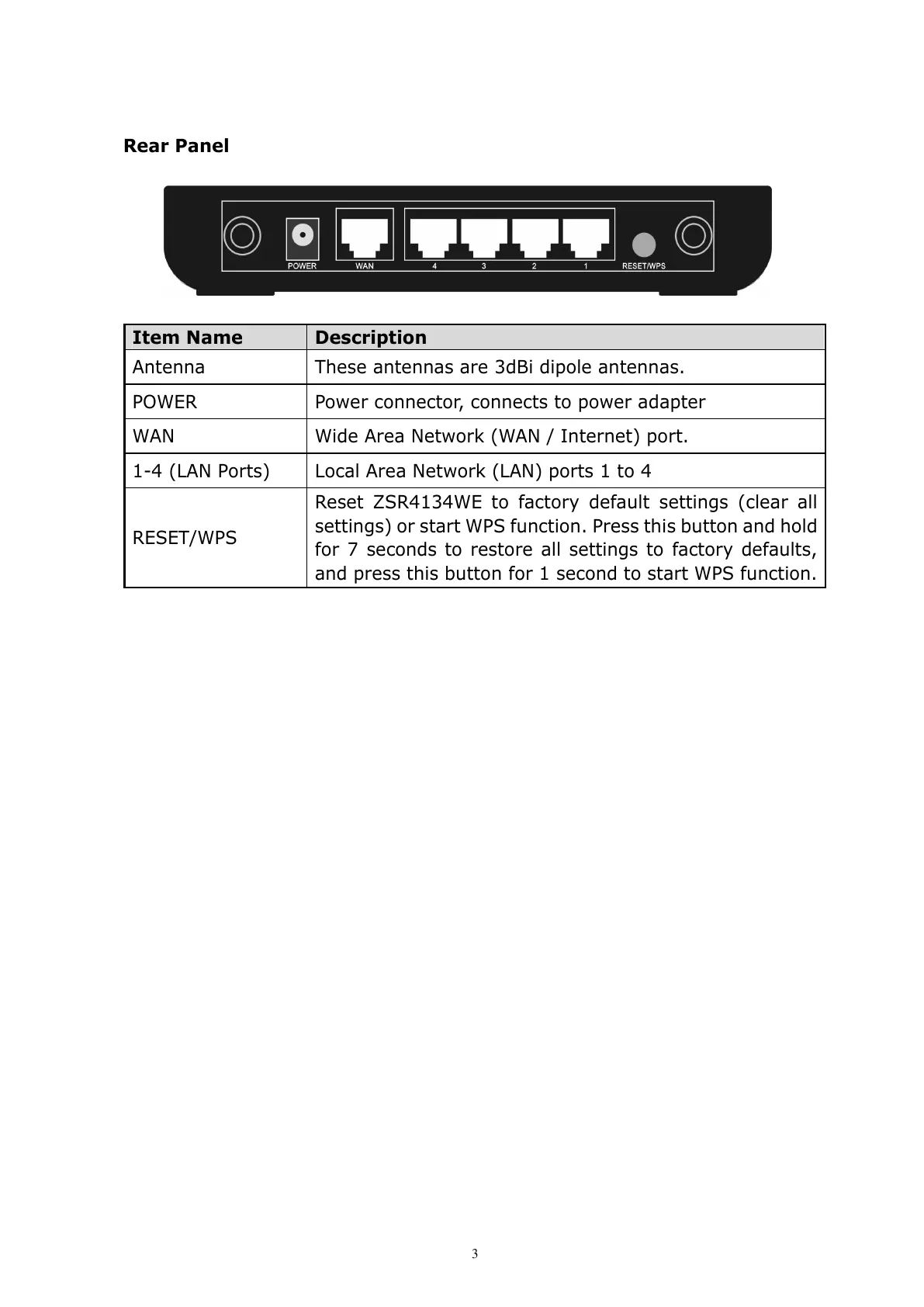
Rear Panel
Item Name Description
Antenna These antennas are 3dBi dipole antennas.
POWER Power connector, connects to power adapter
WAN Wide Area Network (WAN / Internet) port.
1-4 (LAN Ports) Local Area Network (LAN) ports 1 to 4
RESET/WPS
Reset ZSR4134WE to factory default settings (clear all
settings) or start WPS function. Press this button and hold
for 7 seconds to restore all settings to factory defaults,
and press this button for 1 second to start WPS function.



 To Next Page