Adjusting the volume
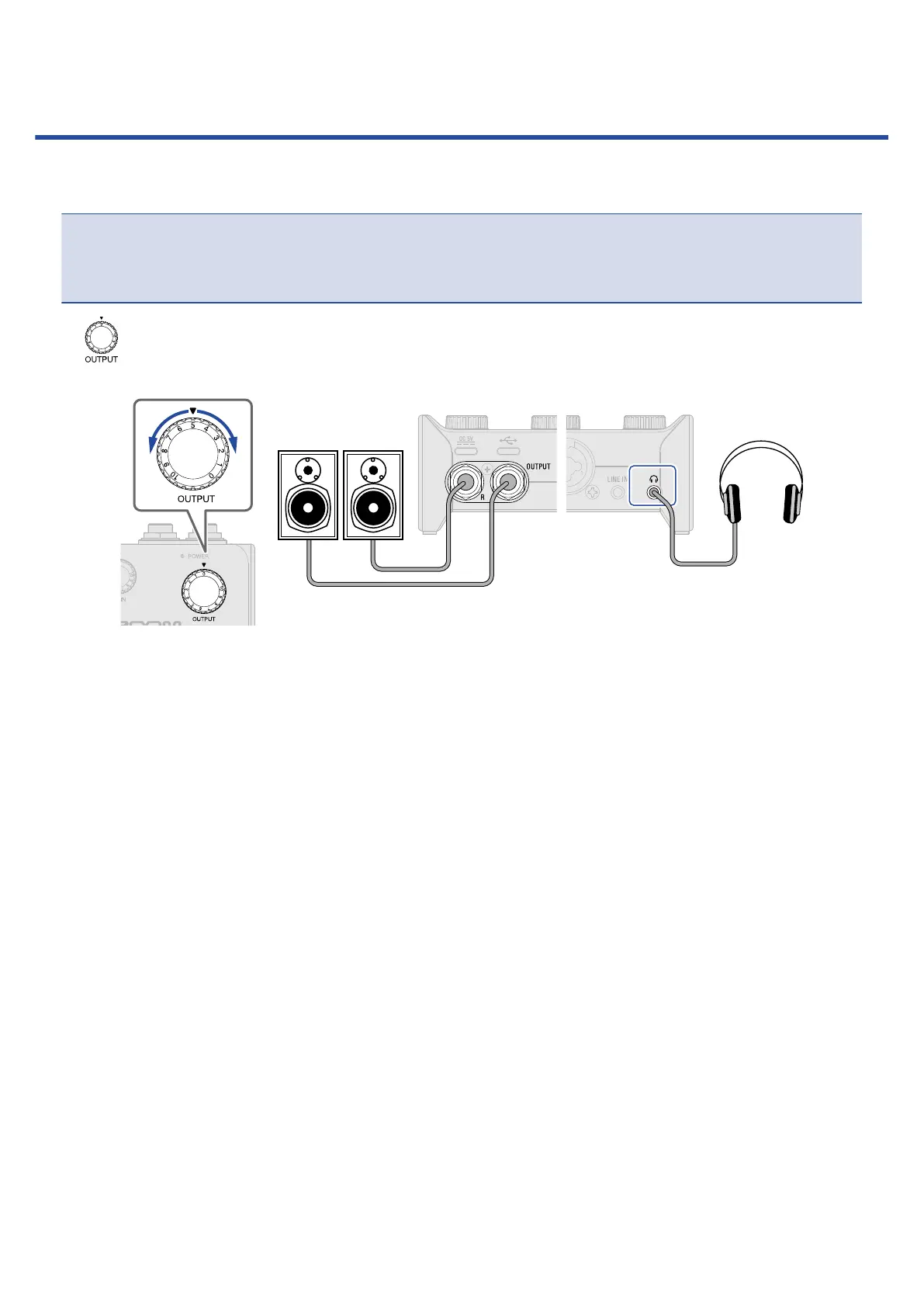
The volume output from speakers and headphones connected to the AMS-22 can be adjusted.
NOTE:
Set the AMS-22 volume to 0 before connecting speakers or headphones.
Failure to do so could result in unexpected loud sounds, causing harm to hearing, for example.
Turn to adjust the volume for the headphone output jack on the front of the unit and OUTPUT
standard phone jacks on the back of the unit.
16



 To Next Page